
What's new.
Church Canvas product updates.
Feature releases, AI improvements, and workflow updates — separate from our ministry articles.
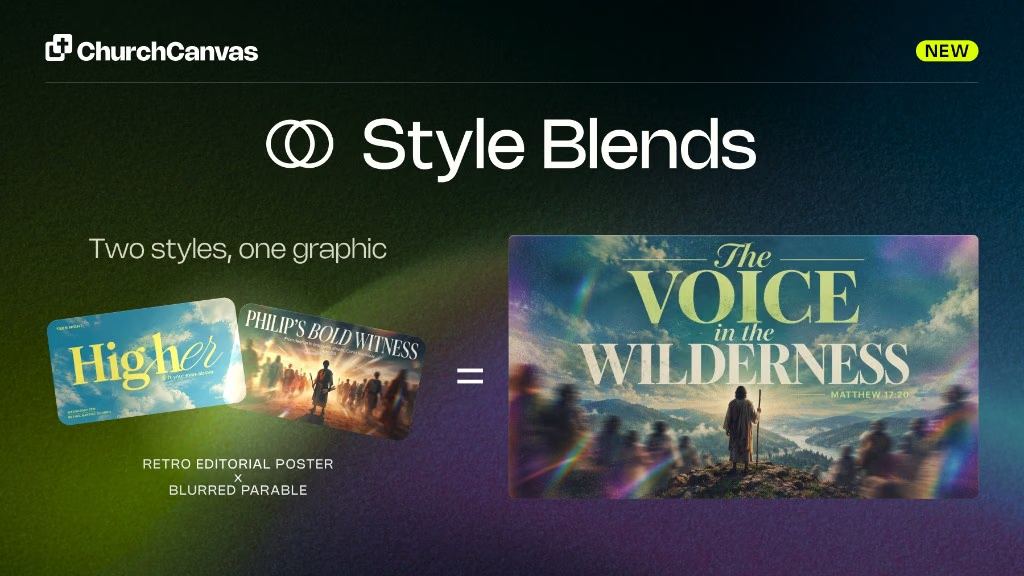
Style Blending
Plus users can fuse two catalog styles on Generate into one A × B look. Mix the balance, split type and imagery, and save formulas for reuse.
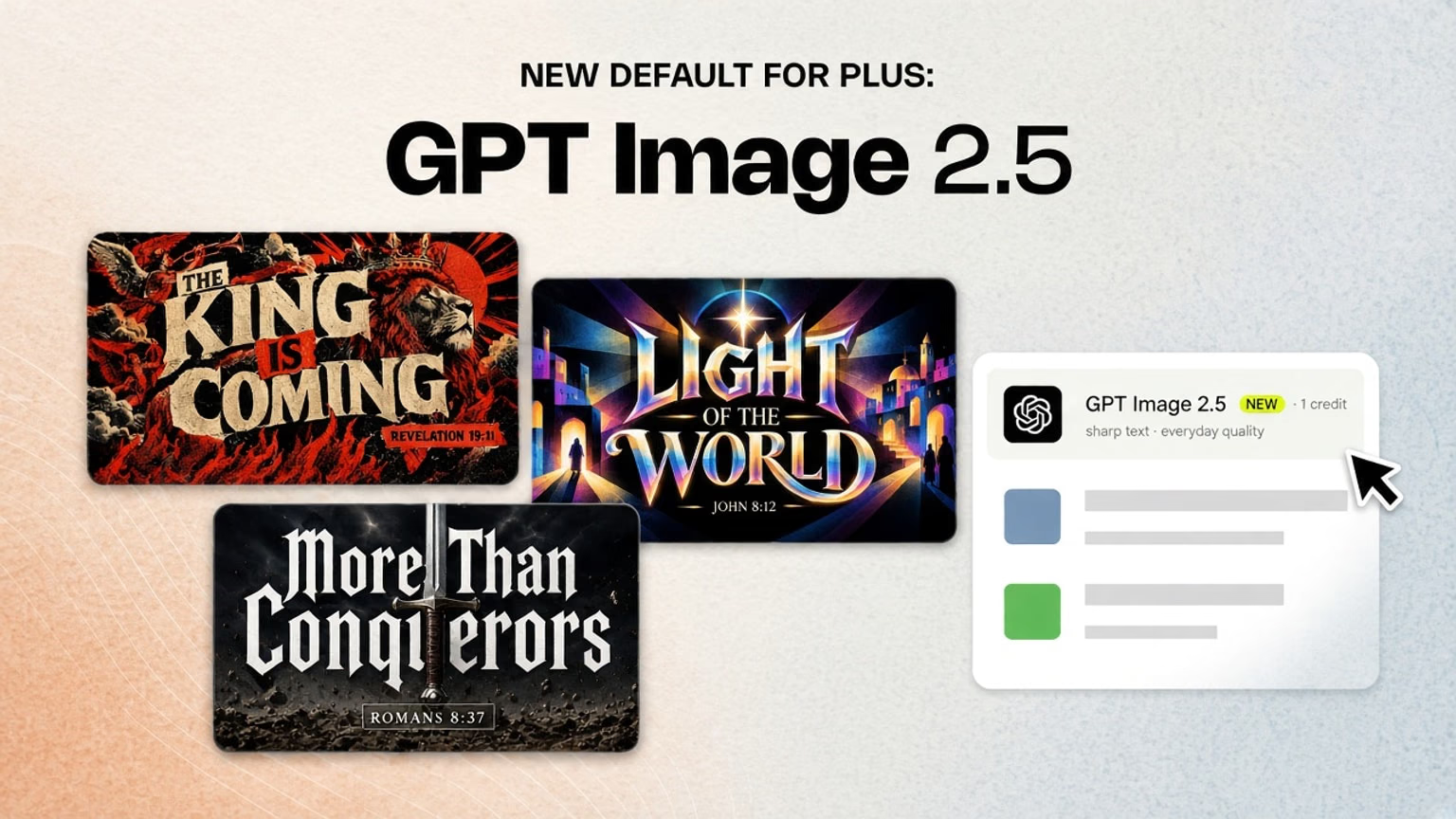
Plus default is now GPT Image 2.5
Plus and trial users now start on GPT Image 2.5 for sharper everyday text. Free moves to Ideogram P Image, a big step up from Ideogram v3. Basic also gets P Image in the picker.
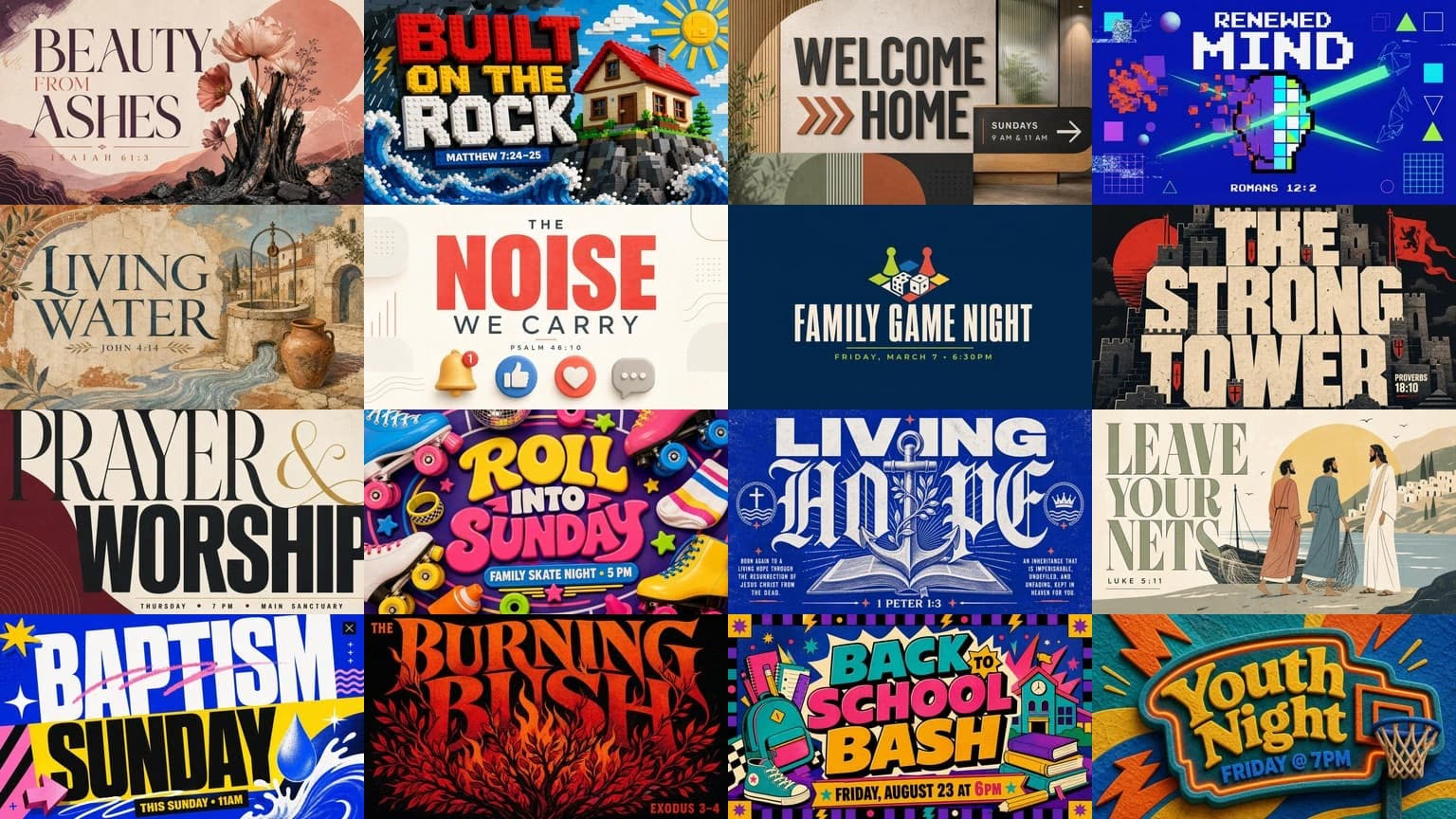
16 more styles
Sixteen new style presets since the July drop. 7 default and 9 Pro looks for sermons, youth, kids, and events. The catalog is now 180 active styles.
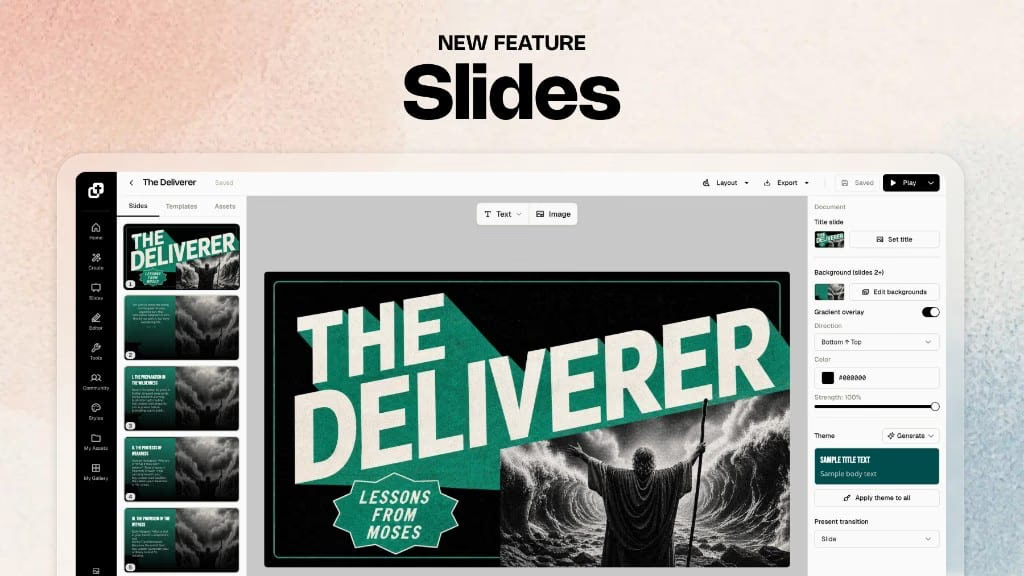
Slides: full sermon decks
Slides on Plus now builds full sermon decks. Turn your 16:9 sermon graphic into a matching deck, present in-app, and export PNG or PowerPoint for Sunday.
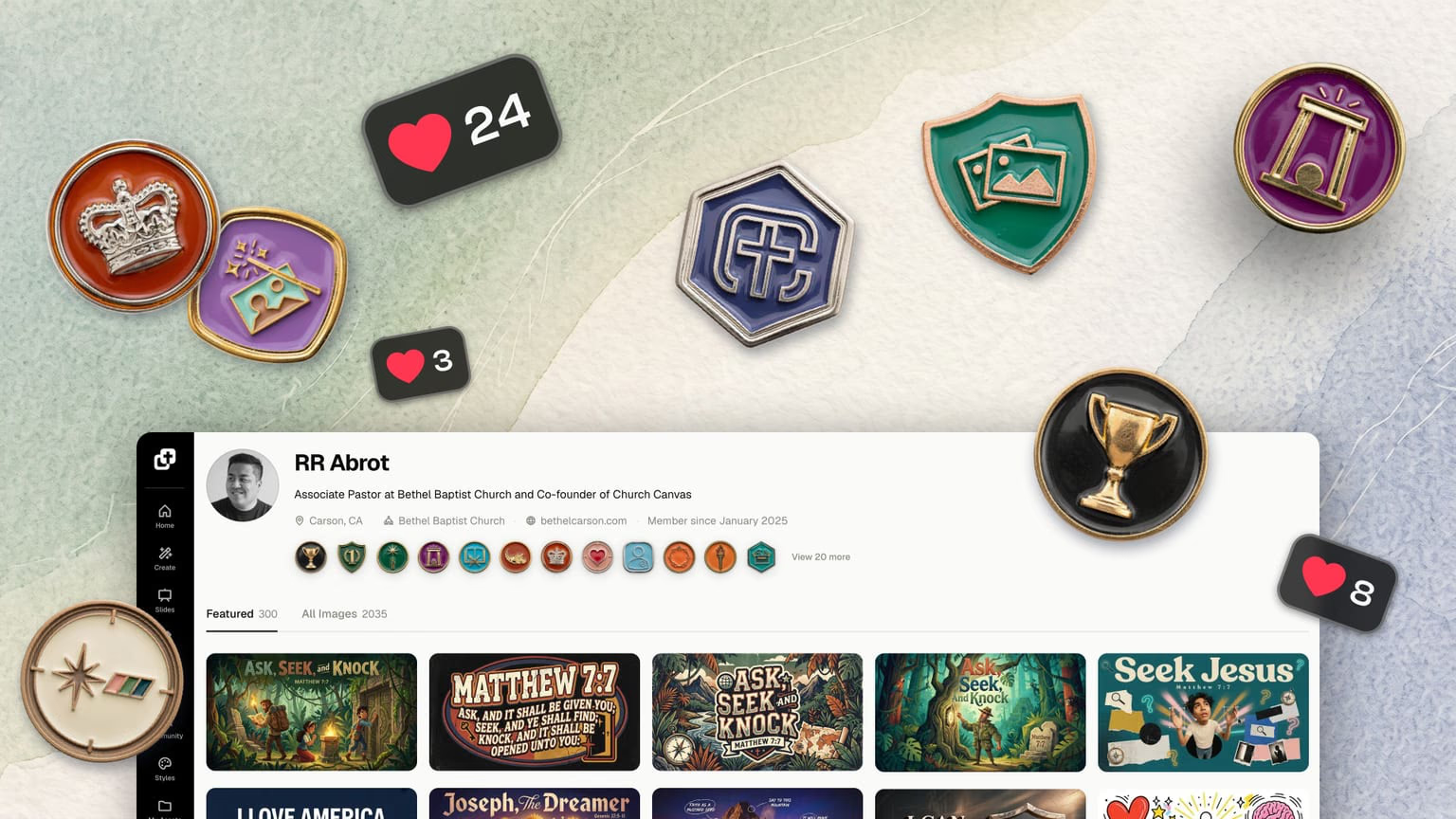
Profiles, badges, and likes
Every Church Canvas creator now has a profile. Show off your best designs, earn badges for your creative milestones, and like the graphics that inspire you.
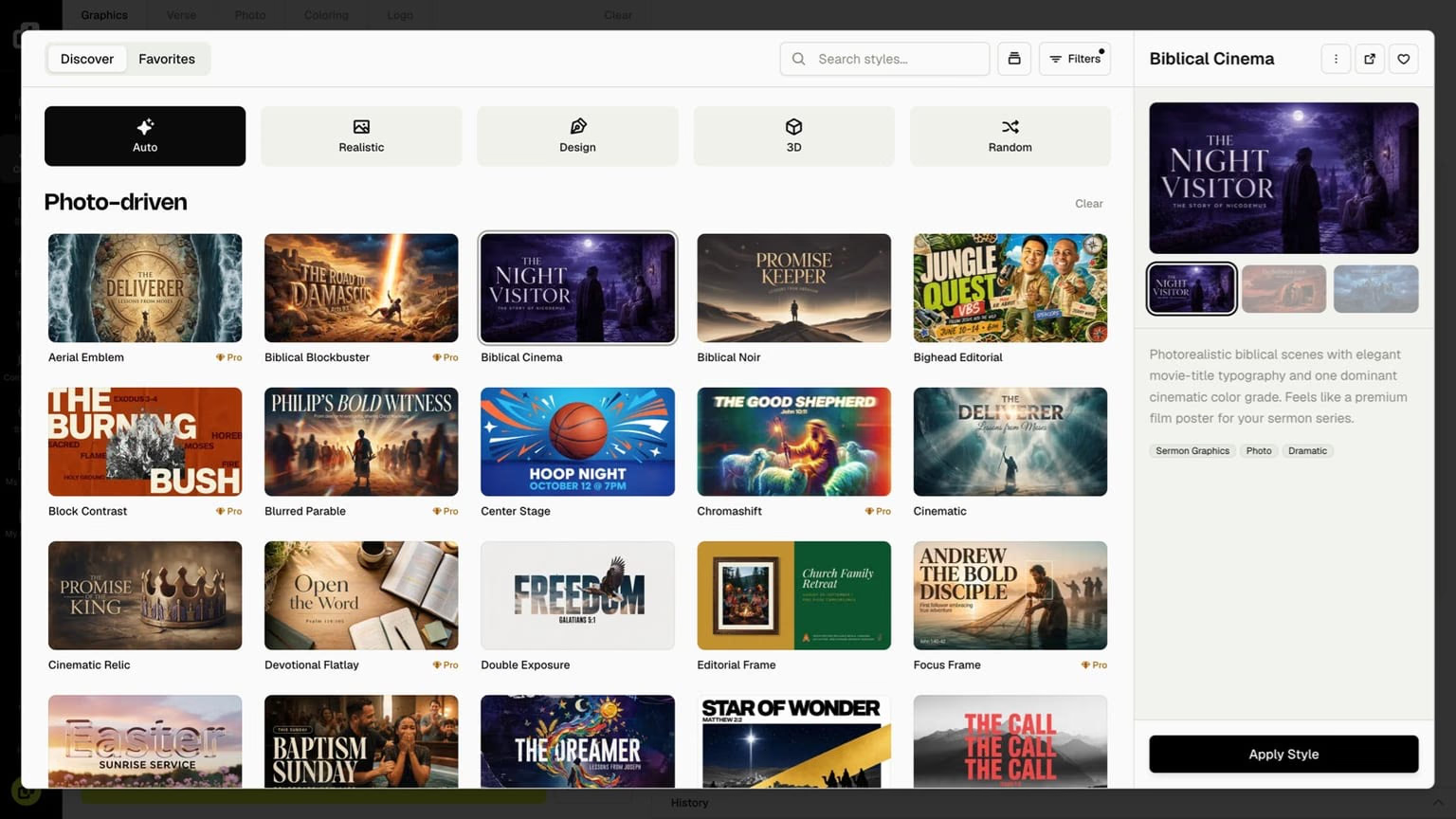
Style picker redesign and better default styles
A redesigned style picker with browse tabs, a preview carousel, and improved default styles. Realistic, Design, and 3D looks now hold up on every model.
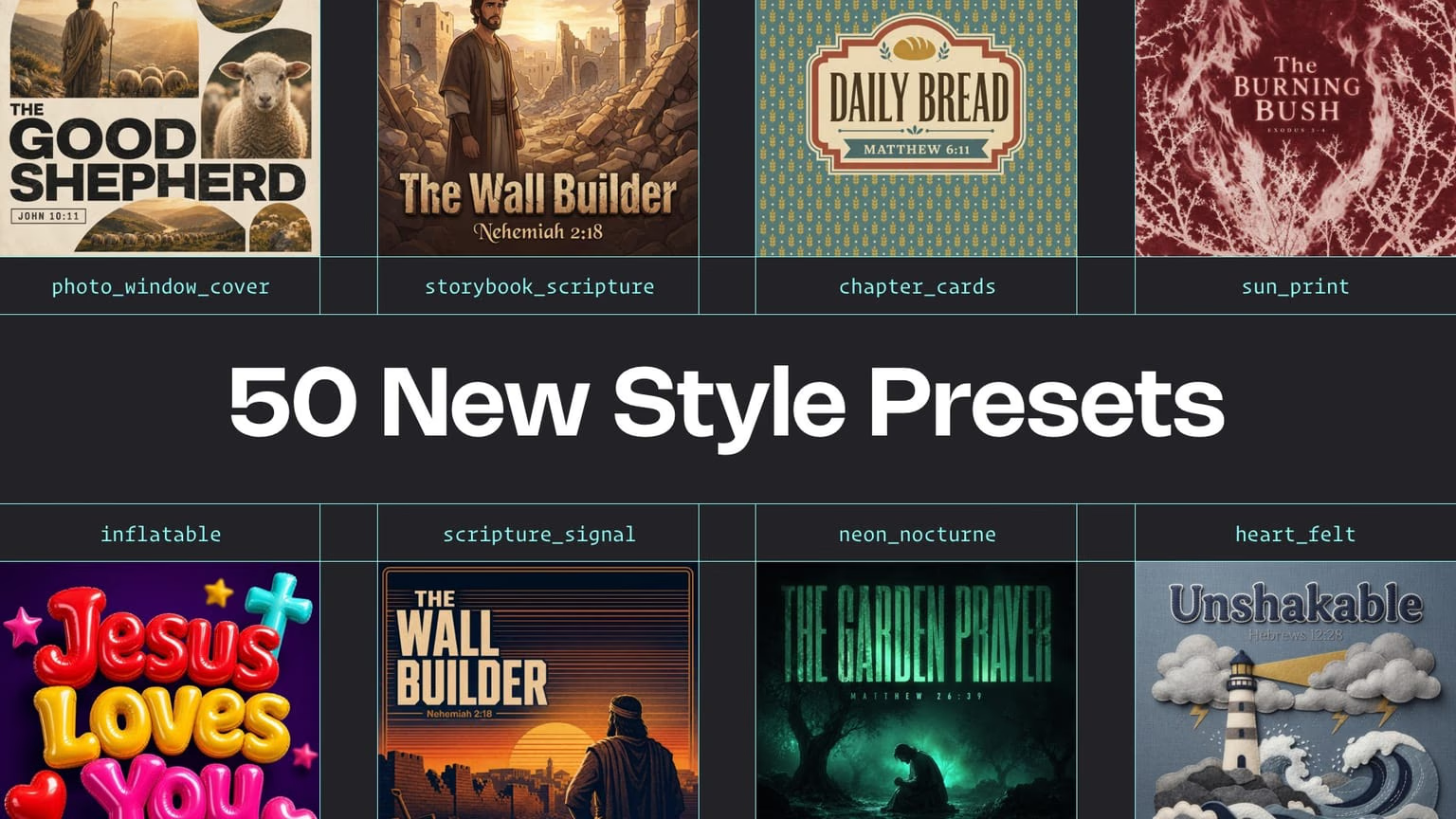
50 new style presets
Fifty new style presets for sermons, youth, events, and kids ministry. Pick a look, prompt your topic, and get a fresh graphic every time you generate.
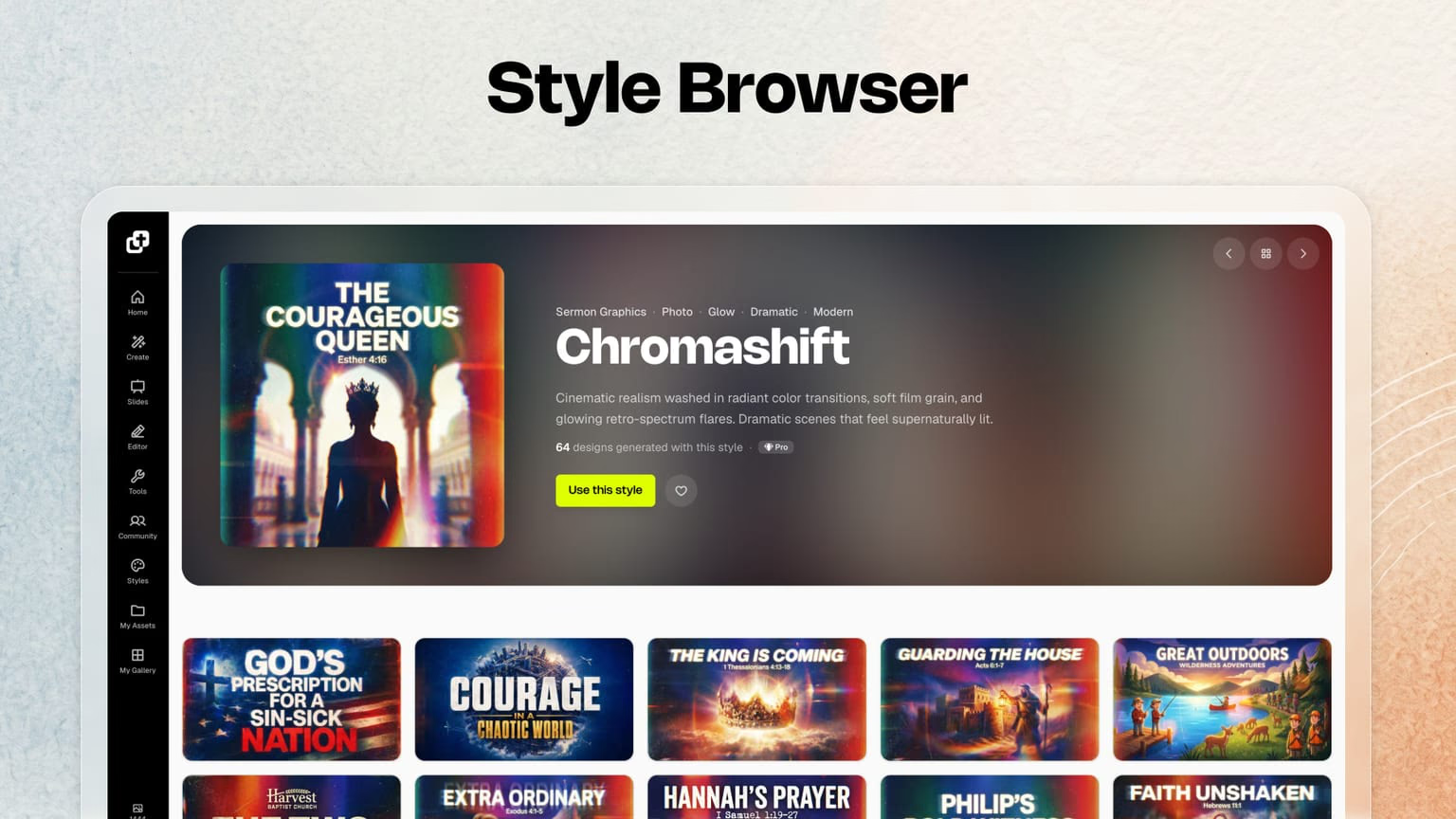
Style Browser
Browse, search, filter, and preview styles with community examples. Click Use style to jump straight into generate with the look you picked.
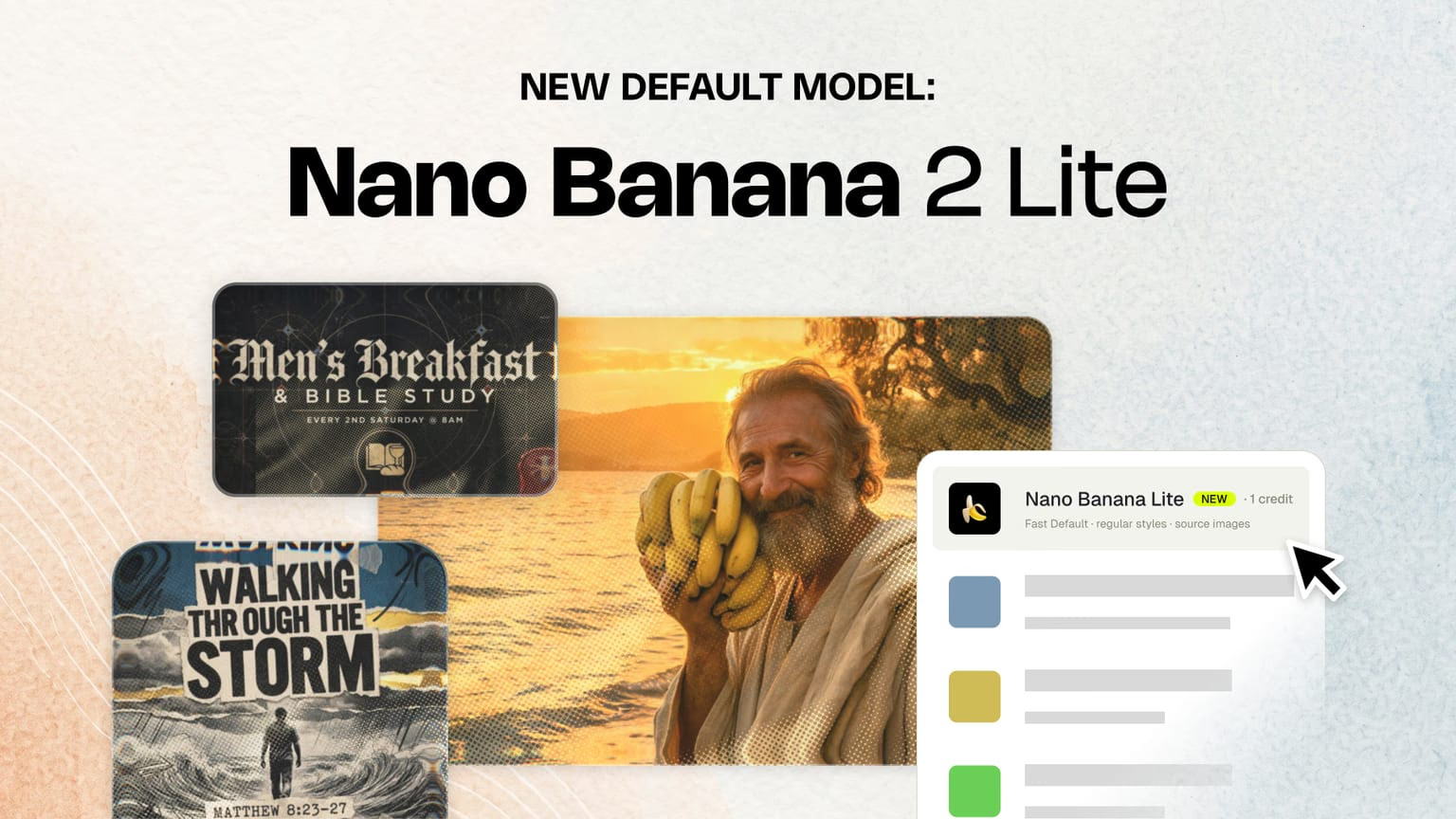
🍌 Nano Banana 2 Lite is the default for Basic and Plus
Nano Banana 2 Lite is the default for Basic and Plus. Fewer text errors, reference images for church and logo, all styles supported. Free uses Ideogram v3.
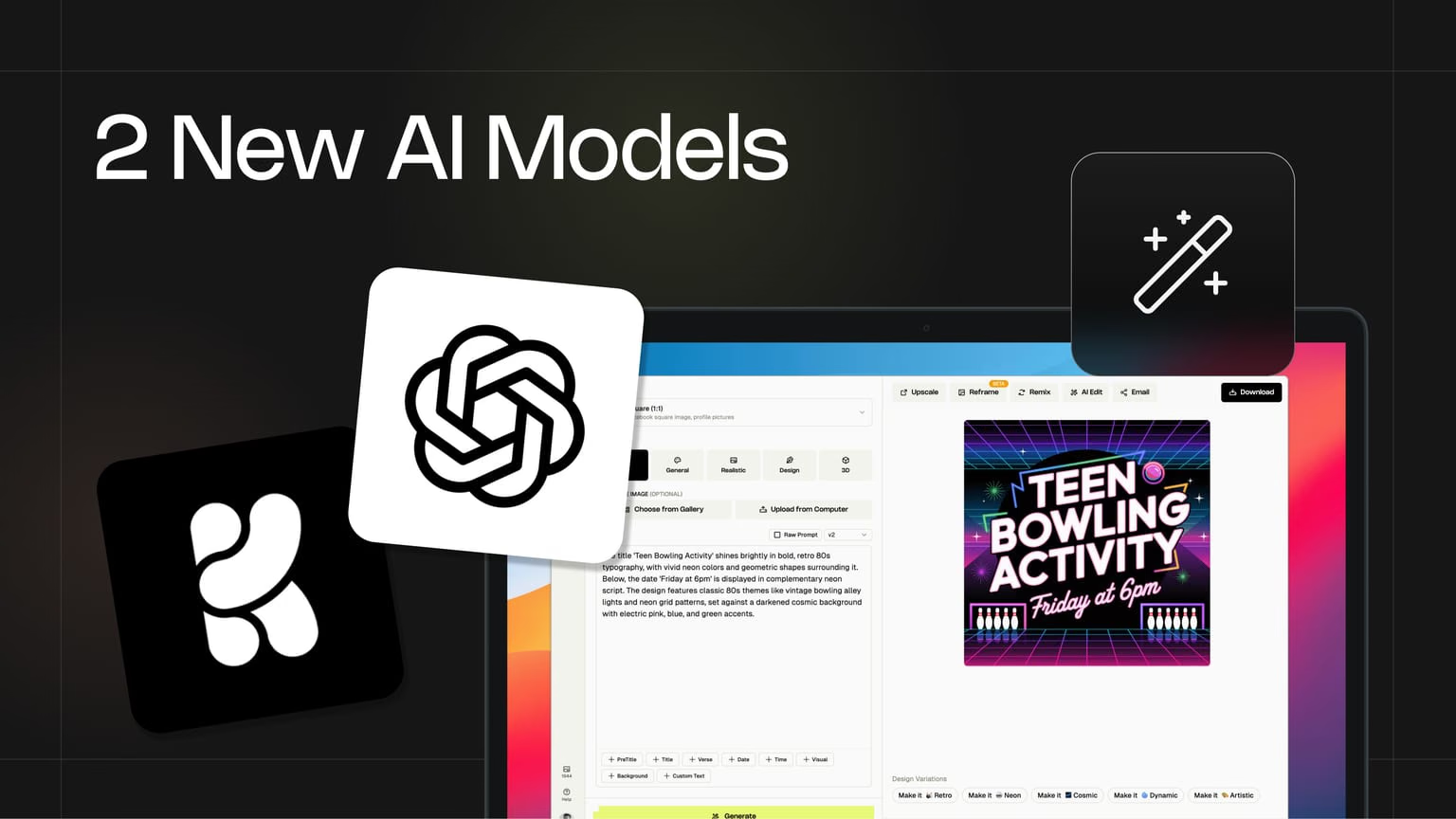
GPT Image 2 and Krea 2
GPT Image 2 and Krea 2 are live. Better text rendering, stronger prompts, and more creative options for sermon graphics, events, and social posts.
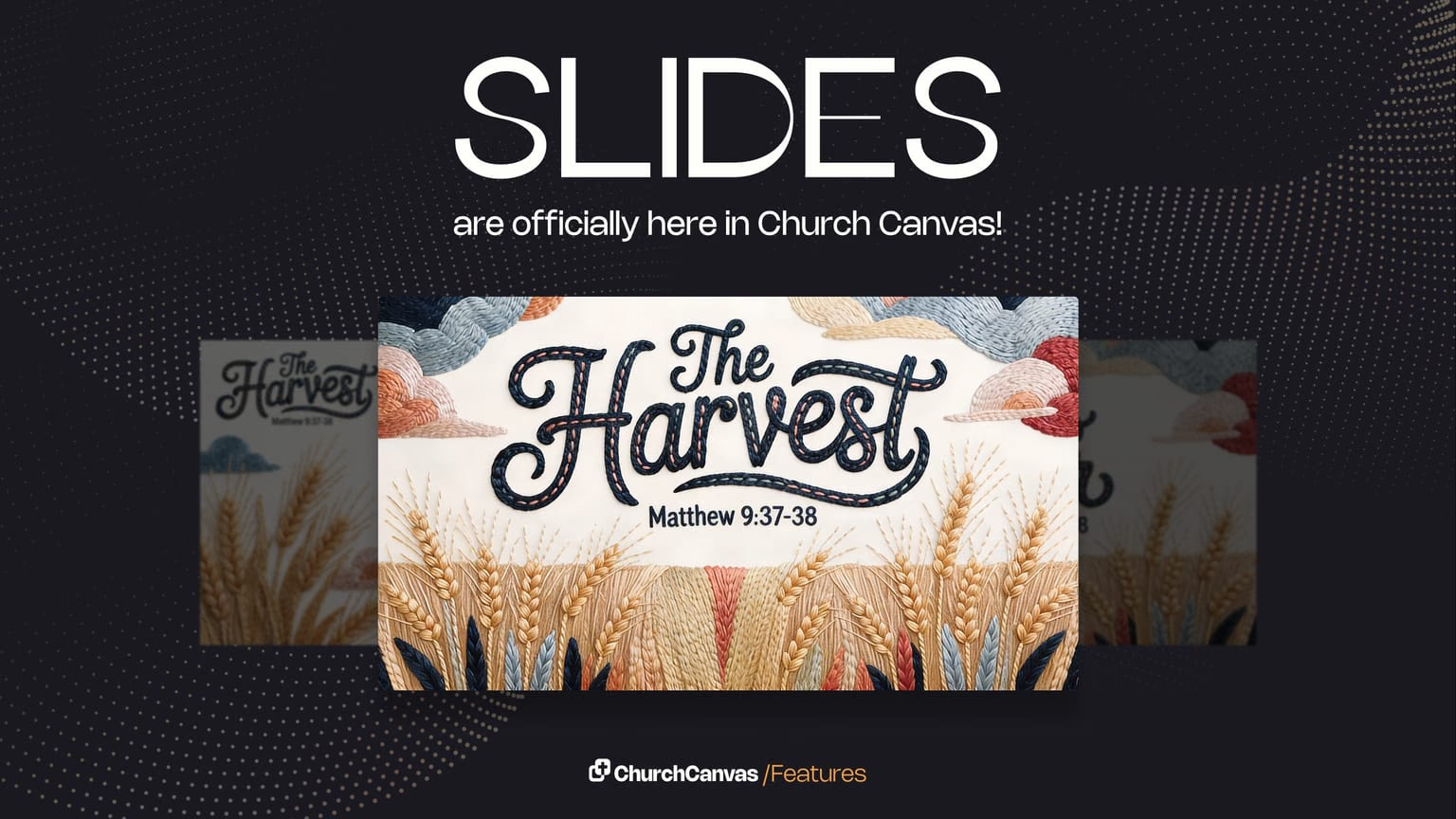
Sermon slides
Turn a sermon graphic into presentation-ready slides in seconds. Export widescreen art your media team can drop into ProPresenter, PowerPoint, or Google Slides.
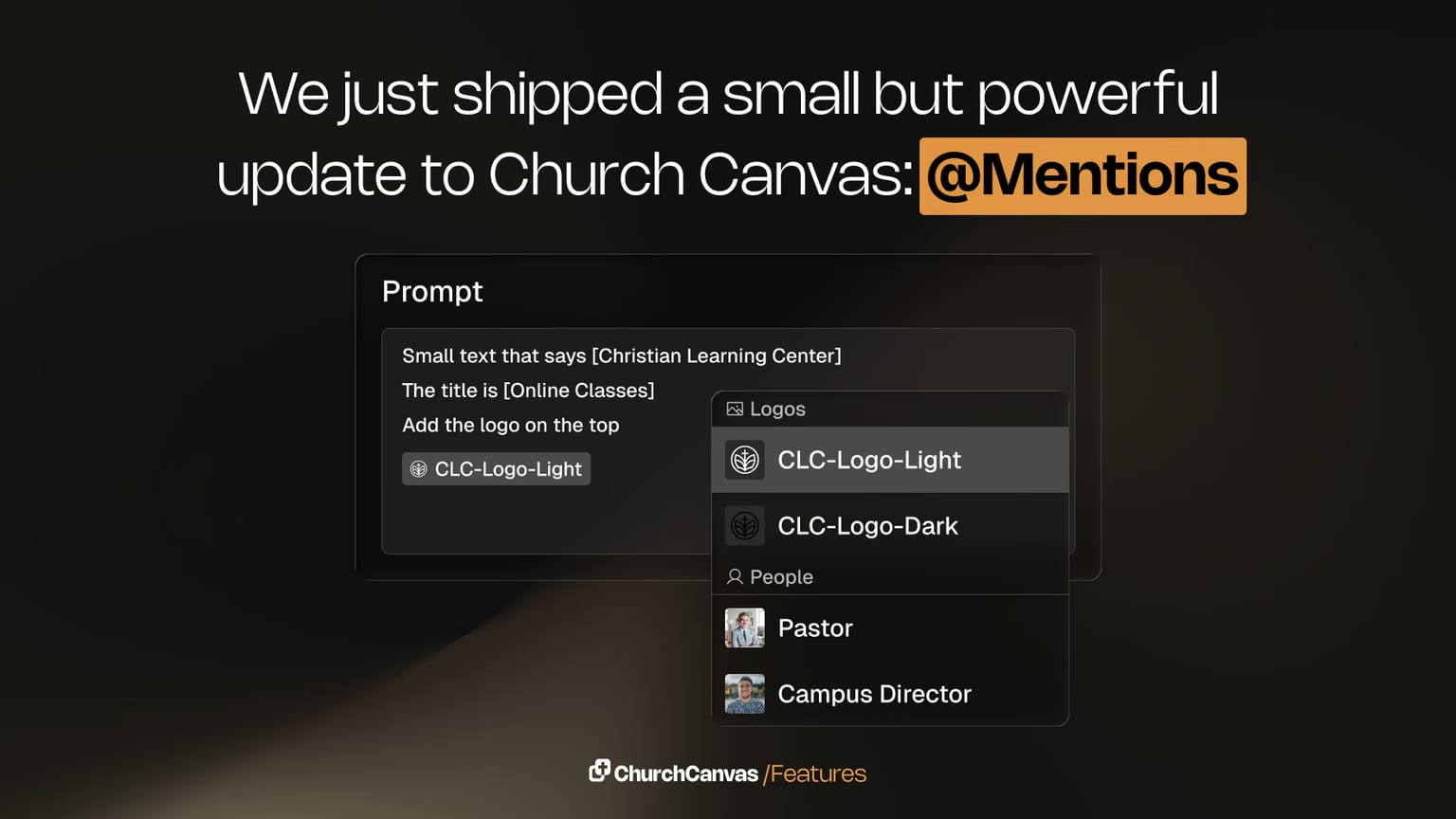
Mentions in prompts
Type @ in the prompt box to insert Bible verses, snippets, church info, logos, and saved assets. Create faster, more consistent sermon and event graphics.
Showing 1–12 of 30
About product updates
What are Church Canvas product updates?
Release notes and feature announcements — what's new in Church Canvas, from AI model upgrades to slides, tools, and workflow improvements.
How often do you ship updates?
We ship improvements regularly. Bookmark this page or check the nav under Resources → Product Updates to see the latest.
Where did the old /resources product update URLs go?
Every former /resources/{slug} product update URL redirects to /product-updates/{slug} so bookmarks and search results keep working.
Want to try the latest features?
Start creating church graphics.
Start your 7-day Plus trial and explore slides, social posts, Edit with AI, and more.
$0 today. No commitment. Cancel anytime.