
What's new.
Church Canvas product updates.
Feature releases, AI improvements, and workflow updates — separate from our ministry articles.
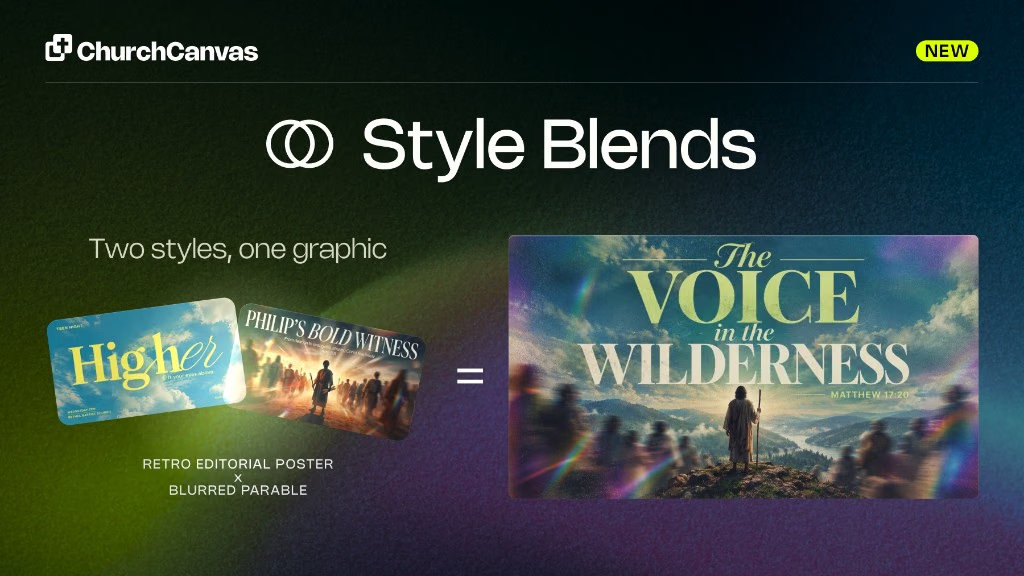
Style Blending
Plus users can fuse two catalog styles on Generate into one A × B look. Mix the balance, split type and imagery, and save formulas for reuse.
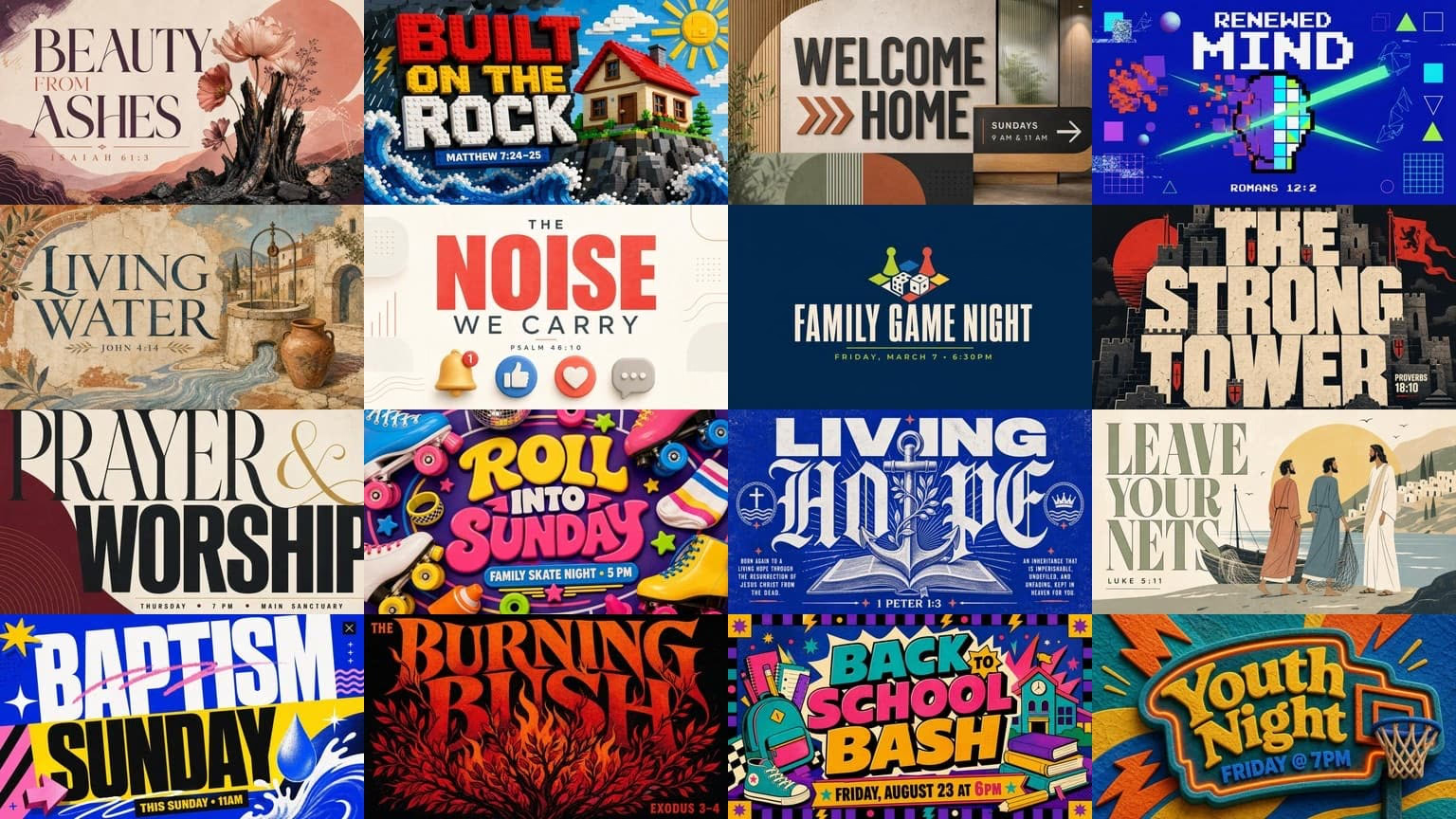
16 more styles
Sixteen new style presets since the July drop. 7 default and 9 Pro looks for sermons, youth, kids, and events. The catalog is now 180 active styles.
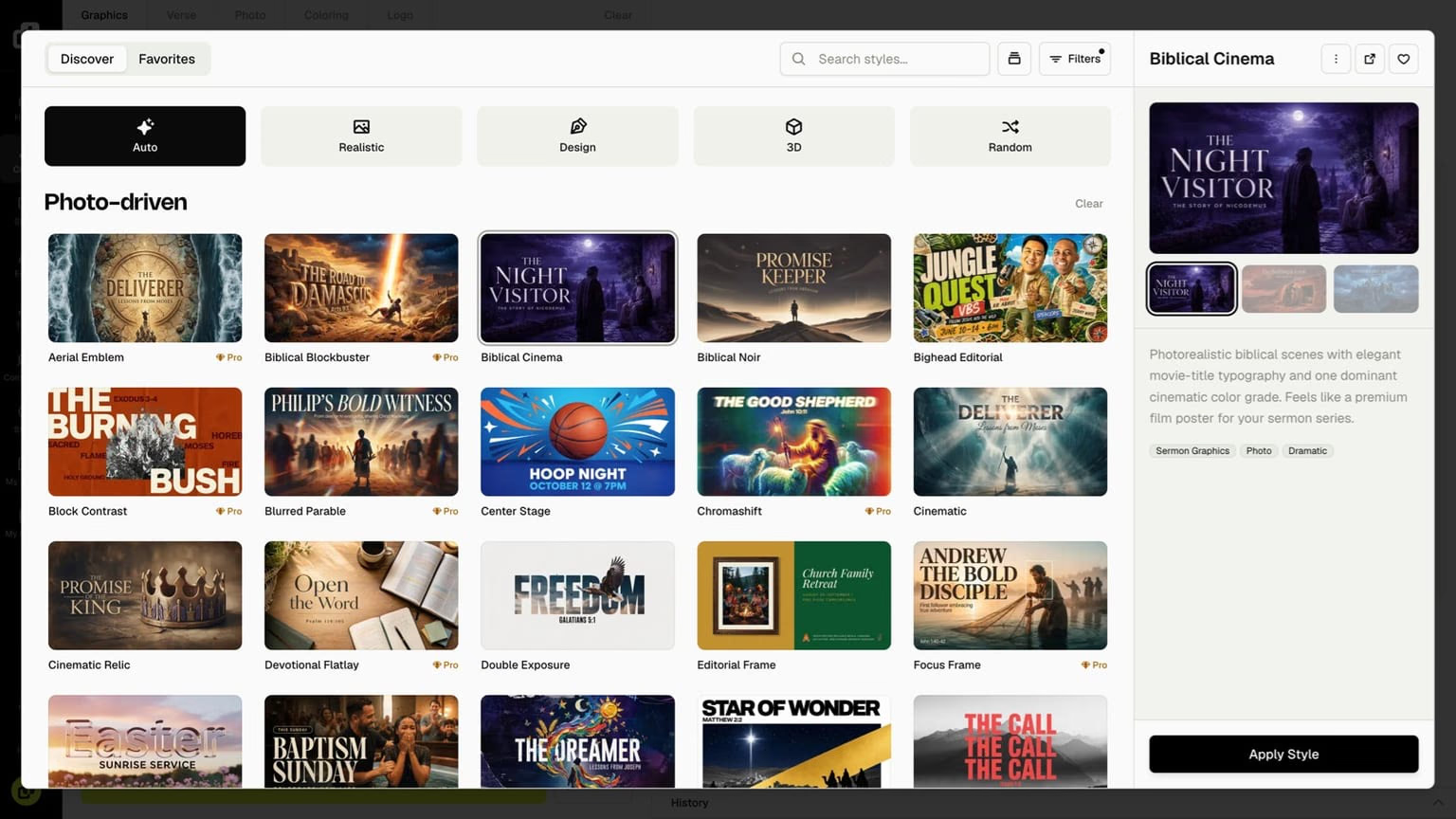
Style picker redesign and better default styles
A redesigned style picker with browse tabs, a preview carousel, and improved default styles. Realistic, Design, and 3D looks now hold up on every model.
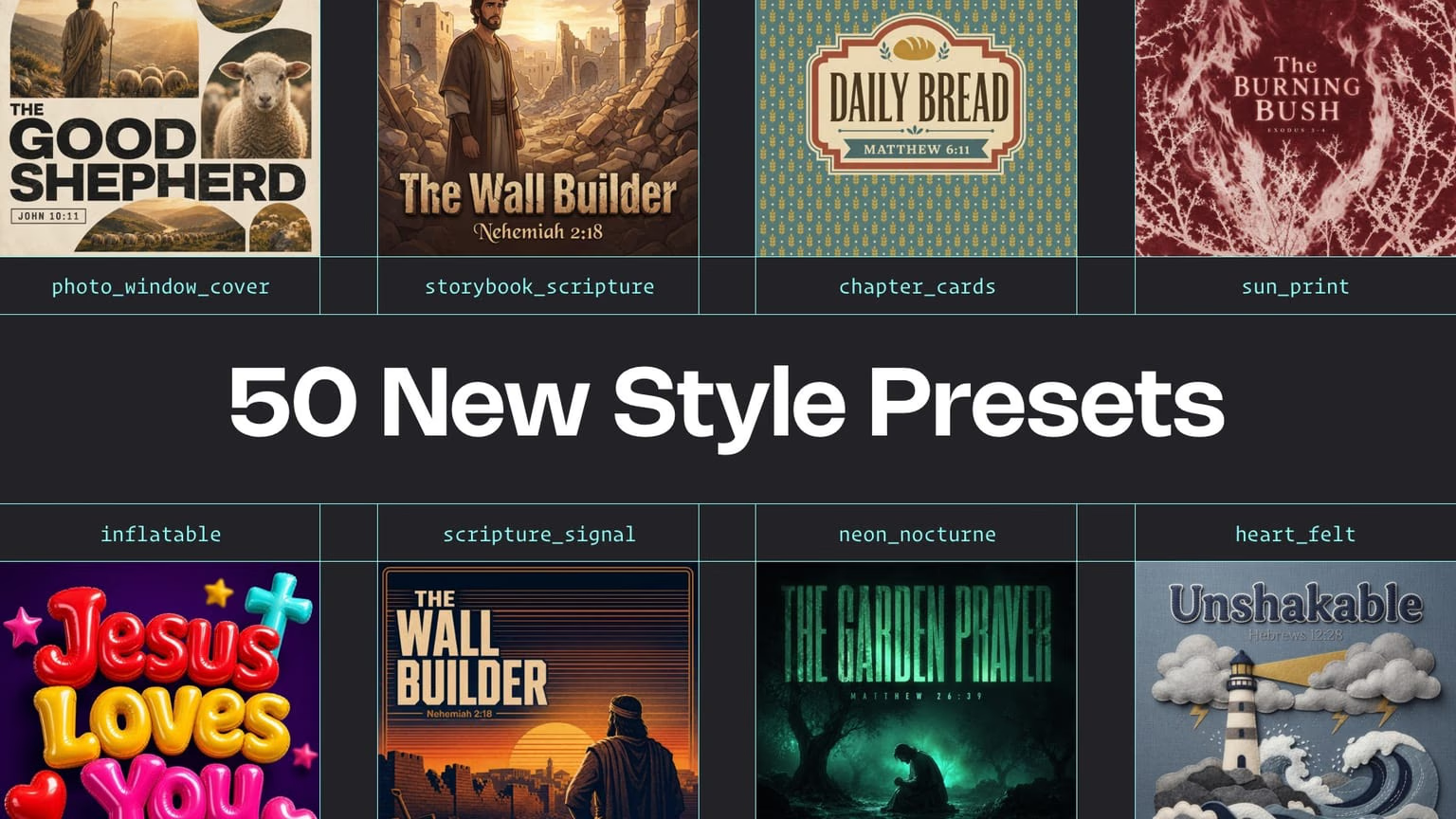
50 new style presets
Fifty new style presets for sermons, youth, events, and kids ministry. Pick a look, prompt your topic, and get a fresh graphic every time you generate.
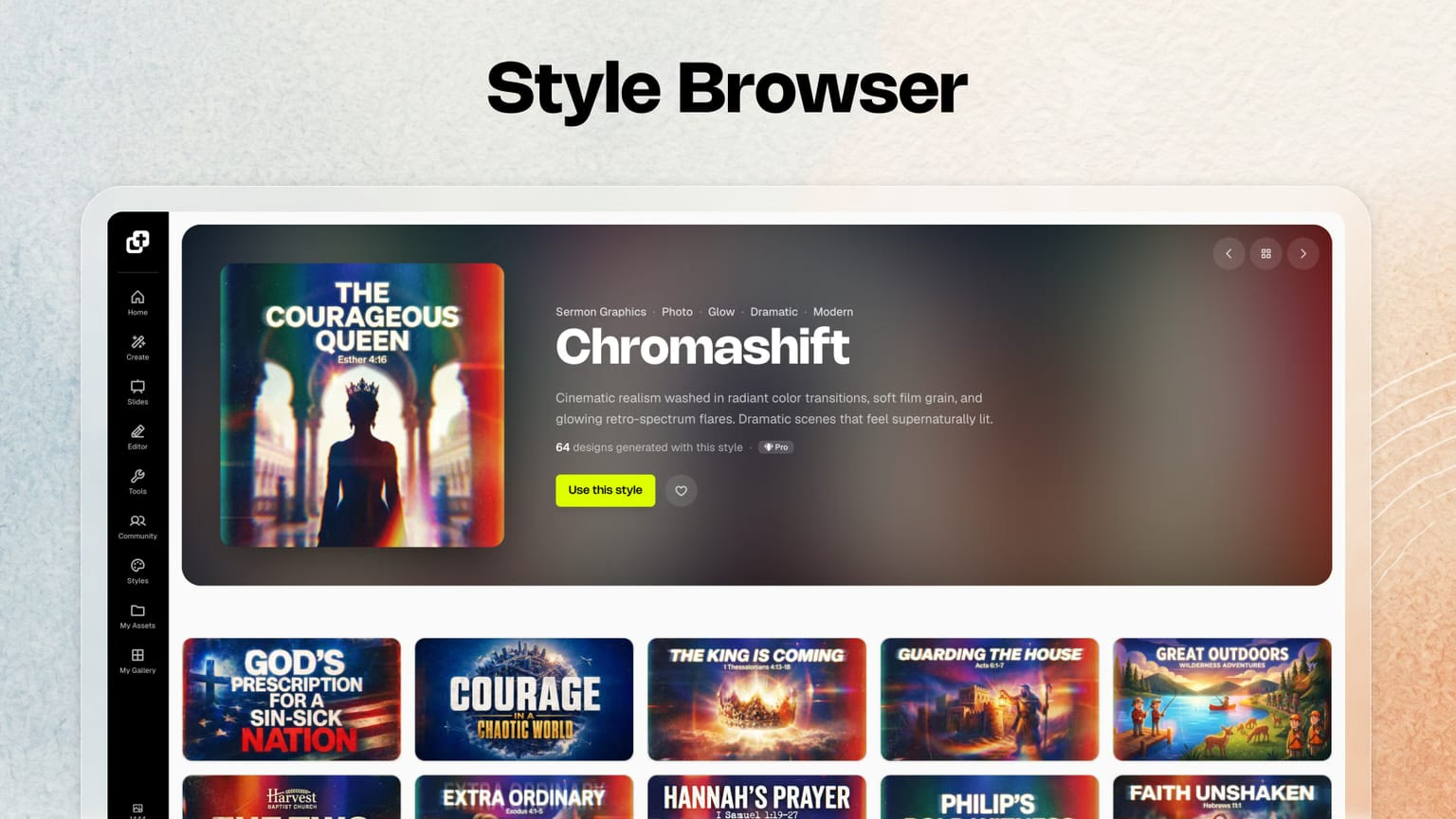
Style Browser
Browse, search, filter, and preview styles with community examples. Click Use style to jump straight into generate with the look you picked.
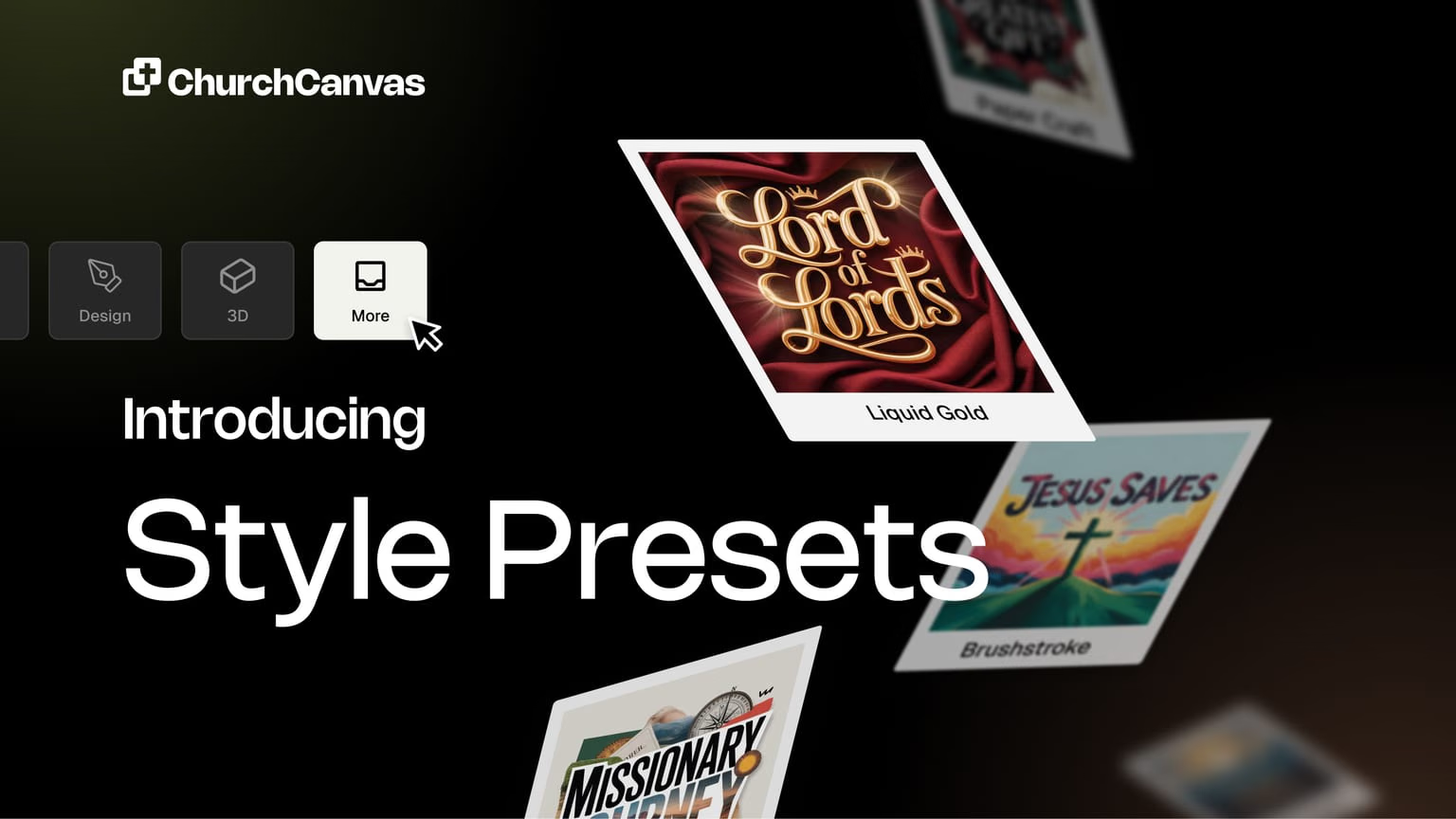
Style Presets
Apply curated visual styles in one click, save favorites, or build a custom preset from up to three of your own church graphics.
6 results · page 1 of 1
About product updates
What are Church Canvas product updates?
Release notes and feature announcements — what's new in Church Canvas, from AI model upgrades to slides, tools, and workflow improvements.
How often do you ship updates?
We ship improvements regularly. Bookmark this page or check the nav under Resources → Product Updates to see the latest.
Where did the old /resources product update URLs go?
Every former /resources/{slug} product update URL redirects to /product-updates/{slug} so bookmarks and search results keep working.
Want to try the latest features?
Start creating church graphics.
Start your 7-day Plus trial and explore slides, social posts, Edit with AI, and more.
$0 today. No commitment. Cancel anytime.