
What's new.
Church Canvas product updates.
Feature releases, AI improvements, and workflow updates — separate from our ministry articles.
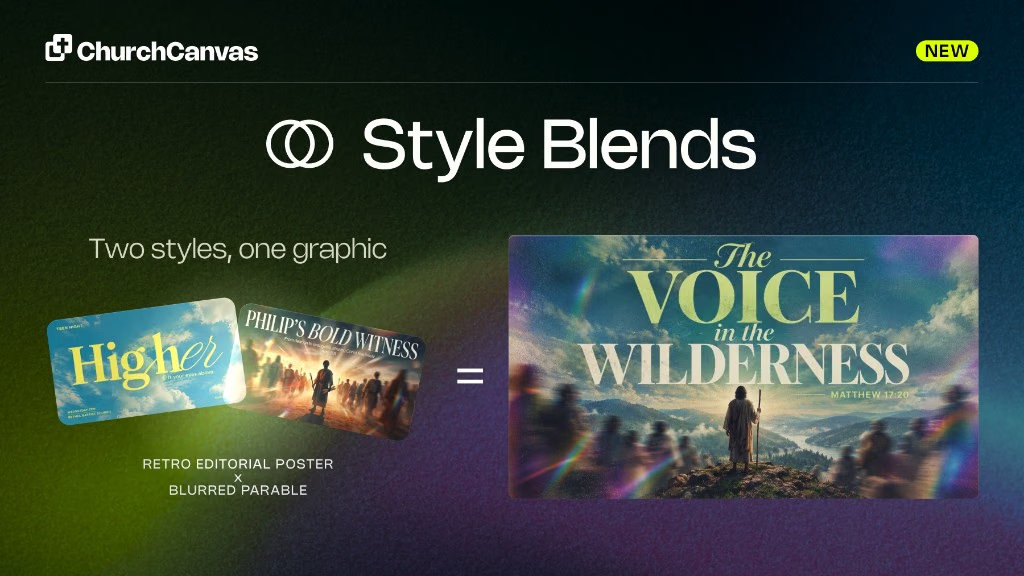
Style Blending
Plus users can fuse two catalog styles on Generate into one A × B look. Mix the balance, split type and imagery, and save formulas for reuse.
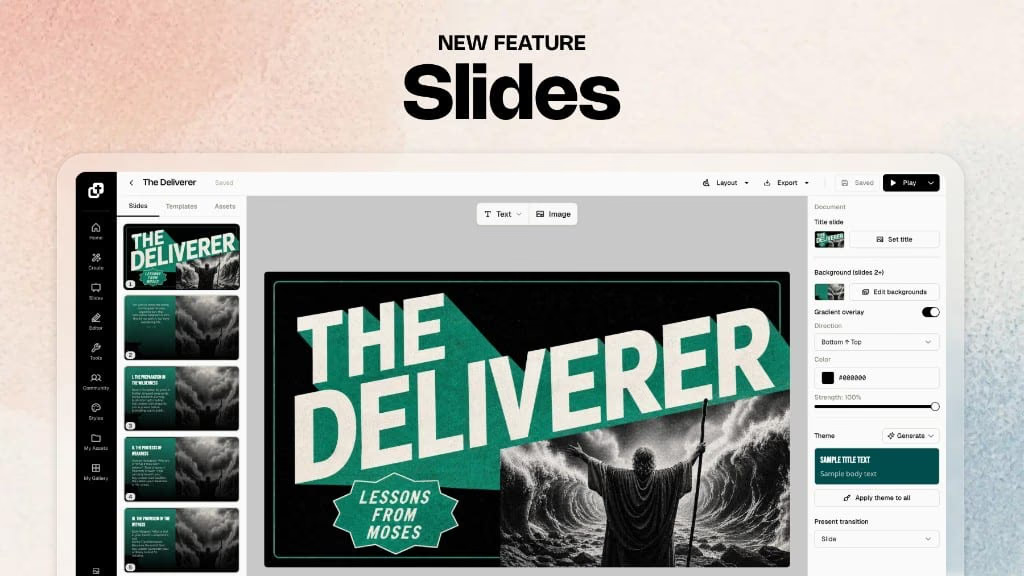
Slides: full sermon decks
Slides on Plus now builds full sermon decks. Turn your 16:9 sermon graphic into a matching deck, present in-app, and export PNG or PowerPoint for Sunday.
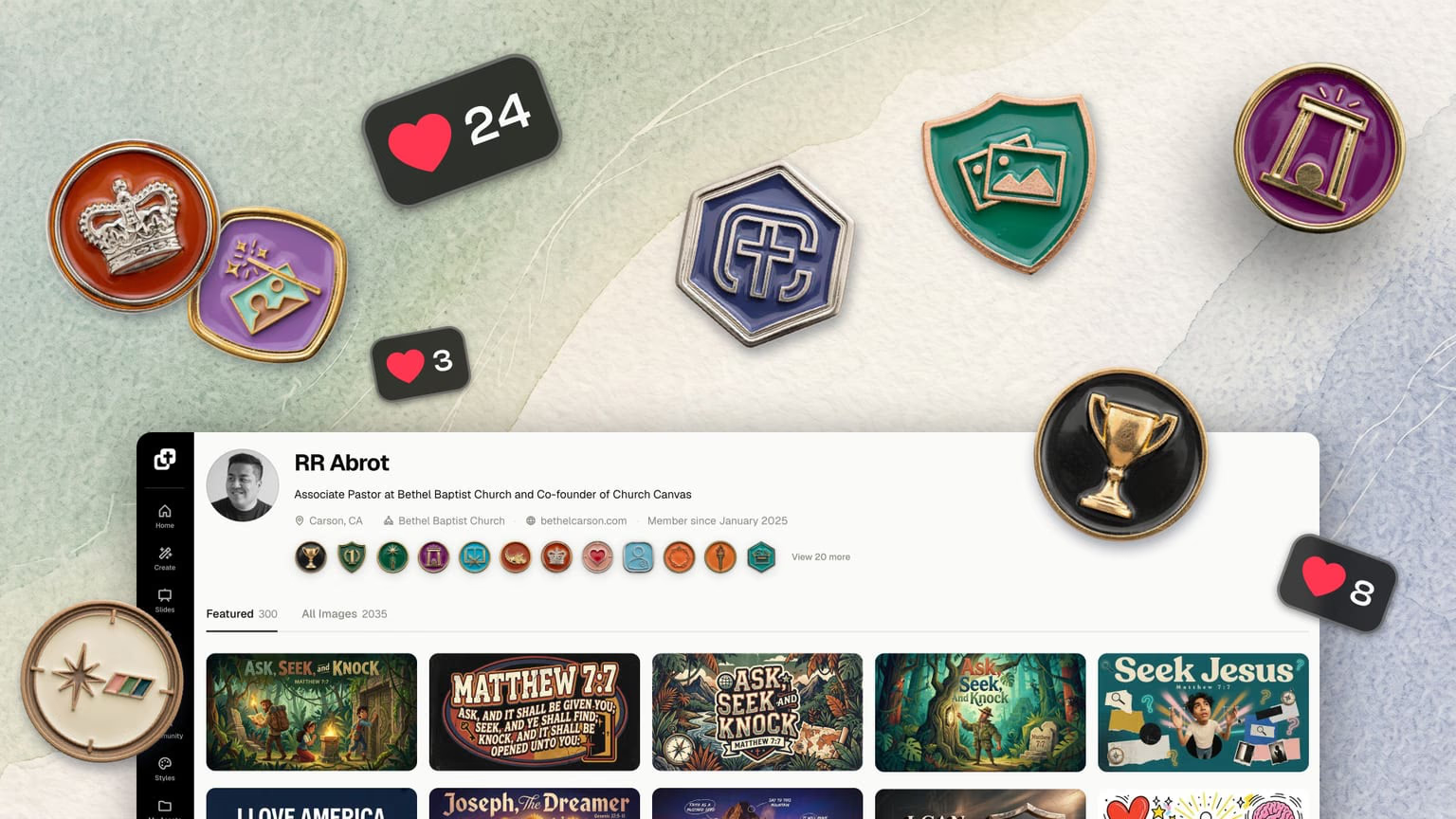
Profiles, badges, and likes
Every Church Canvas creator now has a profile. Show off your best designs, earn badges for your creative milestones, and like the graphics that inspire you.
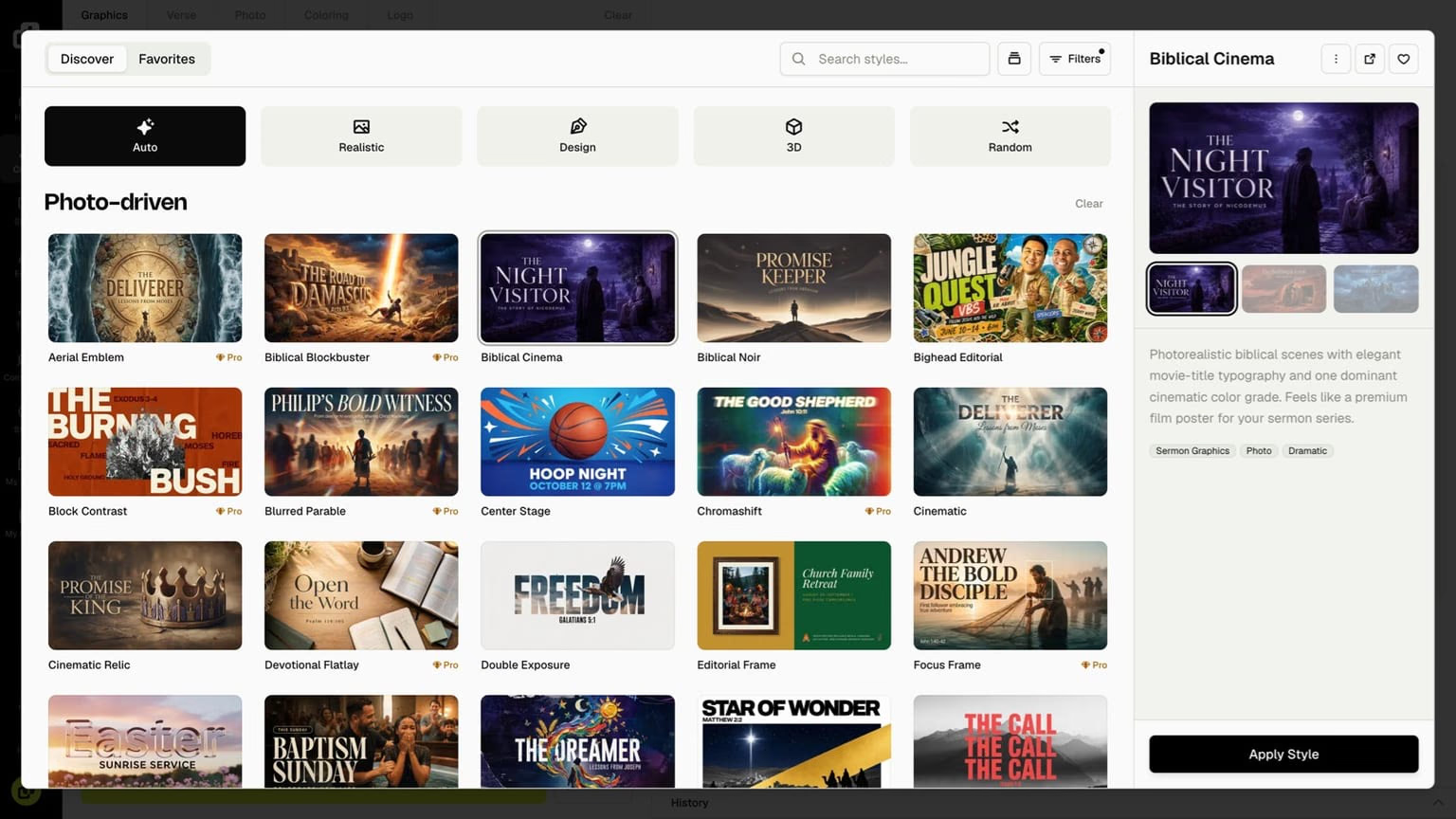
Style picker redesign and better default styles
A redesigned style picker with browse tabs, a preview carousel, and improved default styles. Realistic, Design, and 3D looks now hold up on every model.
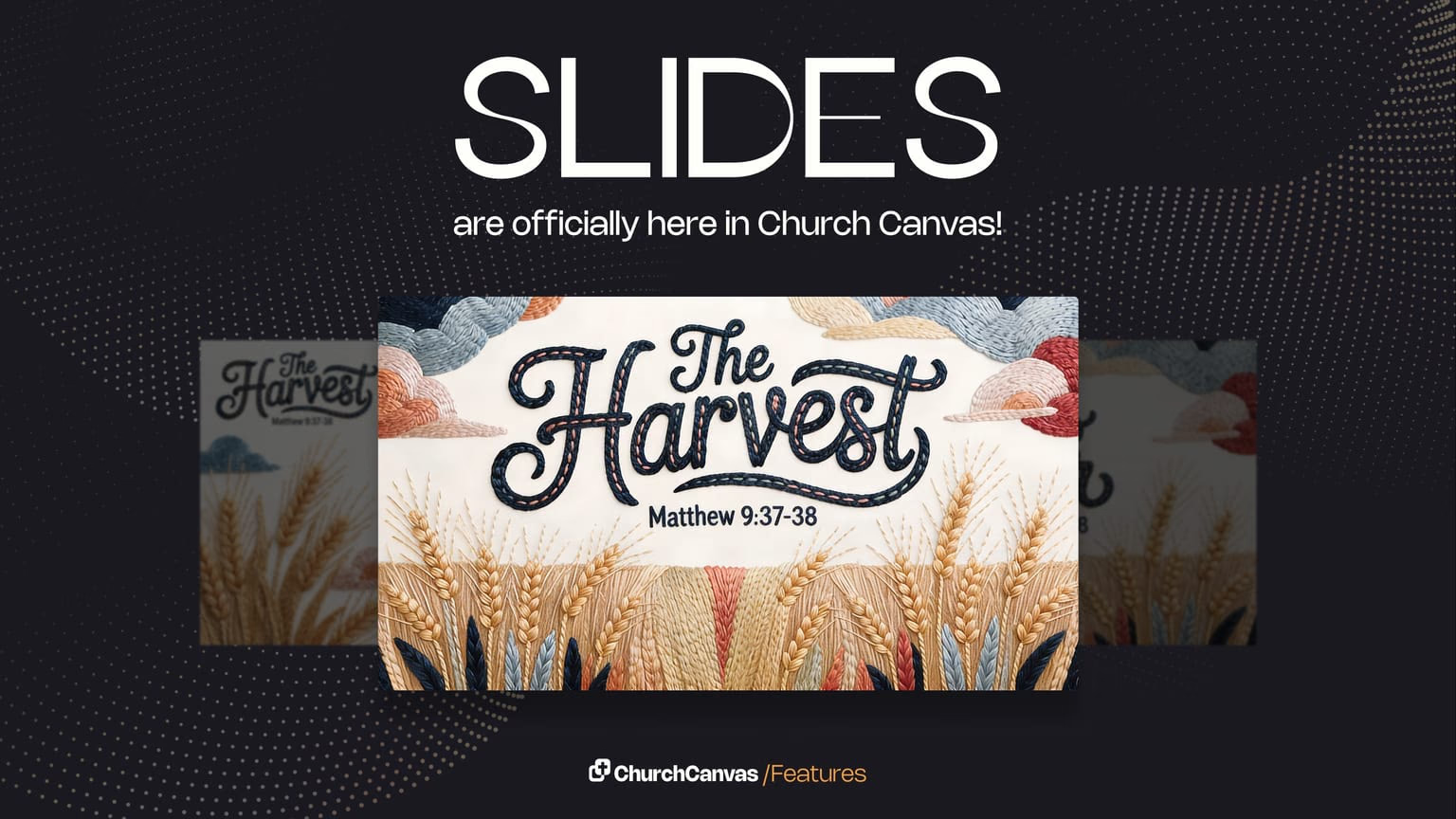
Sermon slides
Turn a sermon graphic into presentation-ready slides in seconds. Export widescreen art your media team can drop into ProPresenter, PowerPoint, or Google Slides.
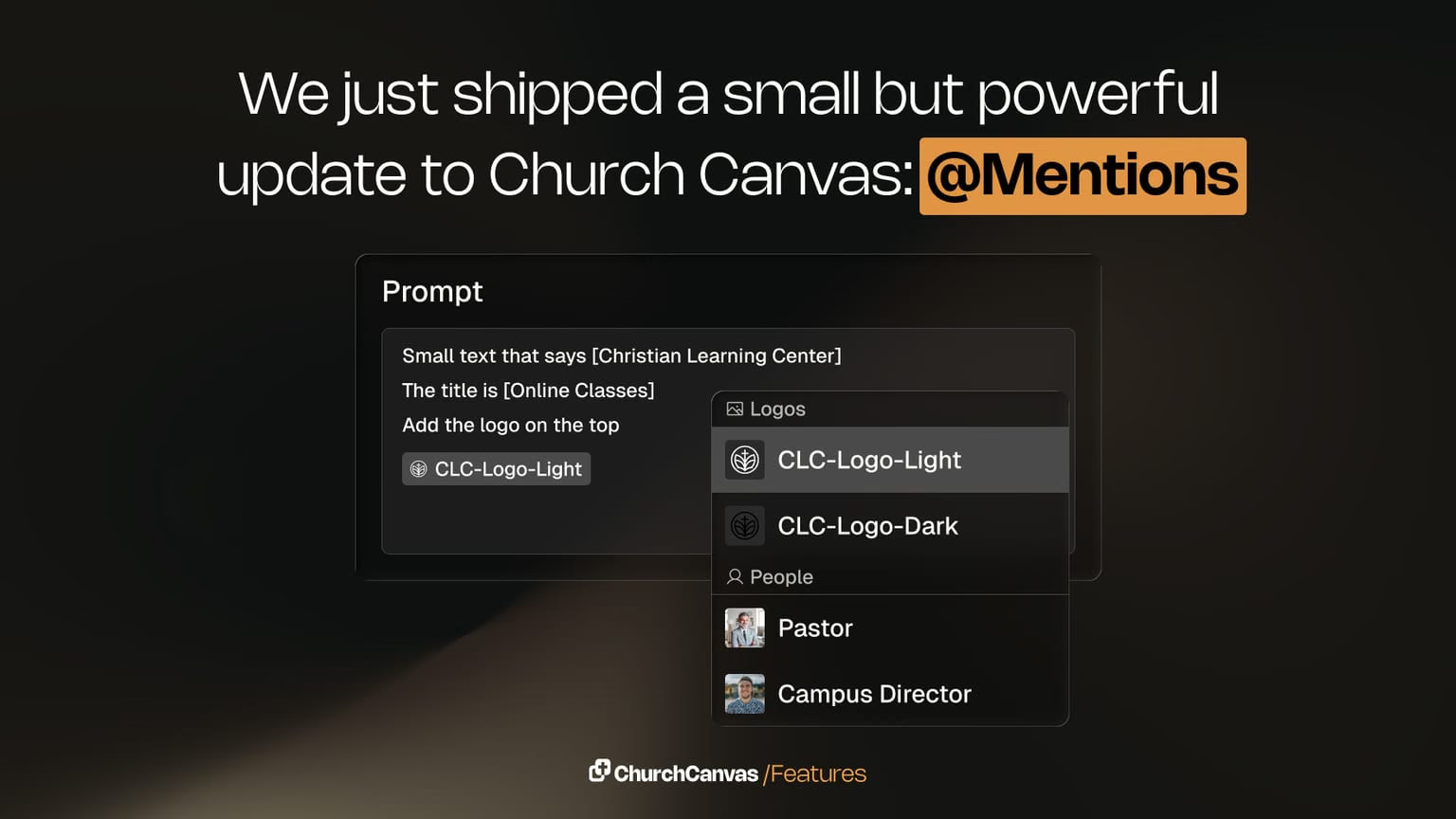
Mentions in prompts
Type @ in the prompt box to insert Bible verses, snippets, church info, logos, and saved assets. Create faster, more consistent sermon and event graphics.
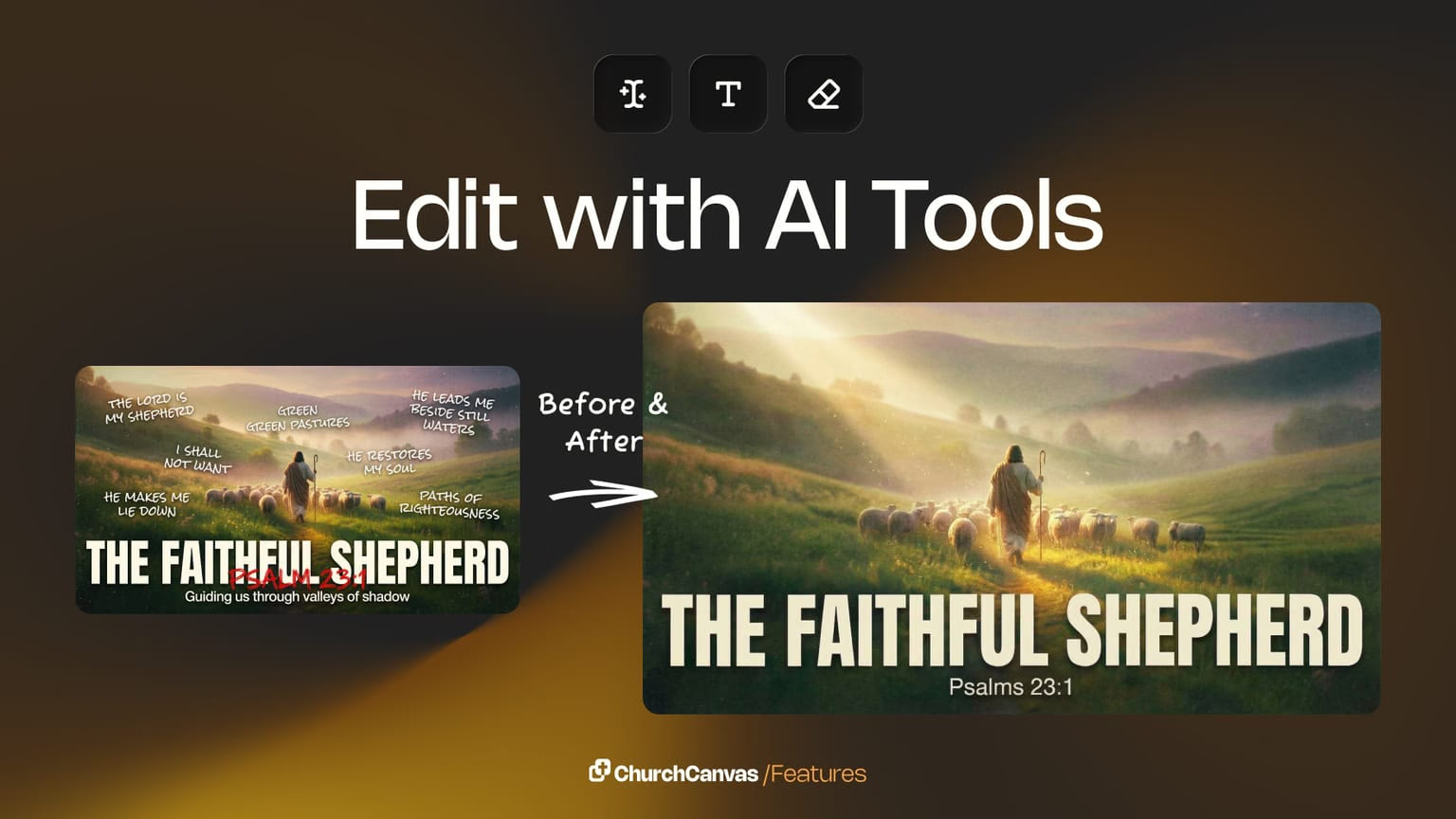
Edit with AI v2
Edit with AI v2 adds more ways to tweak text, colors, and details on finished graphics so you can refine designs without starting over from scratch.
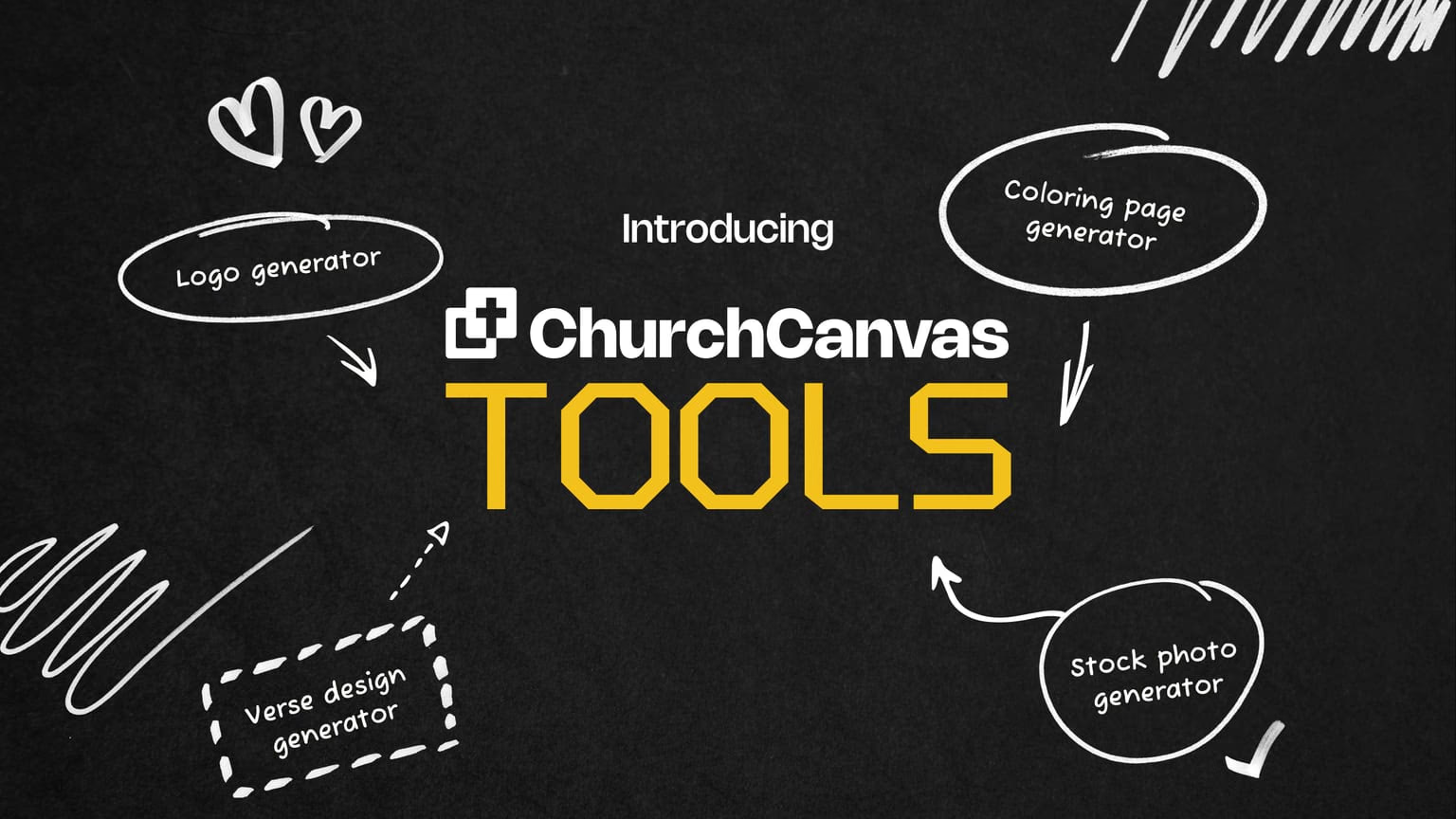
Tools for verses, logos, and more
New Tools in Church Canvas: create verse designs, stock photos, coloring pages, and logos alongside sermon and event graphics, all in one ministry workspace.
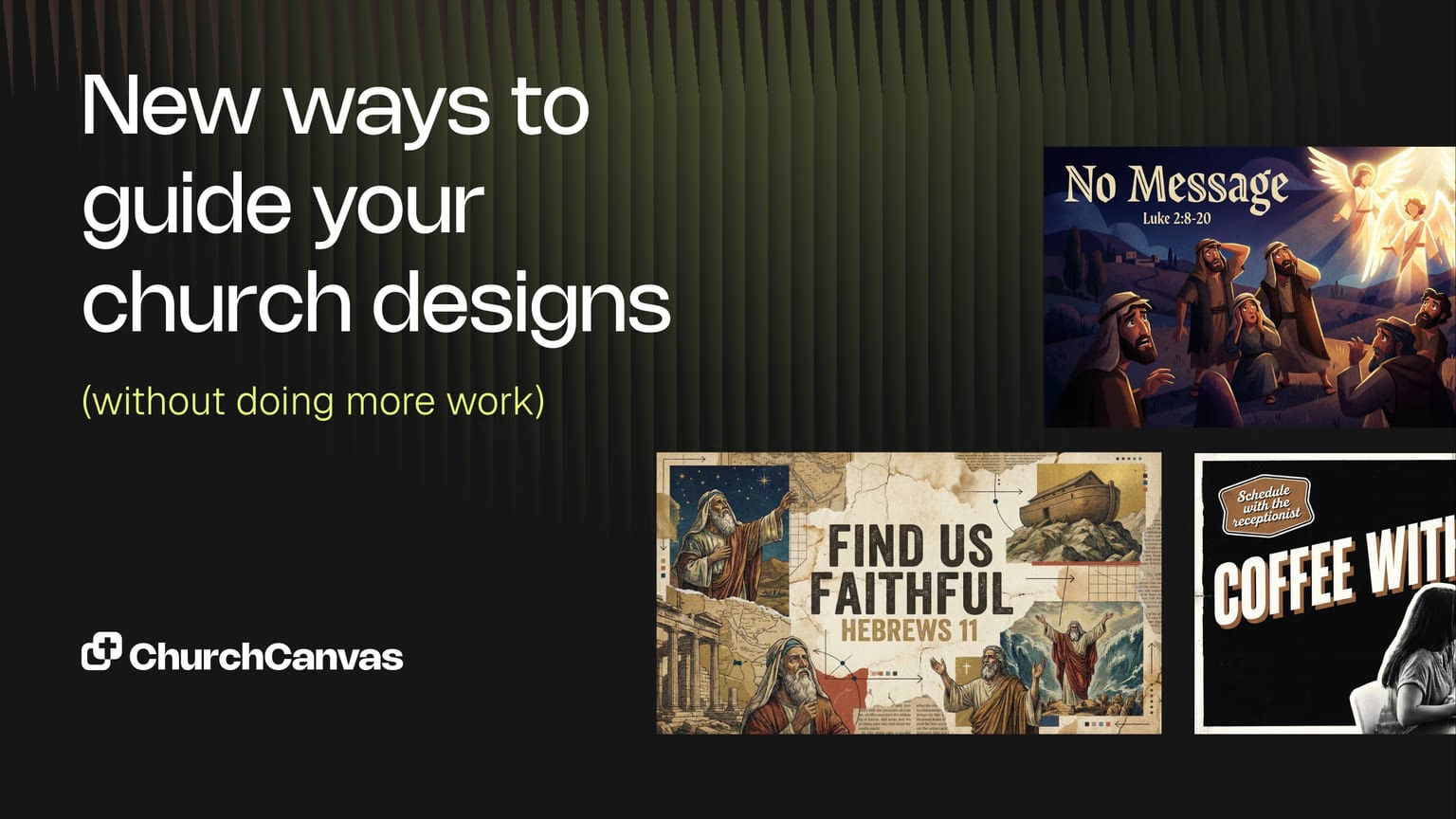
Graphic creation updates
New creation controls: moods, smarter style suggestions, 100+ styles, and advanced settings so your team can ship better church graphics with less guesswork.
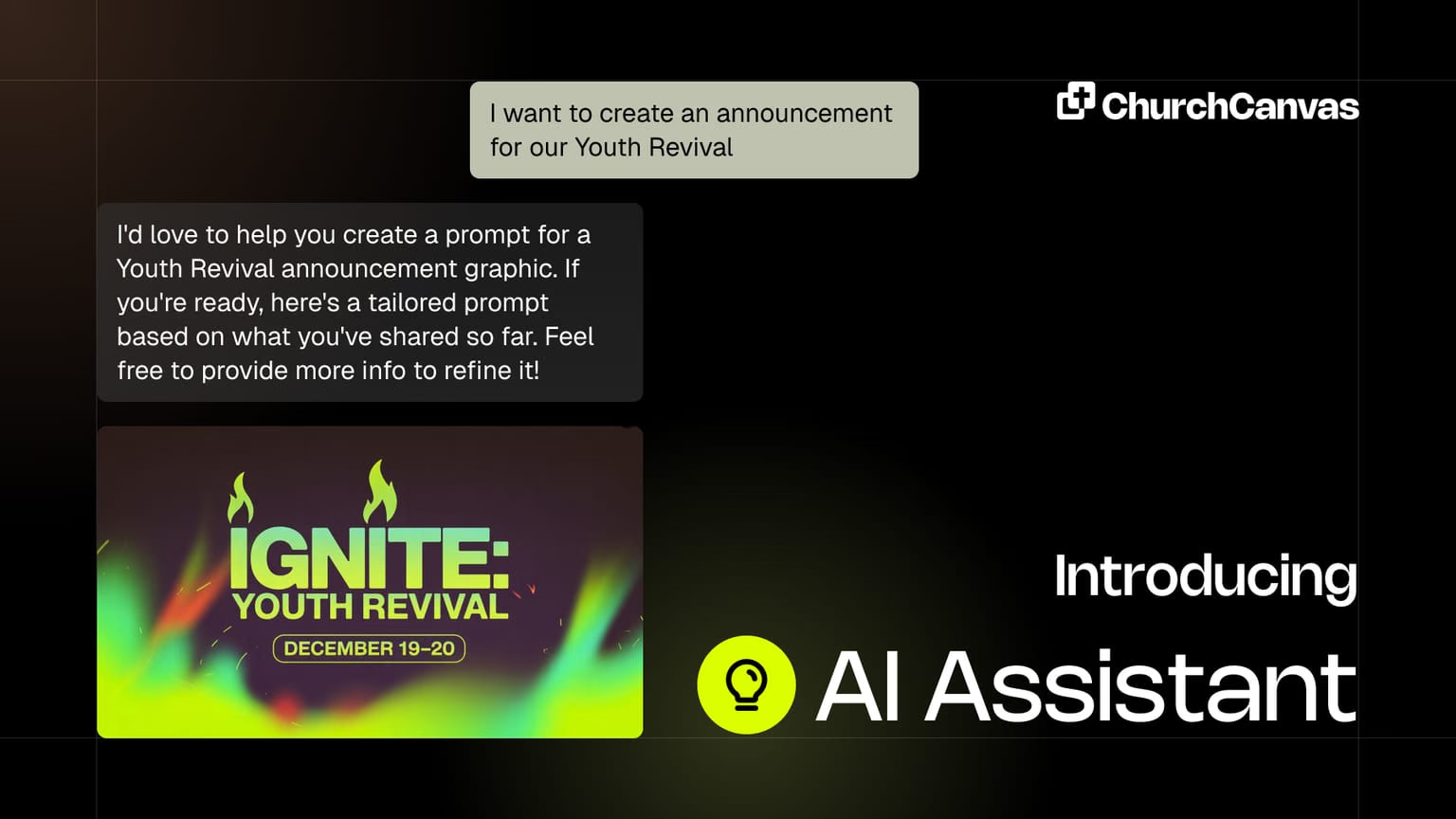
AI Assistant
Create church graphics by chatting with AI. No heavy prompts or design stress: describe what you need and get sermon, social, and event art in seconds.
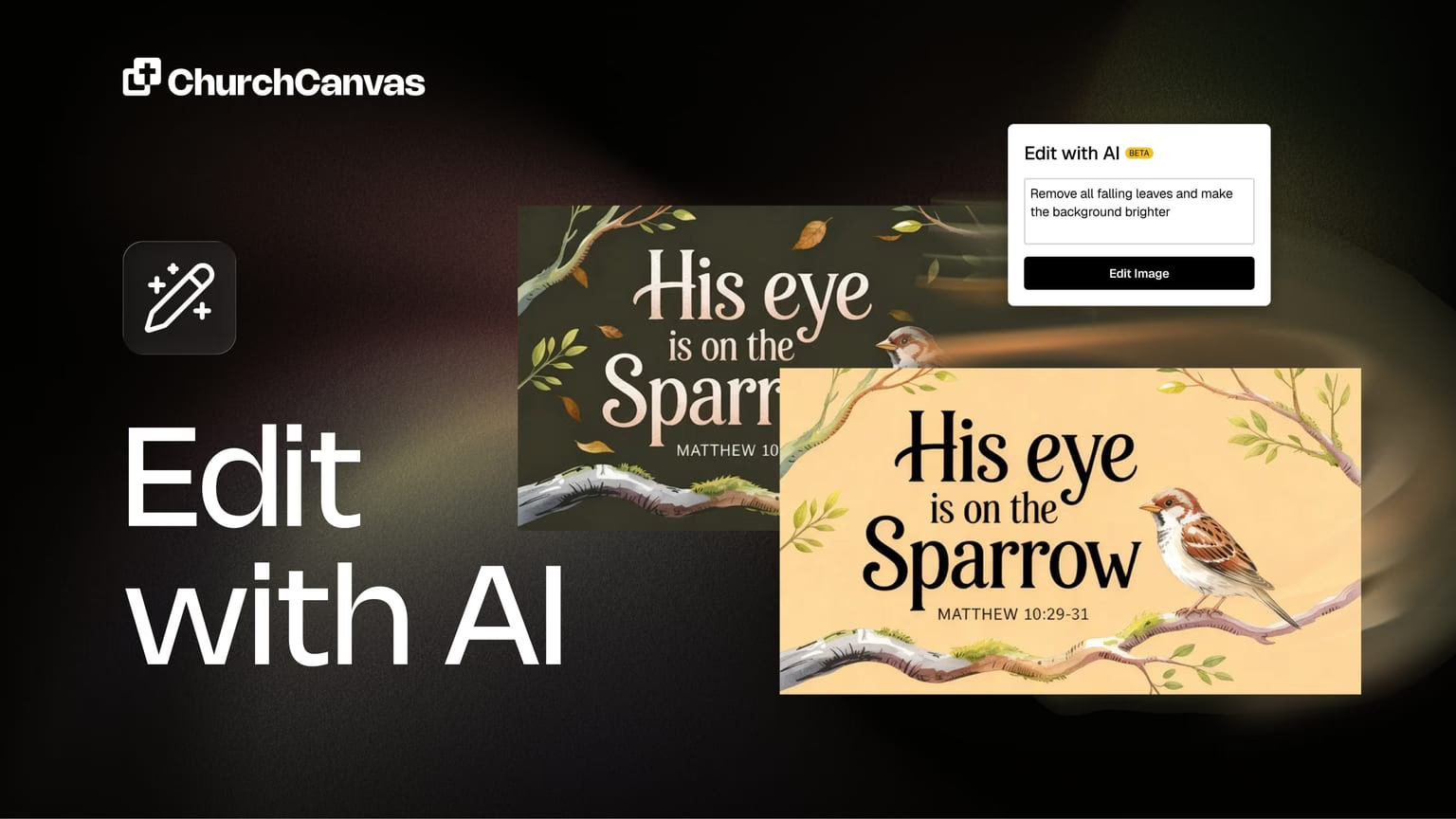
Edit with AI
Change text, colors, and details on a finished graphic without regenerating. Keep the design you already like and refine it in place.
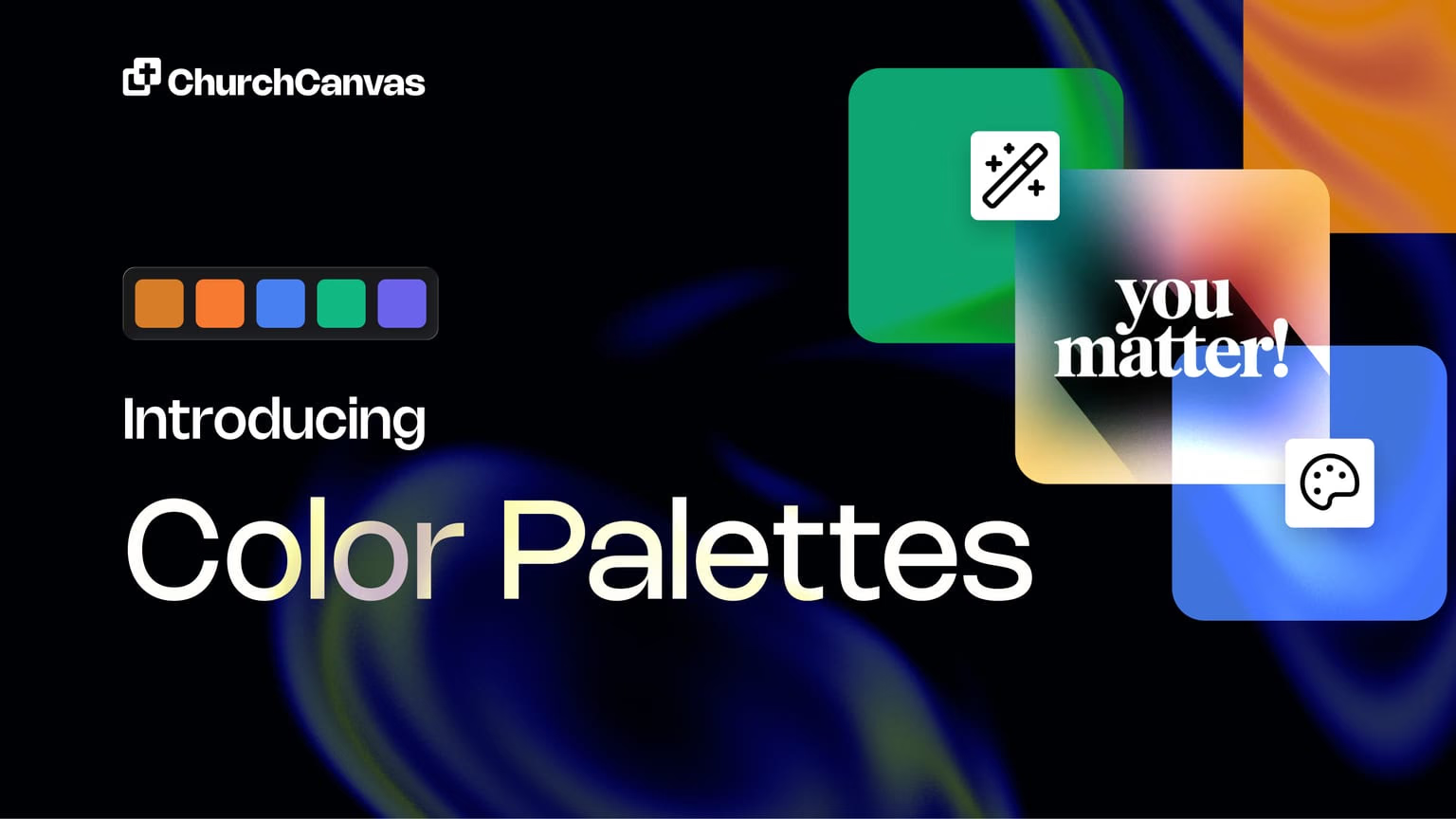
Color Palettes
Instantly change the mood of any graphic with curated color themes built for sermon slides, social posts, and event announcements across your ministry.
19 results · page 1 of 2
About product updates
What are Church Canvas product updates?
Release notes and feature announcements — what's new in Church Canvas, from AI model upgrades to slides, tools, and workflow improvements.
How often do you ship updates?
We ship improvements regularly. Bookmark this page or check the nav under Resources → Product Updates to see the latest.
Where did the old /resources product update URLs go?
Every former /resources/{slug} product update URL redirects to /product-updates/{slug} so bookmarks and search results keep working.
Want to try the latest features?
Start creating church graphics.
Start your 7-day Plus trial and explore slides, social posts, Edit with AI, and more.
$0 today. No commitment. Cancel anytime.