170+ visual styles
Explore 170+ ministry-ready styles, from clean modern to bold event energy.

Style browser
Explore ready-made looks, tap a preset, and set the visual direction before you write the prompt. Volunteers and designers start closer to the finish line, and Generate applies the style you chose.
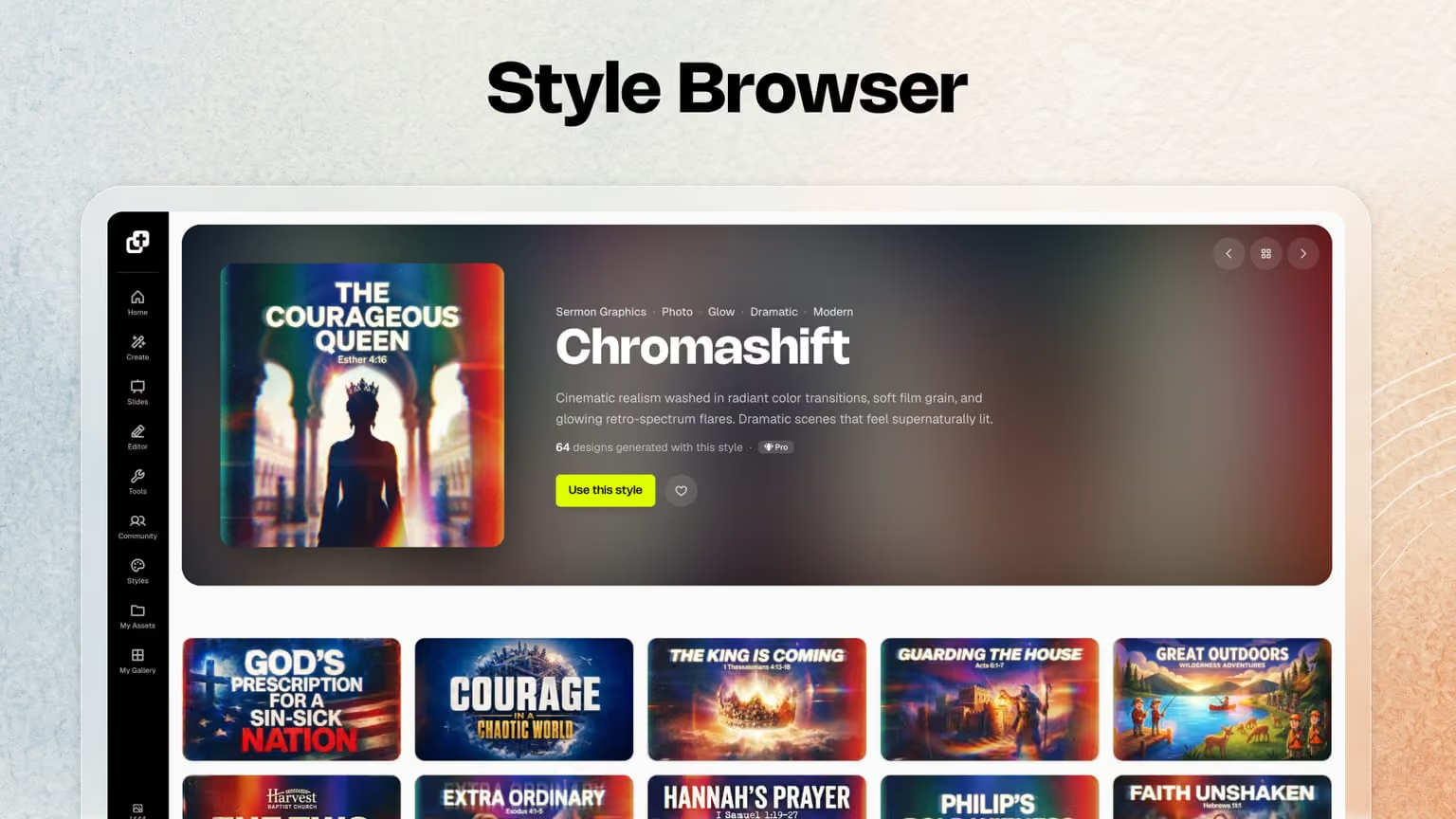






See it in action
Choose the visual direction first so Generate starts closer to the look your team wants.
Scroll a gallery of ready-made styles and see example graphics for each look — typography, mood, and color.
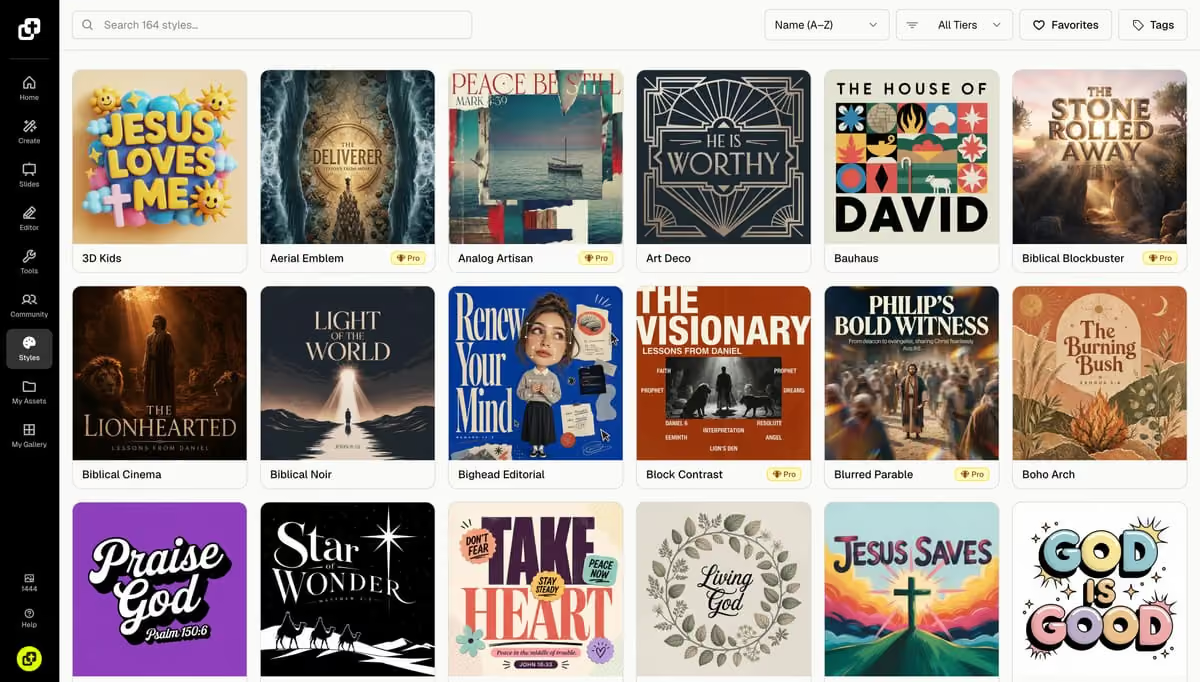
Apply a preset with a tap so the next generate inherits that look without rewriting your whole prompt.
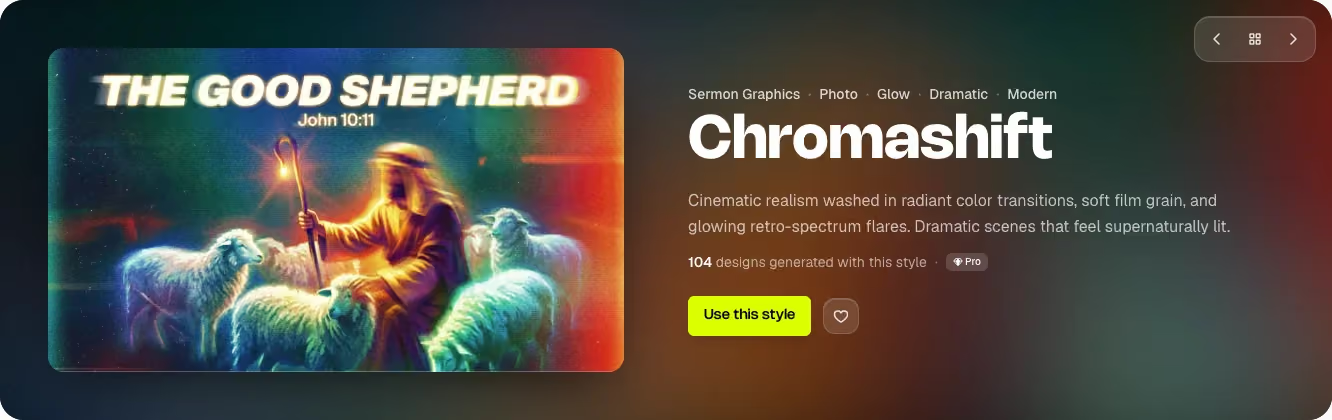
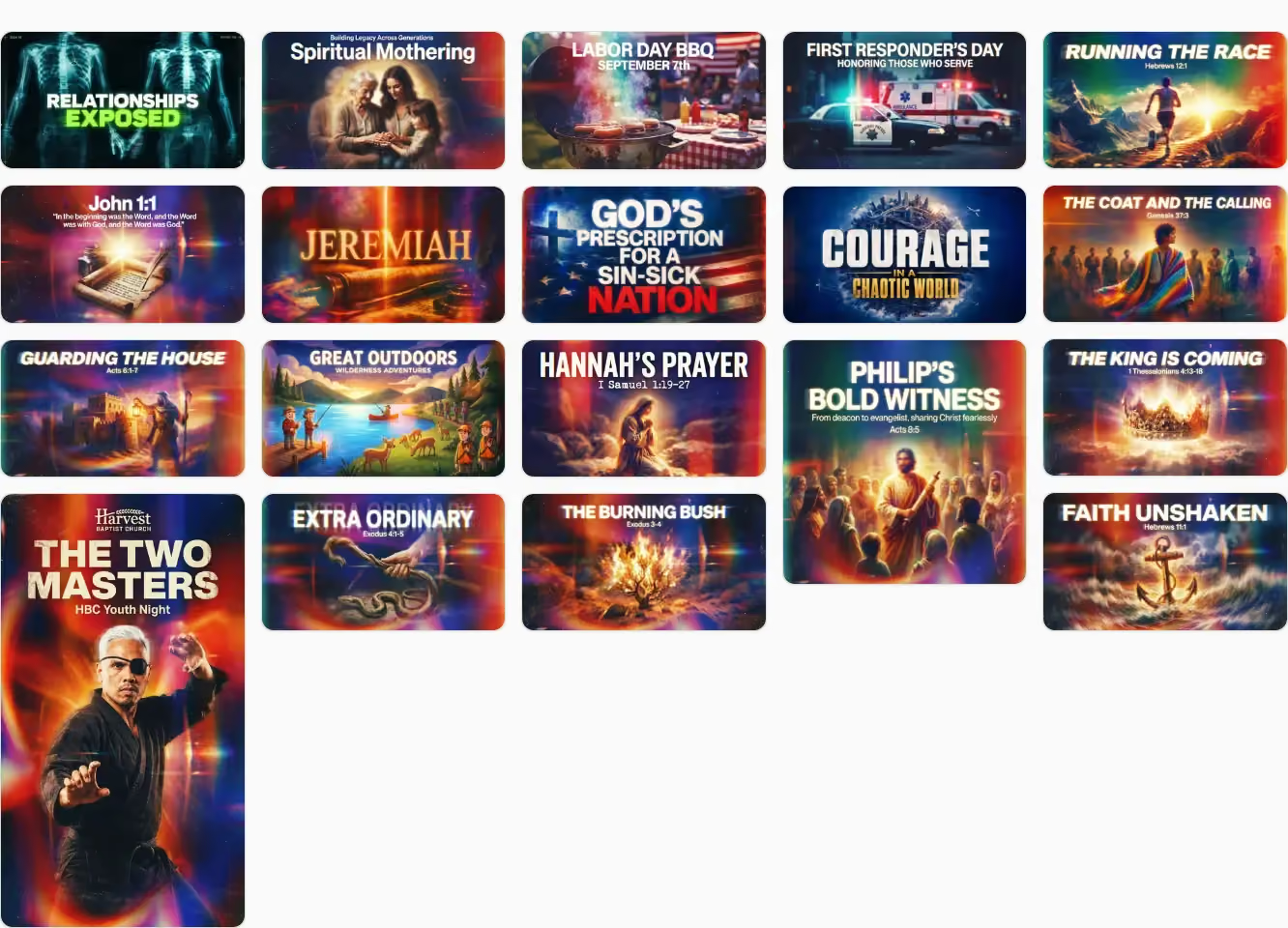
See how one preset carries a recognizable look across different graphics. Reuse it for your sermon series, VBS week, or next campaign.
After you pick a look here, open Generate to describe the graphic and create it with that style already applied.
Go to Generate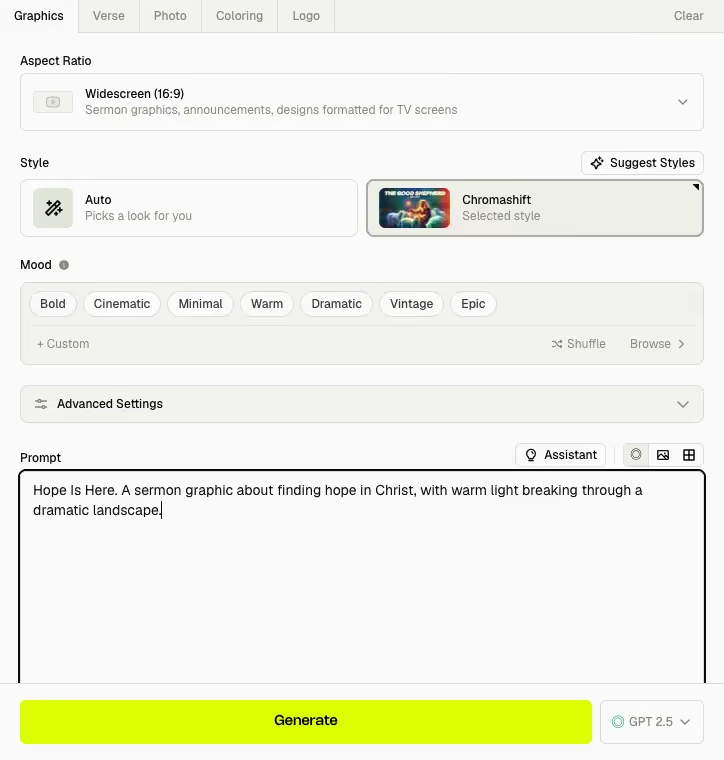
What you can do
The style browser owns browsing and picking presets. Generate is where you describe the graphic and create it with that look applied.
Explore 170+ ministry-ready styles, from clean modern to bold event energy.
Open a style to see sample and community examples, so your team can agree on direction before you generate.
Reuse the same preset across sermon, social, and event graphics for a cohesive week.
After you pick a style, describe the graphic in Generate and create with that look already set.
Pair styles with your logo and brand colors so every result still feels like your church.
Media teams and volunteer designers share one style language instead of reinventing the look each week.
Loved by church leaders
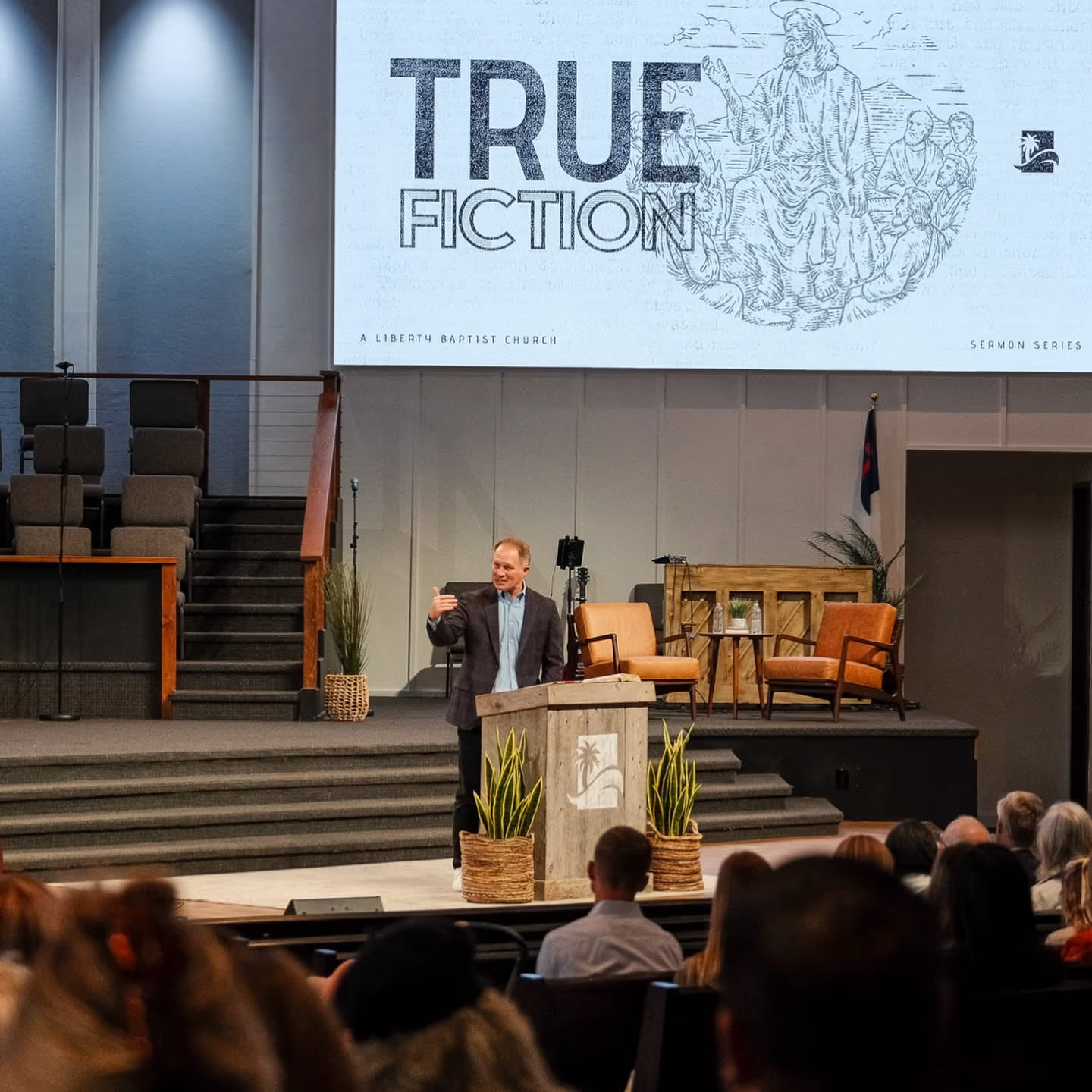
Andy Young · Media Director in Newport Beach, CAChurch Canvas does it all. I have so many design tasks every week, and it has been revolutionary.
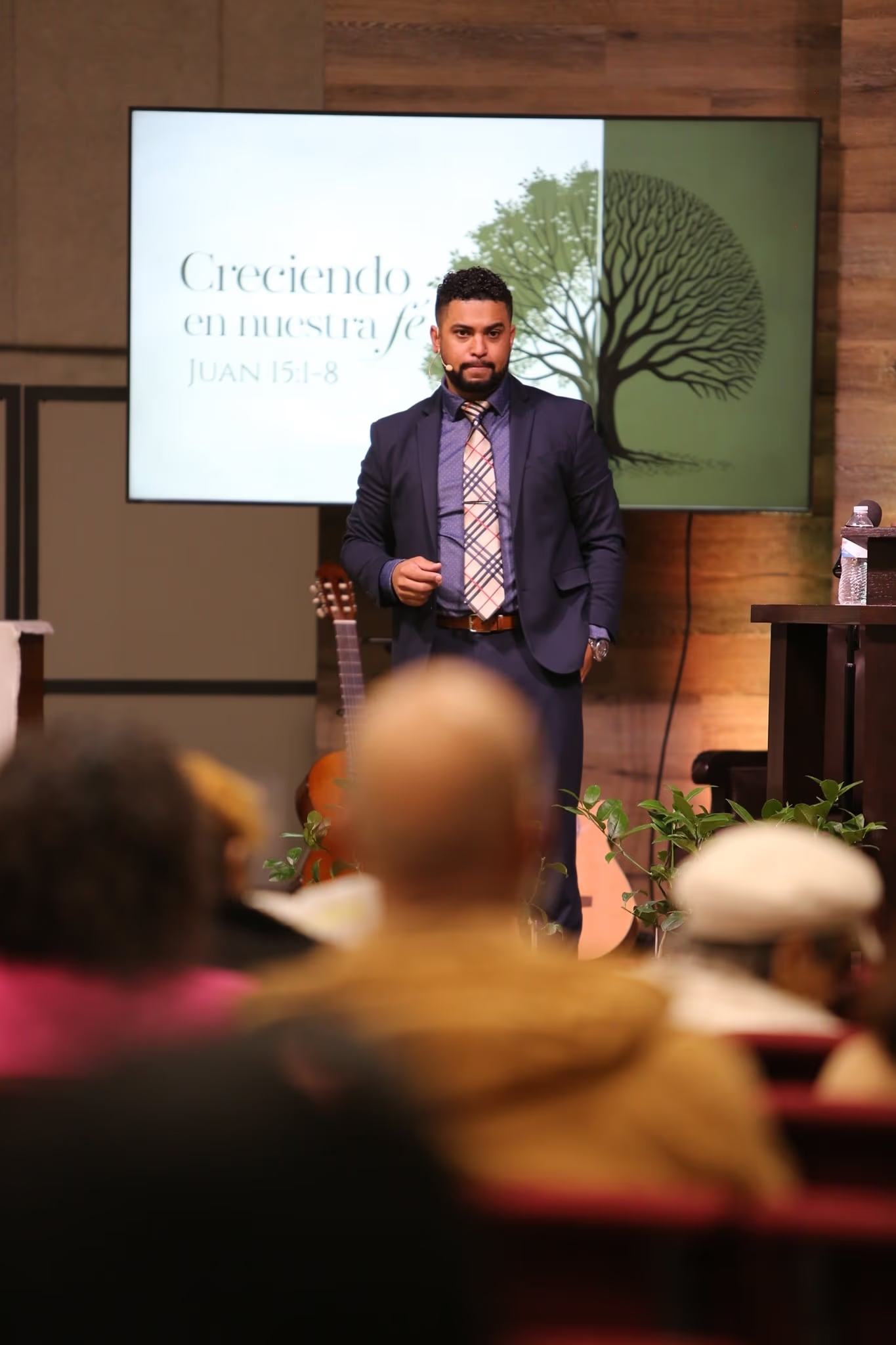
Walter Echeverria · Spanish Pastor in Tulsa, OKBro!!!! 🤯 again, thank you for Church Canvas 🙏 I use this every service, for every sermon. I love this man!!!
Tim Trieber · Pastor in Surprise, AZ“I'm loving it! I used it just about every day, and it has been a huge help!”
“Church Canvas has been a huge help, letting me create awesome designs quickly and easily for my youth group. It saves me time so I can focus on what matters most: building relationships and impacting the next generation.”
 Ethan DelaneyYouth Pastor in Charlotte, NC
“I'm constantly balancing preaching, pastoring, and managing the day-to-day operations being a pastor of a small church. Church Canvas has been such a blessing saving me valuable time, allowing me to focus on caring for my congregation and leading the church.”
 Caleb BeilPastor in Denair, CA
“I'm a pastor's wife with no design experience. I wanted to help my husband with the church's design needs but didn't know where to start. Church Canvas has been a lifesaver! I can now create beautiful designs easily, support his ministry, and contribute to our church.”
 Mendy BrockmanPastor's Wife in Colorado Springs, CO
A gallery of ready-made visual presets you browse before you generate. Tap a look to set typography, mood, and overall direction so the first result already feels on-brand.
Generate is where you describe the graphic and create it. The style browser is where you pick the visual preset that steers that generation. Browse looks here, then generate with the style applied.
Yes. Reuse one style for a sermon series, VBS week, or campaign so every slide and social crop shares the same visual language.
Yes. Pastors, media volunteers, and church designers can agree on a style first, generate from that look, then refine wording, crops, or polish in Canva when they want a final pass.
170+ styles cover ministry moods, from clean modern to bold event energy. Browse the gallery, open a style to see examples, then apply it with a tap.
New accounts get a 7-day Plus trial with 25 images so you can try styles on real sermon and event graphics before you subscribe.
Email hello@churchcanvas.ai and our team will get back to you quickly.
Browse styles, pick a look for your series, then generate sermon and social graphics that stay visually consistent.
$0 today. No commitment. Cancel anytime.