Set the tone in a tap
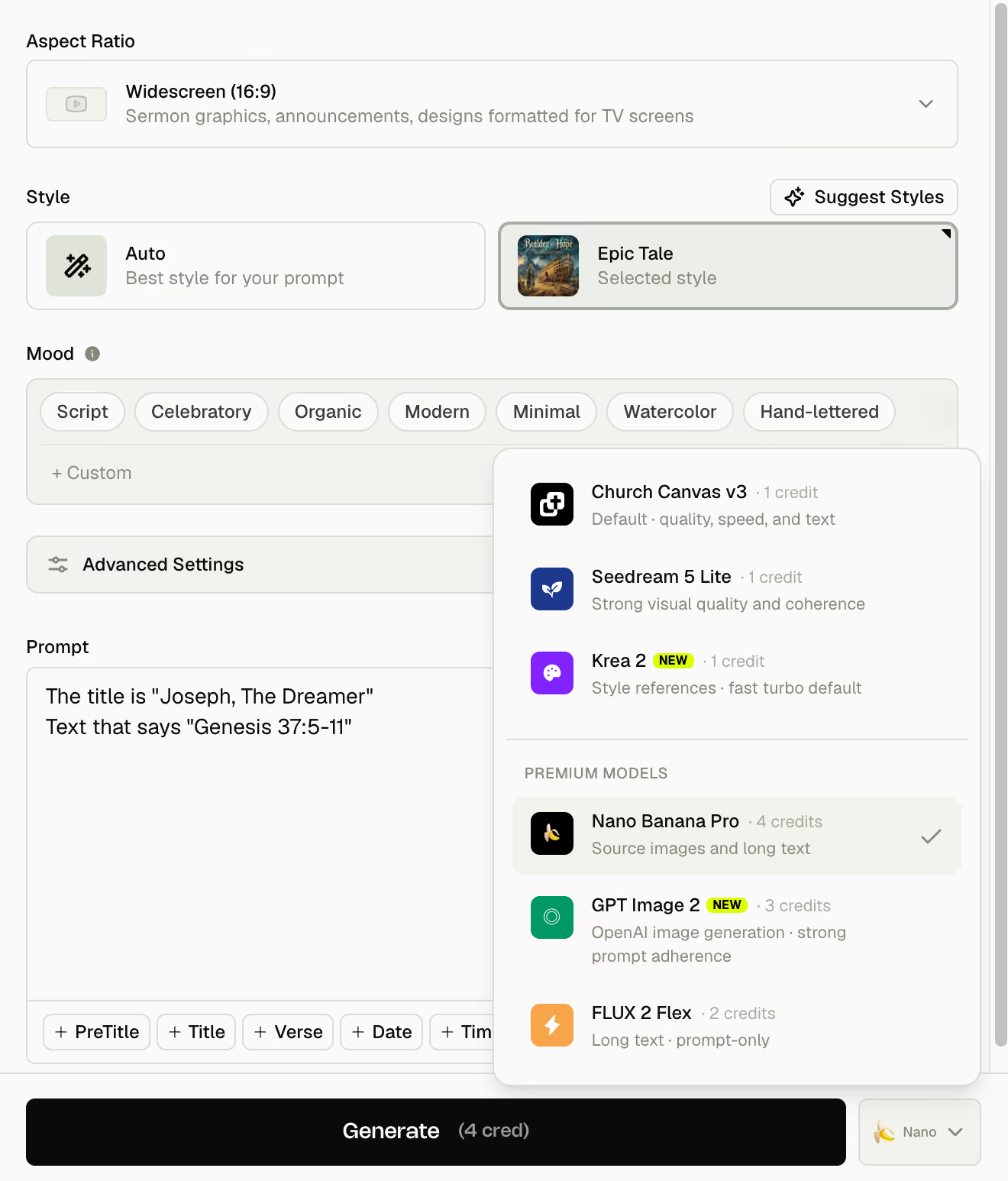
Dial in the feeling, from energy to typography to color, so the first result already feels right.

Generate
Describe what you need and Church Canvas generates a finished design. Pick a style, add your logo, or let the AI Assistant help refine it for you.
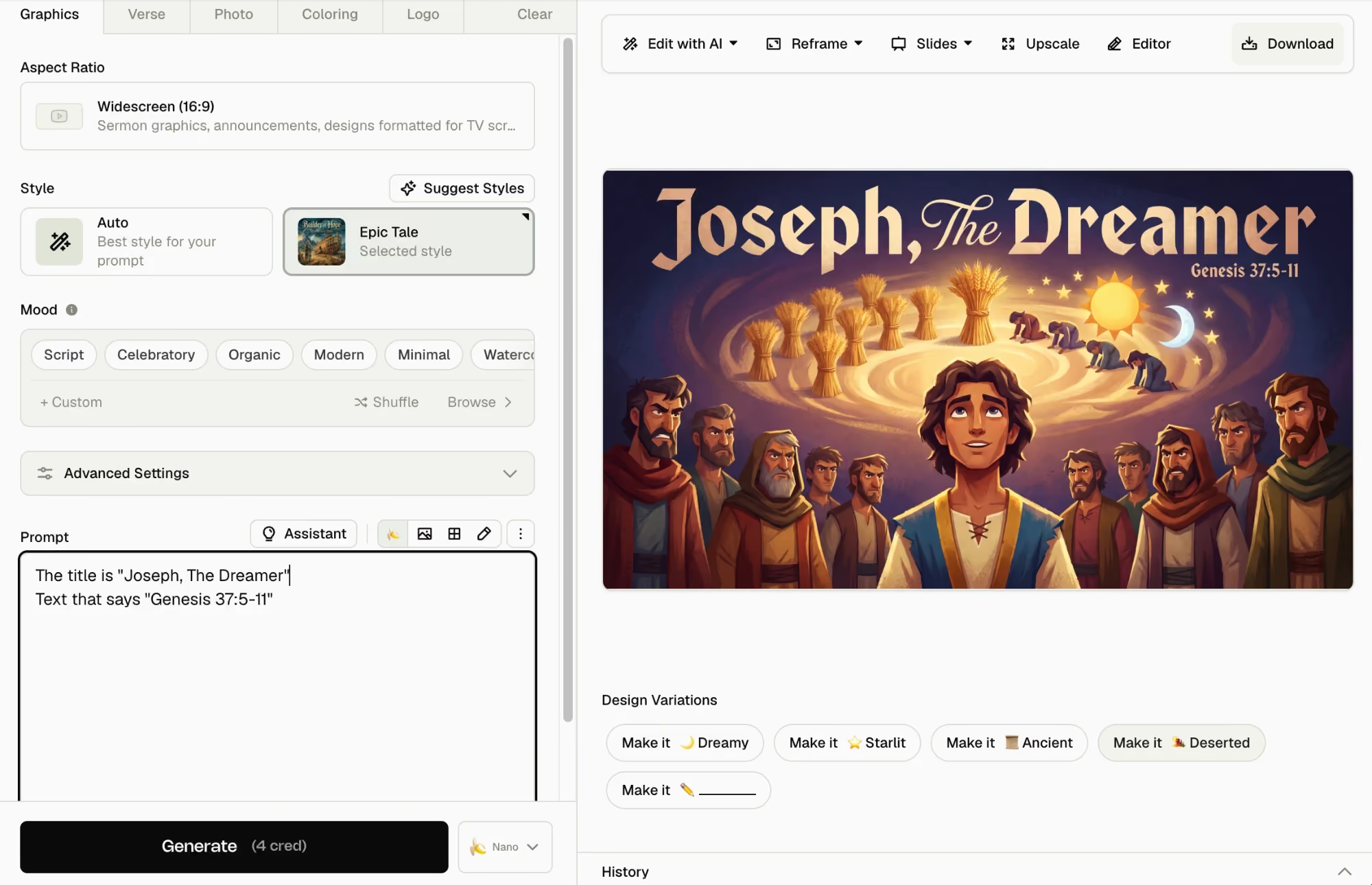






See it in action
Guide the AI with the details that make a graphic unmistakably yours.
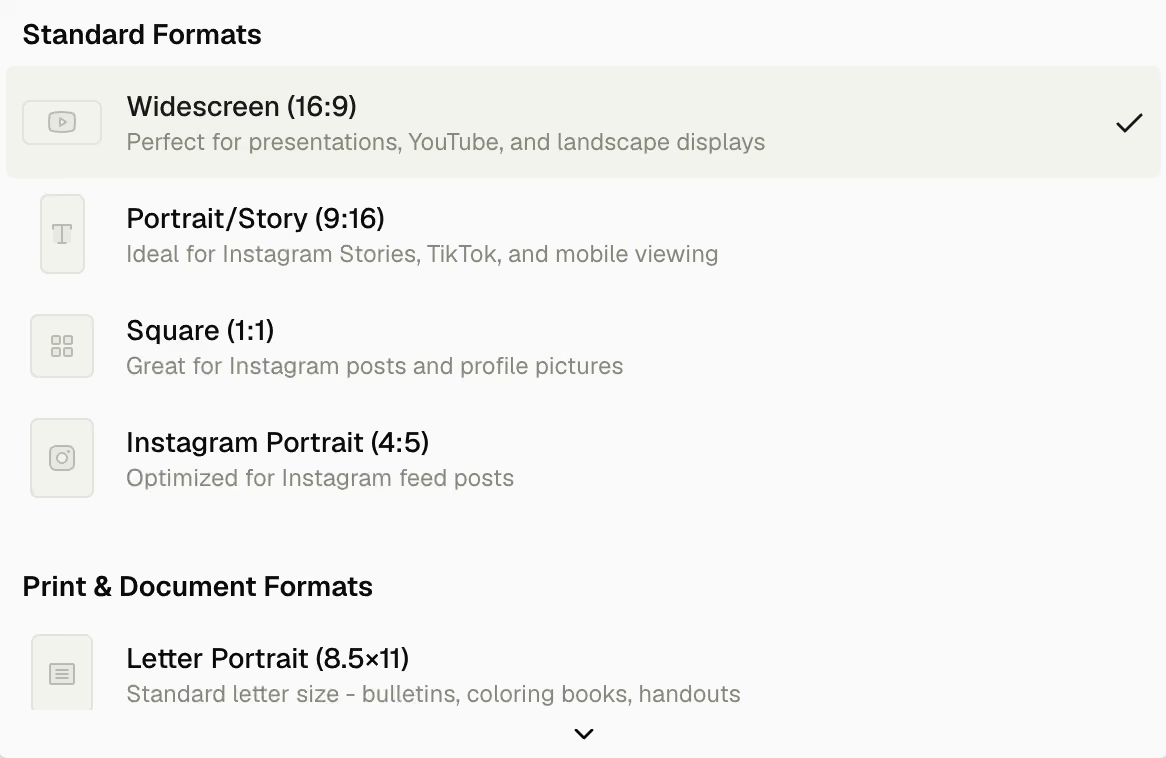
Choose widescreen, square, portrait, or story format so every graphic fits exactly where you're sharing it.
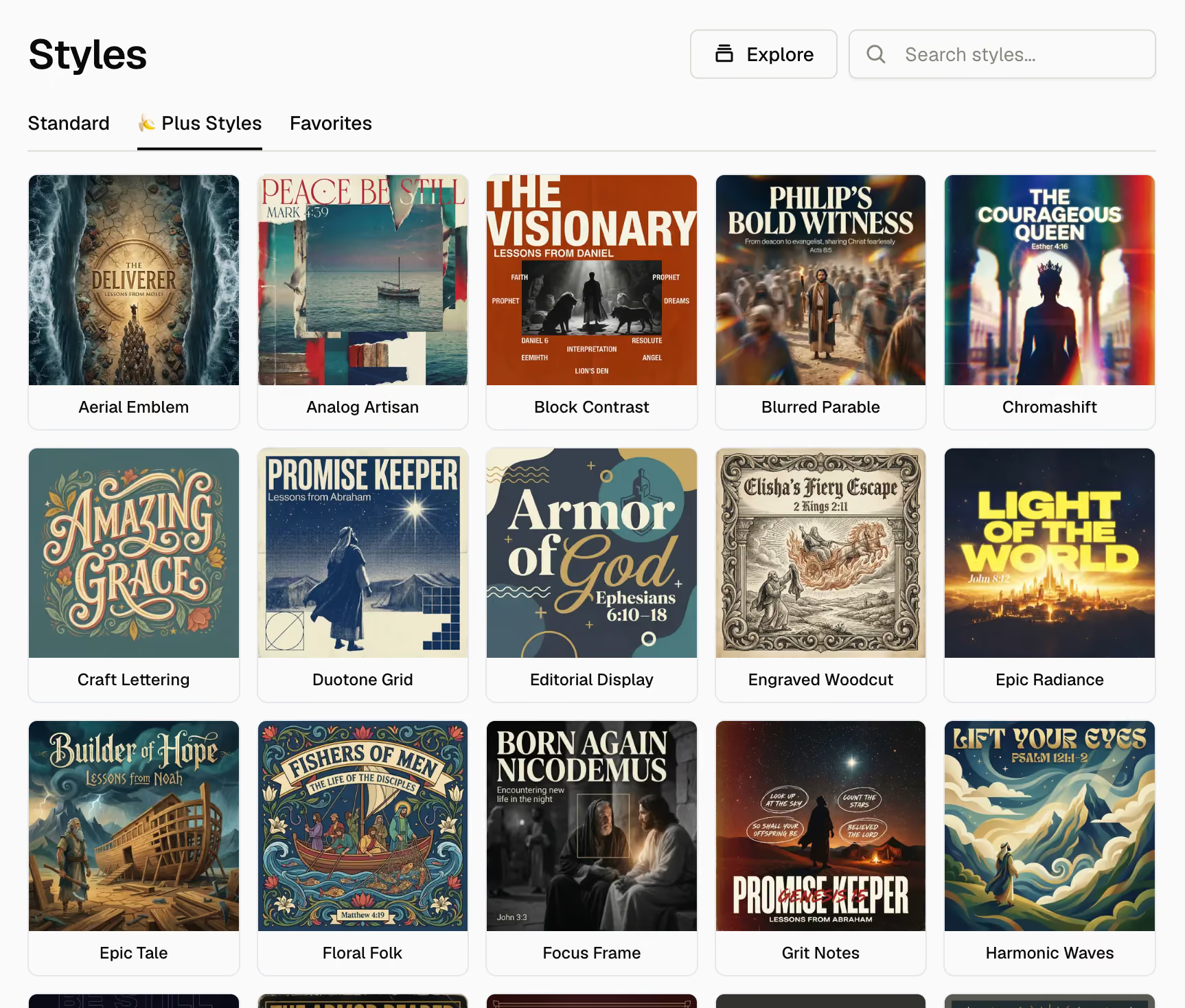
Browse a gallery of ready-made styles and apply one with a tap to set the visual direction.
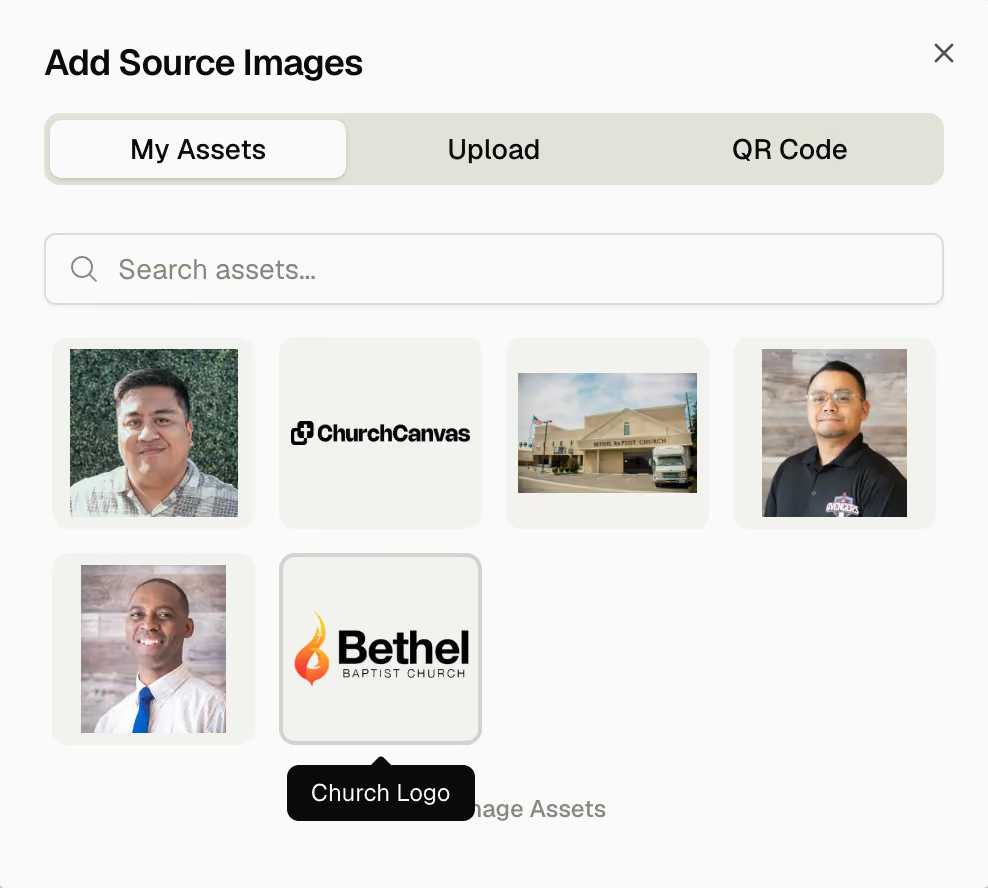
Drop in your church logo, building, or people so every design stays true to who you are.
Switch between Church Canvas v3, Seedream, Krea, Nano Banana Pro, GPT Image, and FLUX to get the exact look you're after.
What you can do
Steer every design from words alone, then guide the AI with the details that make it unmistakably yours.
Dial in the feeling, from energy to typography to color, so the first result already feels right.
Upload a reference image and Church Canvas matches the look, color, and feel in your new design.
Select a color palette to guide the colors of your design, so every graphic comes back on-brand.
Chat back and forth with the AI assistant to build and adjust your design until it's exactly right.
Block out your layout with a quick sketch and let Church Canvas bring it to life.
Use ready-made text snippets to help you write your prompt, perfect if you're new to working with AI.
Loved by church leaders
Andy Young · Media Director in Newport Beach, CAChurch Canvas does it all. I have so many design tasks every week, and it has been revolutionary.
Walter Echeverria · Spanish Pastor in Tulsa, OKBro!!!! 🤯 again, thank you for Church Canvas 🙏 I use this every service, for every sermon. I love this man!!!
Tim Trieber · Pastor in Surprise, AZ“I'm loving it! I used it just about every day, and it has been a huge help!”
“Church Canvas has been a huge help, letting me create awesome designs quickly and easily for my youth group. It saves me time so I can focus on what matters most: building relationships and impacting the next generation.”
 Ethan DelaneyYouth Pastor in Charlotte, NC
“I'm constantly balancing preaching, pastoring, and managing the day-to-day operations being a pastor of a small church. Church Canvas has been such a blessing saving me valuable time, allowing me to focus on caring for my congregation and leading the church.”
 Caleb BeilPastor in Denair, CA
“I'm a pastor's wife with no design experience. I wanted to help my husband with the church's design needs but didn't know where to start. Church Canvas has been a lifesaver! I can now create beautiful designs easily, support his ministry, and contribute to our church.”
 Mendy BrockmanPastor's Wife in Colorado Springs, CO
Type your sermon title, event name, verse, or announcement. Church Canvas handles layout, type, and visuals from there.
Yes. Browse ready-made styles, moods, and color palettes and apply one with a tap so the first result already matches your church's look.
Choose widescreen for screens and slides, square and portrait for social feeds, and story format for vertical posts. Pick the ratio before you generate.
Yes. Upload your logo, building photos, or people, and select a color palette so every graphic stays on-brand.
No. Start with plain language and use saved prompt snippets or the AI assistant to refine the result in conversation.
Yes. New accounts get a 7-day Plus trial with 25 credits. Card required. $0 today, then $30/mo unless you cancel. Cancel during the trial and keep Plus until it ends. No commitment. Cancel anytime. Use it to test styles, ratios, and exports.
Email hello@churchcanvas.ai and our team will get back to you quickly.
Describe your next sermon, event, or announcement and get a finished, on-brand graphic in seconds.
$0 today. No commitment. Cancel anytime.