
Profiles, badges, and likes
Every Church Canvas creator now has a profile. Show off your best designs, earn badges for your creative milestones, and like the graphics that inspire you.
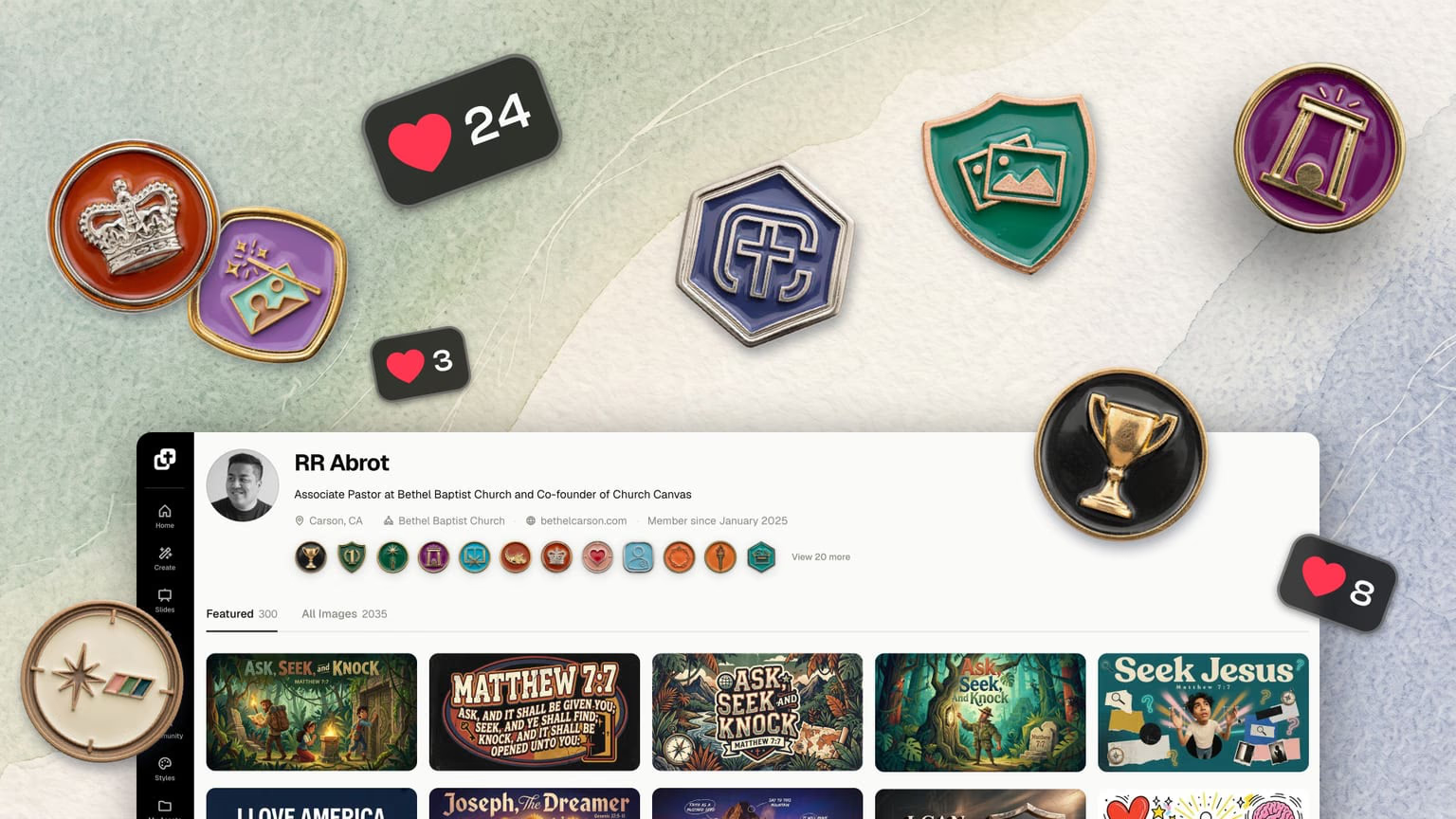
Church Canvas now has creator profiles, badges, and likes. Every signed-in user gets a profile page for their designs, earns badges for creative milestones, and can like any image in the community.
The community feed has always been one of our favorite parts of Church Canvas. Thousands of sermon graphics, event promos, and social posts made by real church teams, all in one place. Today it gets a lot more personal.
Profiles
Every creator now has a profile page with their designs, bio, and badge shelf.
Badges
32 enamel-style badge seals to earn for creative milestones.
Likes
Show support for designs you love and quietly save them to revisit later.
Your new profile.
Every signed-in Church Canvas user now has a profile page. It shows your avatar, your church, a short bio, your badge shelf, and grids of your work:
- Featured. Your designs that appear in the community feed.
- All images. Everything you have generated. Visitors can browse these too, unless your profile is set to private.
- Likes. Designs you have liked. This one is just for you (more on that below).
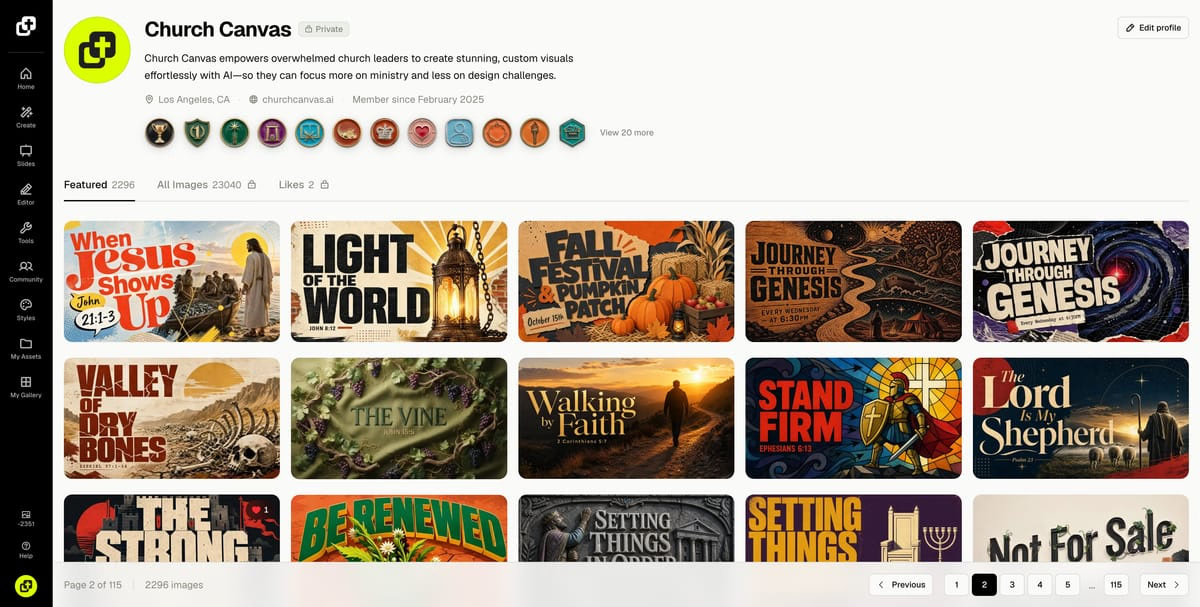
How to find profiles right now:
- Someone else’s profile: open any image in the community feed and click the creator’s name in the modal.
- Your own profile: open the user menu in the left rail and click Profile.
Private profiles for Plus users.
Some churches want to share everything. Others prefer to keep their work in-house. Both are fine with us.
By default, the images you generate are public and visible on your profile. Users on the Plus plan can set their profile to private in Settings. When your profile is private, visitors only see the designs you have featured in the community.
Badges: your creative milestones.
Your profile now comes with a badge shelf. Badges are enamel-style seals you earn by doing things in Church Canvas. There are 32 badges to collect at launch, across categories like:
- Creator milestones. From your first graphic all the way to 1,000.
- Seasons and events. Christmas, Easter, VBS, and Thanksgiving designs.
- Consistency. Weekly creative streaks, from 2 weeks in a row up to a full year.
- Craft. Trying tools like Slides, Verse Maker, Logo Maker, and Reframe.
- Styles. Exploring and mastering the style library.
- Community. Sharing work, getting featured, and completing your profile.
Your most recent badges sit on your profile shelf, and you can open your full collection to see everything you have earned and what is still locked.
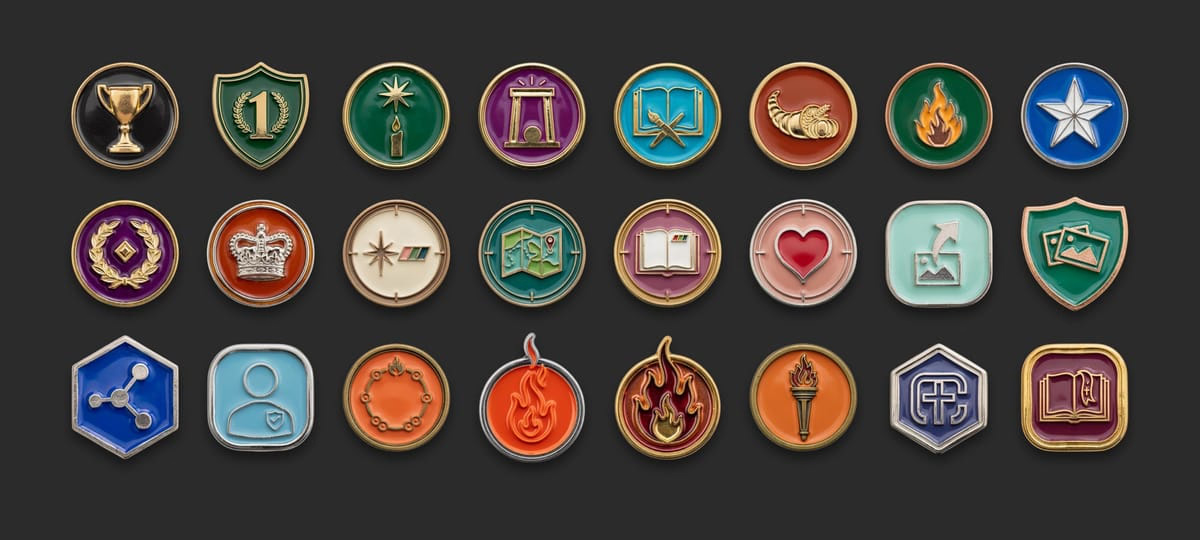
We will keep adding new badges over time. And between us, badges may or may not unlock something more down the road. Worth collecting them now, just in case.
Likes: support designs and save your favorites.
You can now like any image in Church Canvas. Tap the heart on a design in the community feed, on a profile, or inside the image modal.
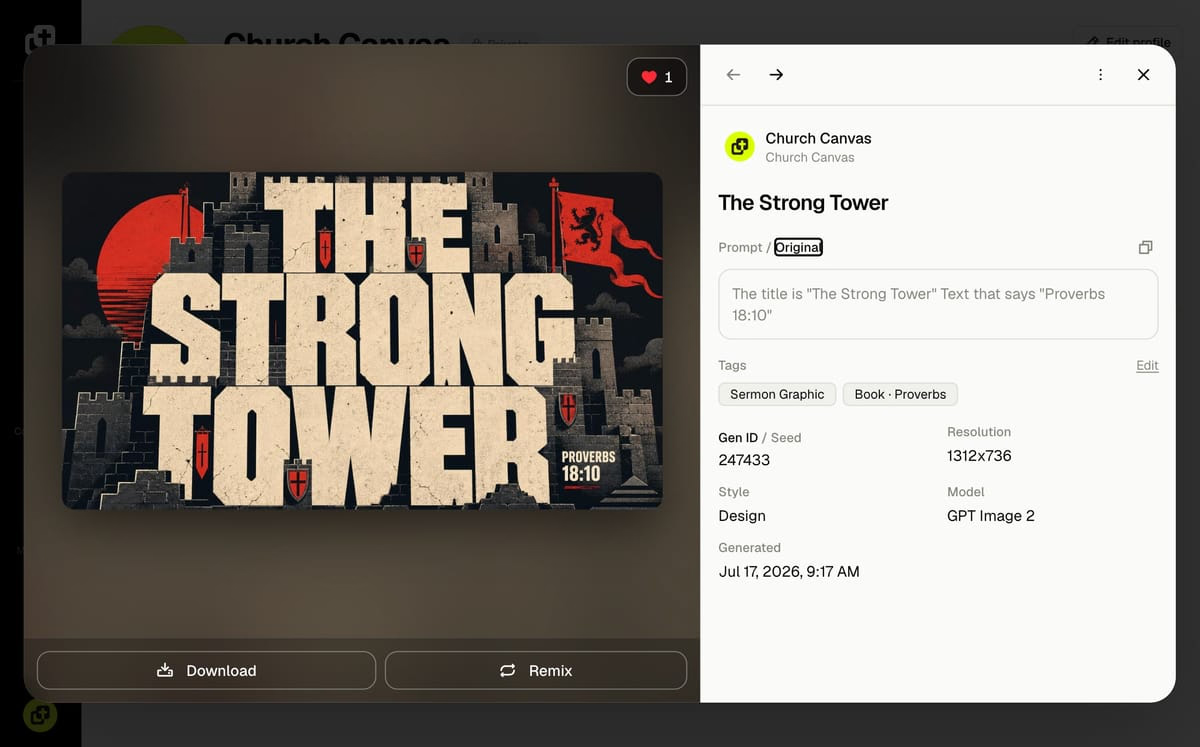
A few things to know about how likes work:
- Like counts are public. Every image shows how many likes it has.
- Who liked it is not. Nobody can see who liked an image, including the creator.
- Your likes are private to you. The Likes tab on your profile is visible only to you.
That last part makes likes useful beyond encouragement. See a color palette you want to try? A layout that would work for your fall series? A variation you want to reference later? Like it, and it is waiting on your Likes tab when you need it.
Try it today.
Profiles, badges, and likes are live now for all signed-in users.
Open the community feed, find a design that inspires you, and give it a like. Then check the left rail user menu, open your profile, and see which badges you have already earned.
Profiles, badges, and likes FAQ
Who can see my Church Canvas profile?
Any signed-in Church Canvas user can visit your profile. By default they can see your featured designs and your generated images. If you are on Plus and set your profile to private, visitors only see your featured designs. Images you have marked private and your Likes tab are never visible to anyone else.
Can other people see which images I liked?
No. Like counts are public on every image, but nobody can see who liked it. The Likes tab on your profile is private to you.
How do I make my profile private?
Profile privacy is available on the Plus plan. Open Settings, turn on the private profile option, and visitors will only see the designs you have featured in the community.
How do I earn badges?
Badges are awarded automatically as you use Church Canvas: creating seasonal graphics like Christmas, Easter, and VBS, keeping a weekly streak, trying every tool, completing your profile, and more. Your collection lives on your profile.