
5 Best VBS Style Presets in Church Canvas
Compare five Church Canvas style presets for VBS graphics, with prompts and examples for kids ministry, Bible stories, camp themes, and space adventures.
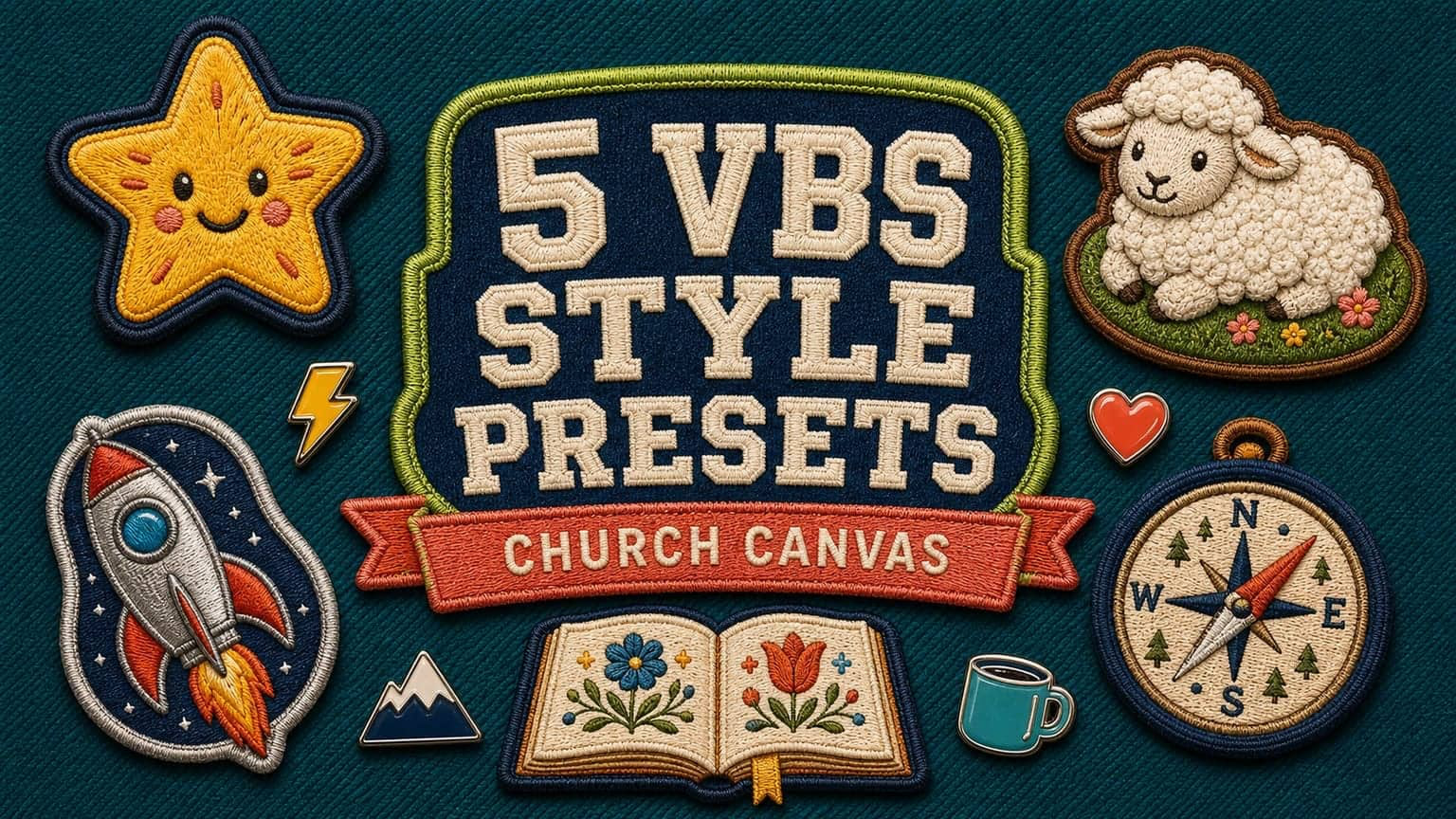
Vacation Bible School graphics have a bigger job than looking fun. One design may need to welcome parents on Instagram, fill a church slide, guide kids through a hallway, help volunteers find their station, and still feel connected to the Bible lesson.
That is why the style choice matters early. The right preset gives your VBS a visual language before you start making registration posts, memory verse slides, name tags, and stage graphics. Church Canvas handles the recurring art direction while your prompt supplies the theme and ministry details.
We selected these five presets because each solves a different VBS creative problem. They are not ranked from best to worst. Think of them as five strong starting points for five kinds of VBS.
| Style preset | Best for | Visual signature |
|---|---|---|
| Playroom Pop | All-purpose kids ministry | Bubbly type, hand-inked outlines, bright animation color |
| Clay Chronicles | Bible stories and daily lessons | Handmade clay scenes, miniature sets, warm cinematic light |
| Chrome Burst Retro | Space, launch, and adventure themes | Chrome titles, retro badges, action rays, mid-century color |
| Patches and Pins | Camp, explorers, and team identity | Embroidered badges, enamel pins, varsity lettering |
| Storyfolk · Pro | Scripture, creation, and handcrafted themes | Folk illustration, hand lettering, warm textured landscapes |
1. Playroom Pop is the best all-purpose VBS preset
Playroom Pop feels immediately made for kids without looking like a pile of clip art. Its large bubbly lettering, hand-inked outlines, cel-flat colors, and simple character scenes work for registration, daily themes, check-in slides, and parent communication.
The preset is strongest when you keep the scene simple. Give it one group of kids, one Bible, and one or two supporting objects. A short title leaves room for the illustration to breathe and stays readable on a lobby screen or phone.
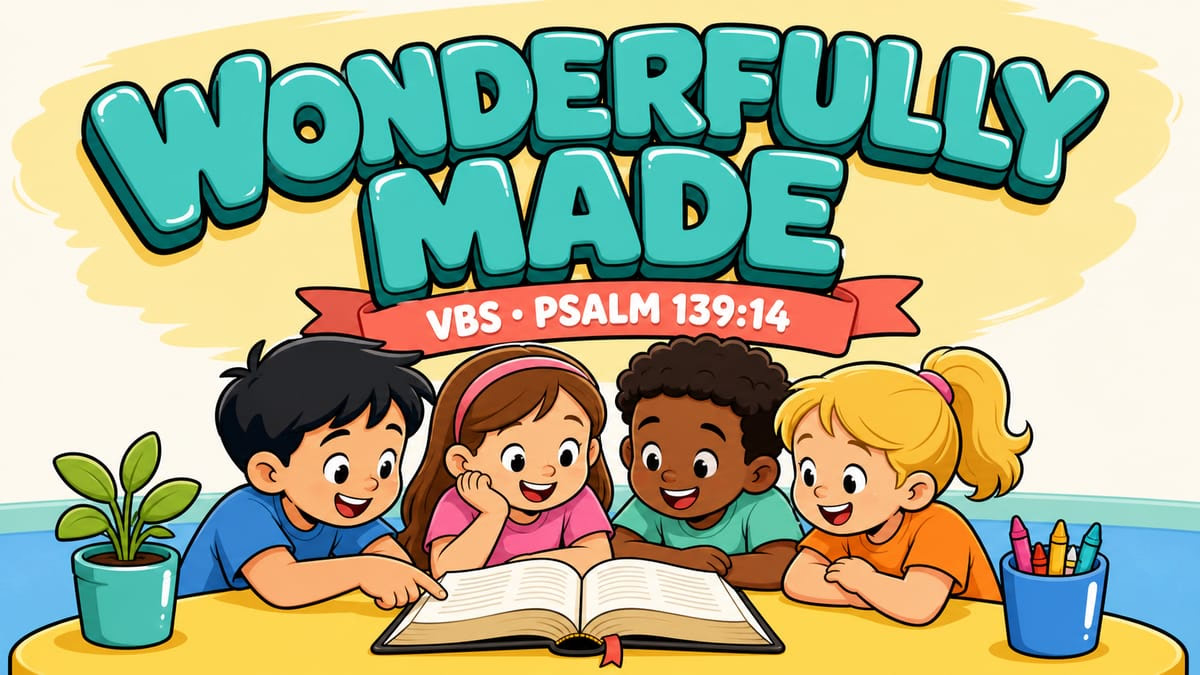
Choose it when: your theme needs to feel joyful, accessible, and clearly designed for elementary-age children.
Watch for: too many decorations. A crowded prompt can bury the title in stars, props, and background objects. Name only the elements that help tell the lesson.
2. Clay Chronicles makes Bible stories feel tangible
Clay Chronicles turns a Bible scene into a miniature stop-motion set. Sculpted texture, rounded figures, handmade lettering, and warm studio light give familiar stories a tactile quality that works especially well for younger children.
Use it when your VBS is organized around Bible characters or a daily story sequence. A shepherd and sheep, Noah and the ark, Jesus calming the storm, or a seed growing into a plant can each become a consistent lesson graphic. The dimensional style also carries well into stage screens and printed room signs.
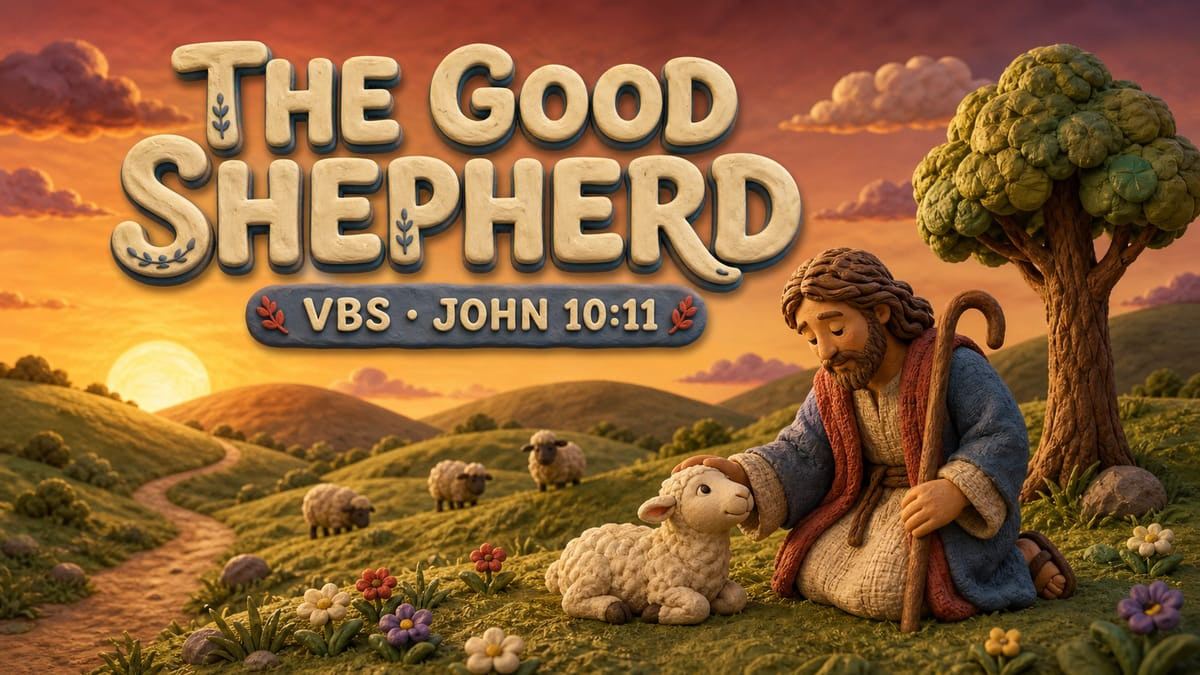
Choose it when: the story itself is the center of the VBS experience.
Watch for: asking for too many characters in one frame. Clay scenes are most convincing when the composition has a clear focal moment instead of a crowded cast.
3. Chrome Burst Retro gives adventure themes real momentum
Chrome Burst Retro is built for a big title. Polished chrome rims, split-color letters, retro badges, action rays, and halftone texture make it a natural match for space camp, missions, countdowns, racing, and other high-energy VBS themes.
The preset does not automatically need rockets. The scene should still come from your theme. For a launch concept, though, the rocket, planets, speed lines, and badges all earn their place. Keep dates and supporting copy on smaller banners so the headline remains the hero.

Choose it when: your VBS theme promises motion, discovery, or a bold journey.
Watch for: long titles. Chrome display type needs room. If your curriculum title is lengthy, shorten the public-facing headline and move the explanation into your caption or registration page.
4. Patches and Pins builds a whole camp identity
Patches and Pins works like a visual kit, not just a single poster. The main title can live on a hero badge while smaller patches represent daily themes, teams, memory verses, or activity stations. That makes it useful for camp-style VBS programs where children collect, complete, or belong to something throughout the week.
The flat fabric background is important. It keeps the result looking like a curated badge collection instead of a jacket mockup. Ask for comfortable margins so every patch can be reused as inspiration for name tags, volunteer shirts, room signs, or social graphics.
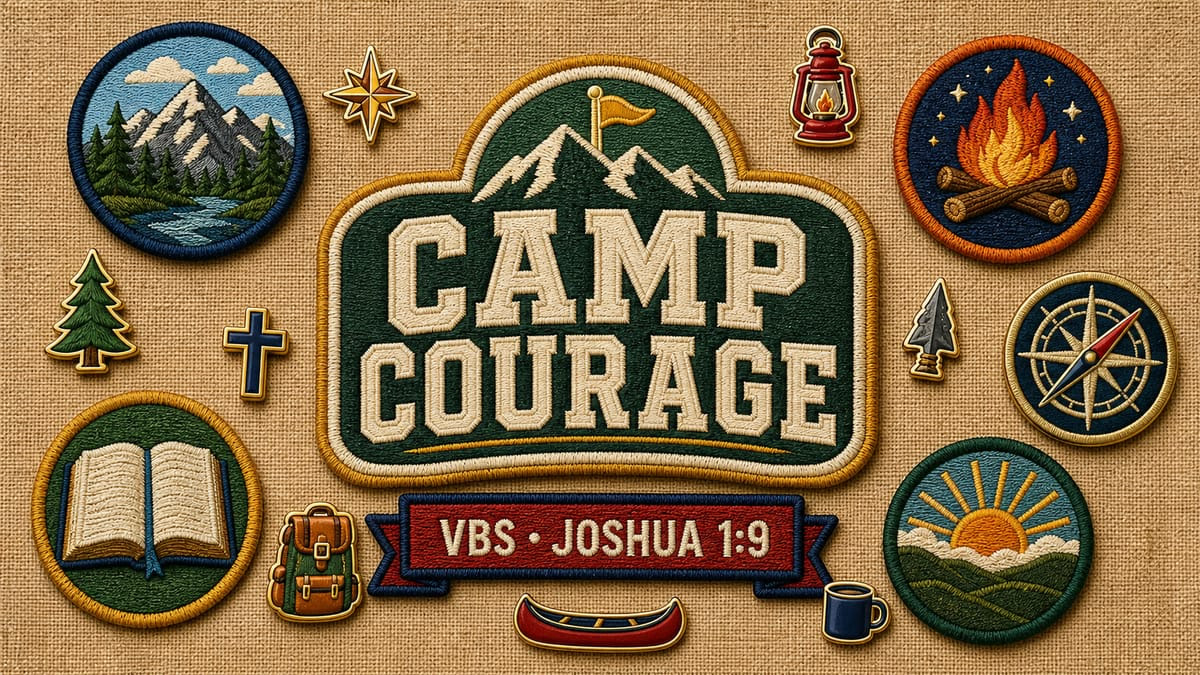
Choose it when: your VBS uses teams, stations, outdoor adventure, explorers, or collectible daily themes.
Watch for: cropped elements. Ask for every badge and pin to stay fully inside the frame with safe margins on all sides.
5. Storyfolk gives scripture a warm handmade voice
Storyfolk is a Pro preset with expressive hand lettering, folk illustration, textured color fields, flowing landscapes, and warm biblical storytelling. It feels handcrafted and worshipful, which makes it a strong choice for scripture-centered VBS themes that should work for children and parents alike.
This style can hold more detail than Playroom Pop, but it still benefits from hierarchy. Lead with one title, one scene, and a small number of decorative accents. Flowers and vines can support a creation or growth theme without becoming a frame around every edge.
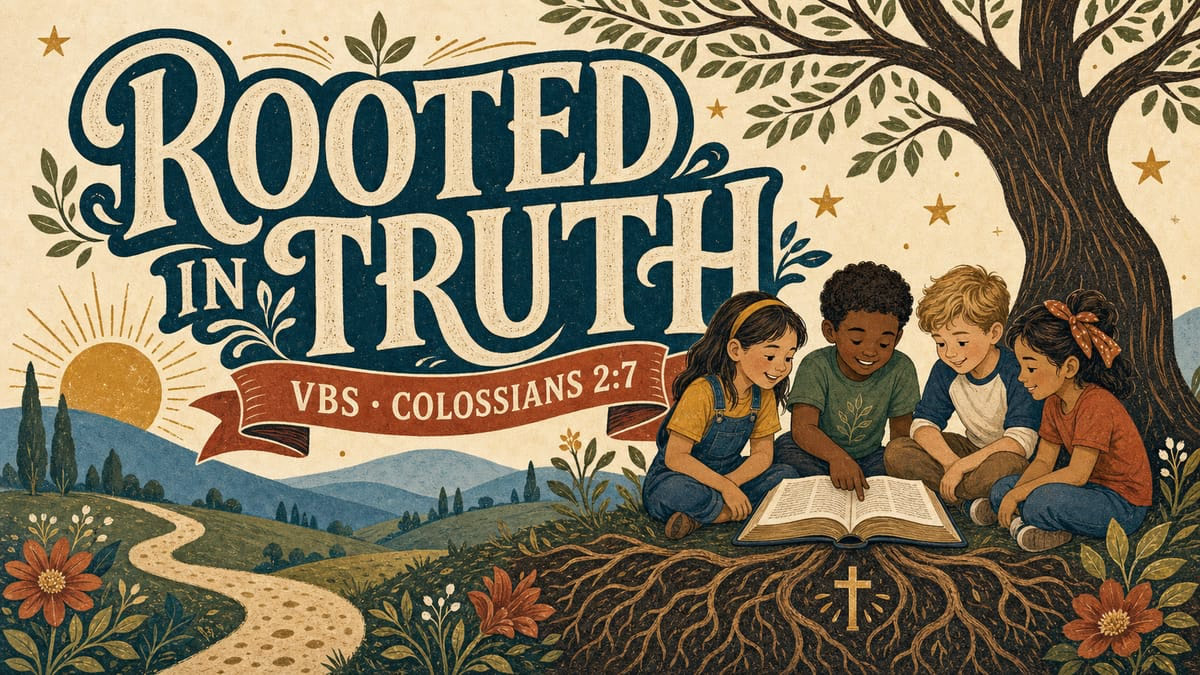
Choose it when: your theme centers on scripture, creation, growth, wisdom, or a Bible-wide story.
Watch for: decorative overload. Tell the prompt to keep the scene balanced and the florals restrained so the title stays readable.
How to choose the right preset before you generate
Start with the emotional promise of the week, not the first visual object that comes to mind.
- Bright and welcoming: Playroom Pop
- Story-driven and tactile: Clay Chronicles
- Fast, bold, and adventurous: Chrome Burst Retro
- Camp-like and collectible: Patches and Pins
- Warm, biblical, and handcrafted: Storyfolk
Then write the brief in plain language. The preset already carries the art direction, so your prompt should focus on the content: exact title, scripture, main subject, mood, and the few supporting elements that belong in the scene.
Build one master graphic, then make the full VBS set
A good VBS identity needs more than one announcement image. Once the main graphic is approved, use it as the visual reference for the rest of the week.
Create the master announcement
Choose a preset, add the exact VBS title and scripture, and generate a 16:9 version for your main church slide.
Fix the details that need fixing
If the composition is strong but a word or object needs attention, use Edit Text, Edit with Prompt, or Remove Object instead of starting over.
Reframe for every channel
Adapt the approved design for a square post, portrait feed, Story, email header, and any print pieces your team needs.
Repeat the visual language
Keep the same preset, palette, and title treatment for daily themes, volunteer slides, memory verses, and room signs.
For more examples of how churches turn a theme into a full campaign, browse our favorite Vacation Bible School graphics. If you want to explore the broader library, see the 50 new style presets added to Church Canvas.
The best preset is the one that reinforces what children and parents should expect from the week. Playroom Pop welcomes. Clay Chronicles tells a story. Chrome Burst Retro launches an adventure. Patches and Pins builds belonging. Storyfolk gives scripture a handmade voice. Choose the direction that fits your theme, keep the prompt focused, and let that visual system carry the whole VBS campaign.
VBS style preset FAQ
Which Church Canvas style preset is best for VBS?
Playroom Pop is the most flexible starting point for a bright, kid-friendly VBS graphic. Choose Clay Chronicles for Bible-story scenes, Chrome Burst Retro for space and adventure themes, Patches and Pins for camp branding, or Storyfolk for a warm handmade look.
Can I use the same VBS design for slides and social media?
Yes. Start with a strong master graphic, then use Reframe to adapt it for 16:9 presentation slides, square posts, portrait feeds, and Stories. Check every version so the title, dates, and main subject still have enough room.
What should I include in a VBS graphic prompt?
Include the exact title, the words VBS or Vacation Bible School, any scripture or dates that must appear, the main visual subject, and the mood. Let the selected style preset carry the illustration and typography direction.
Is Storyfolk a Pro style preset?
Yes. Storyfolk is marked as a Pro preset in Church Canvas. New users can explore Plus features during the 7-day Plus trial, which includes 25 images.