
Make Scripture Graphics for Social Media
Make scripture graphics for social media your church can share. Instagram and Stories sizes, shareable tips, and Church Canvas prompts for readable verses.
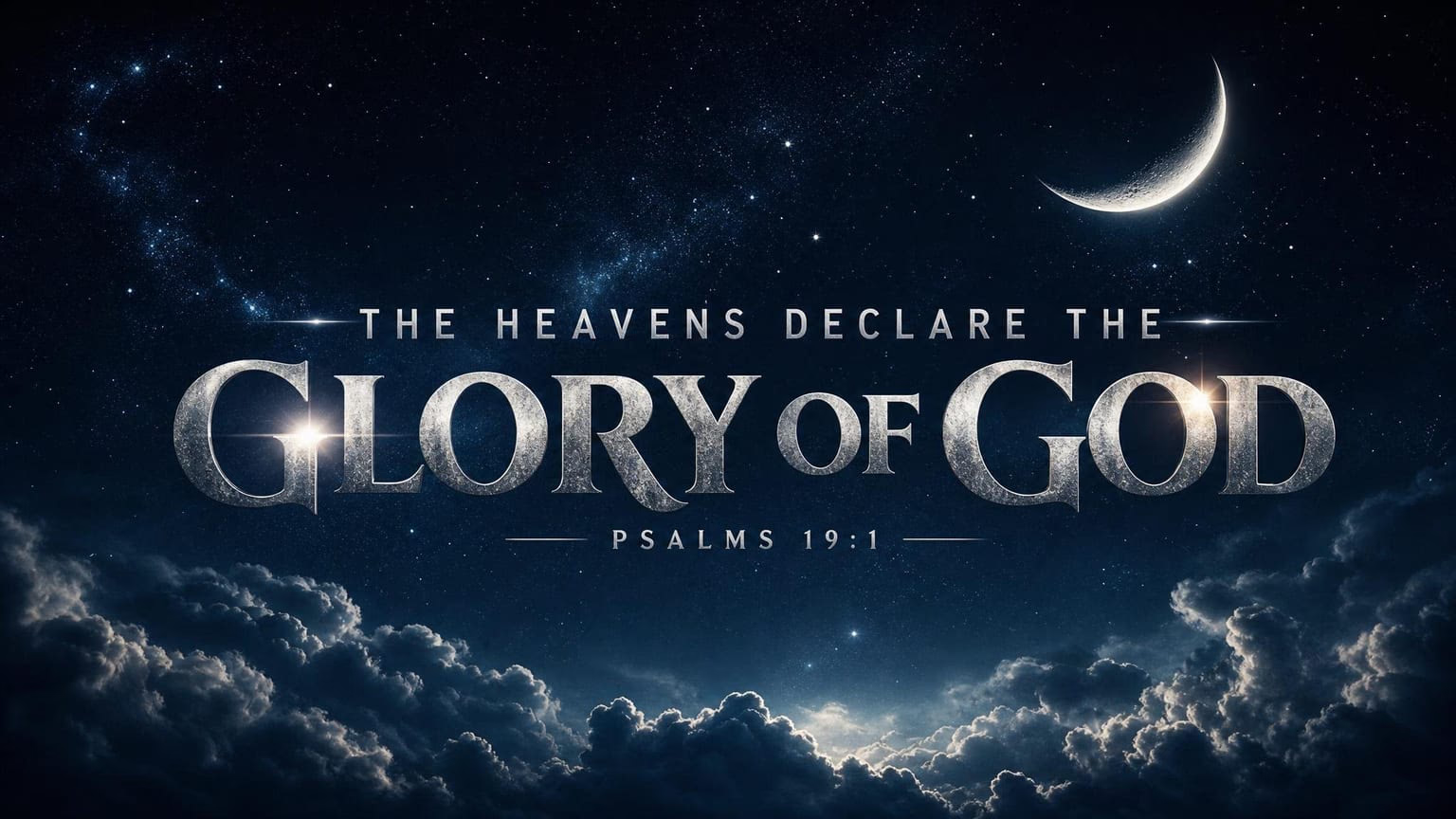
Scripture graphics for social media work when someone can read the verse on a phone in two seconds and wants to share it. Keep the text short, the contrast high, and the design quiet enough that God’s Word stays the headline.
This guide covers the sizes that win on Instagram and Facebook today, a Church Canvas workflow for busy teams, and a real Thanksgiving carousel from our own Instagram that resonated with the audience.
Start with the right size: 4:5 for feed, 9:16 for Stories
Square used to be the default. On Instagram and Facebook now, portrait 4:5 (1080×1350) fills more of the phone screen and is the better feed default for scripture posts. Stories and Reels stay 9:16 (1080×1920).
| Surface | Ratio | Size | Use it for |
|---|---|---|---|
| Instagram / Facebook feed | 4:5 | 1080×1350 | Your main scripture post or carousel slide |
| Stories / Reels | 9:16 | 1080×1920 | Full-screen encouragement |
| Sunday screens / slides | 16:9 | 1920×1080 | Widescreen worship and livestream |
| Square (optional) | 1:1 | 1080×1080 | Only if you need a tidy grid look |
Do not design one wide sermon slide and crop it into a Story. Make the feed graphic at 4:5 first. When you need another ratio later, Church Canvas Plus Reframe can generate it from that master.
Showcase: the Thanksgiving carousel that resonated
A single verse post is enough for most Mondays. When you want more dwell time, post a carousel of verses on one theme, all at 4:5.
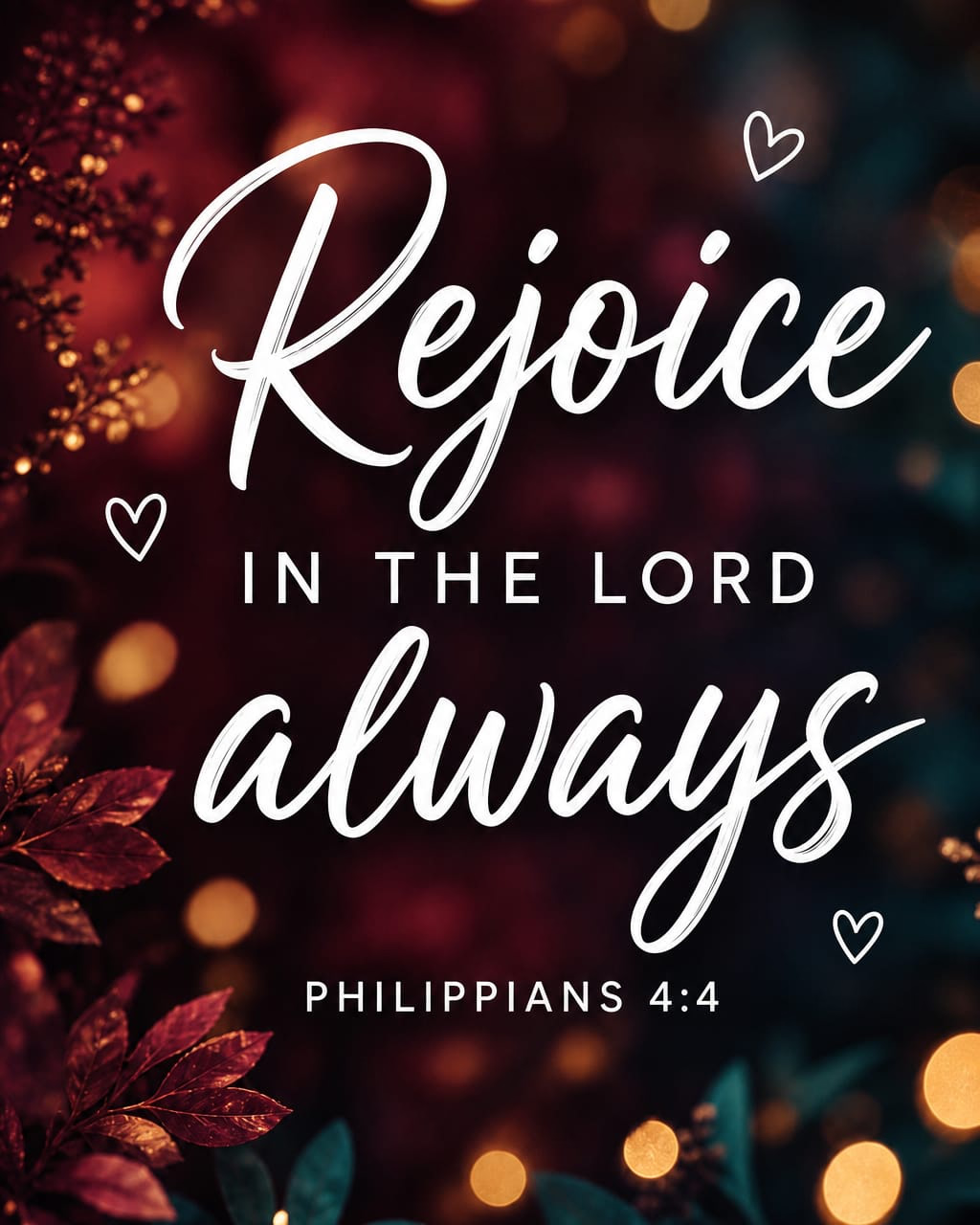
Last Thanksgiving we did that on the Church Canvas Instagram: one gratitude theme, several short Scriptures, people kept swiping. The set resonated because every slide felt like part of the same post.
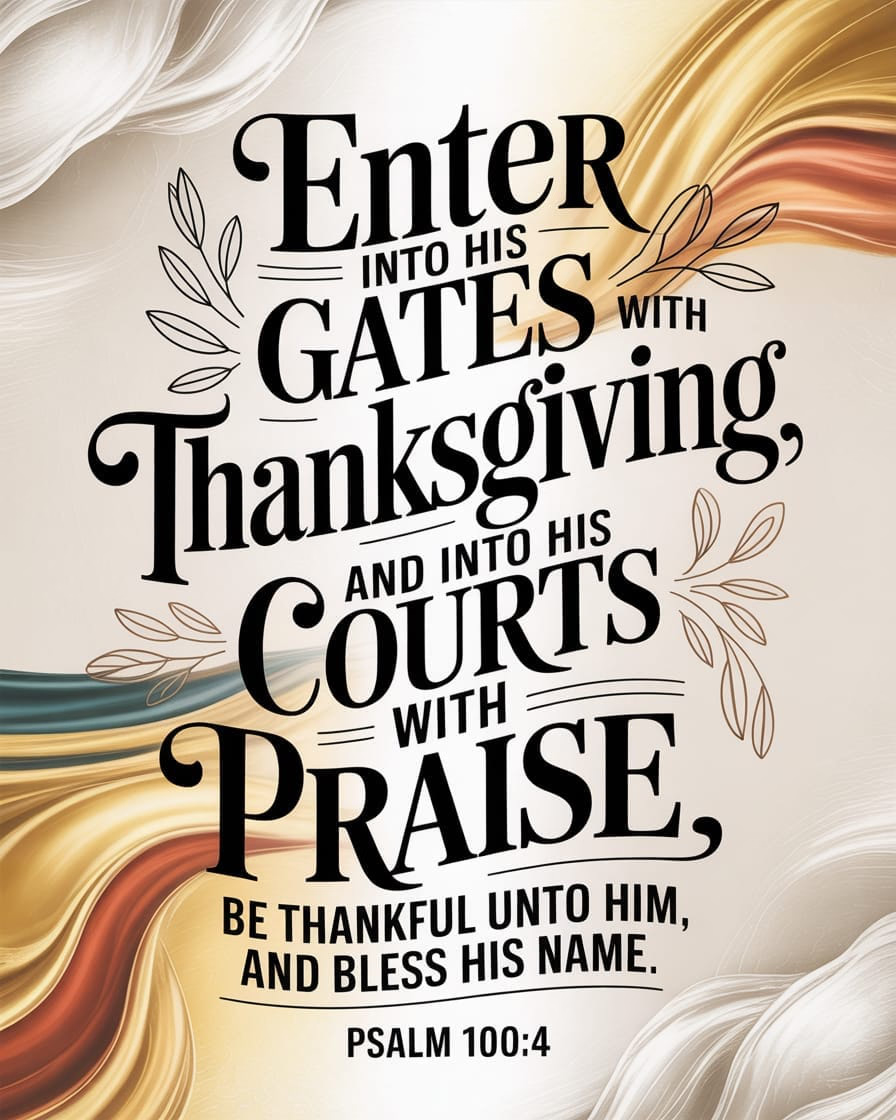
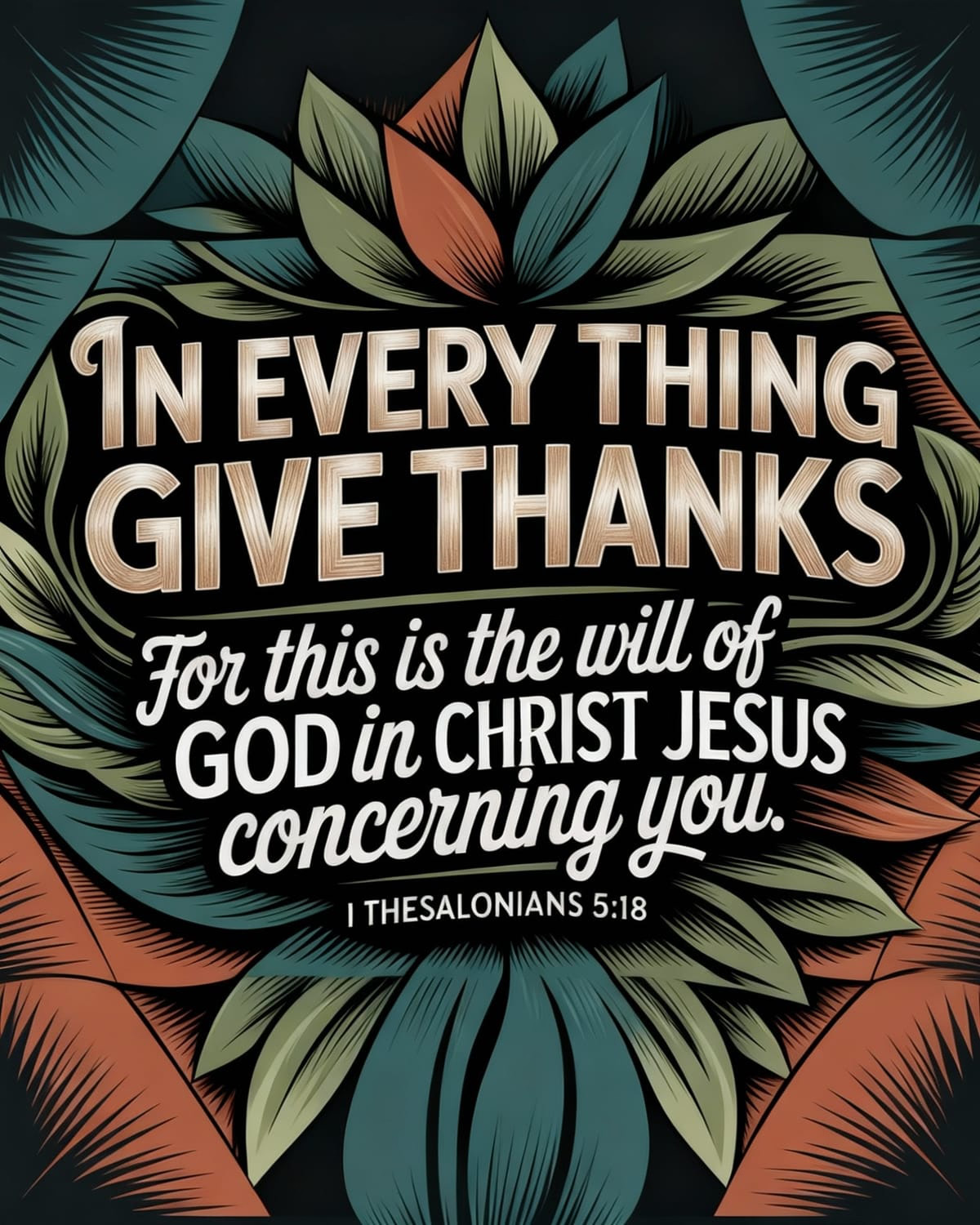
Why that format worked:
- One clear theme. Gratitude, not five unrelated posts.
- 4:5 on every slide. The set felt like one Instagram post.
- One short verse per slide. Easy to read in a swipe.
- Citation on every slide.
- A caption that named the theme up front.
Seasonal themes work the same way for your church: gratitude at Thanksgiving, hope in Advent, resurrection at Easter, or verses from last Sunday’s sermon.
Same design, two sizes: 4:5 and 16:9
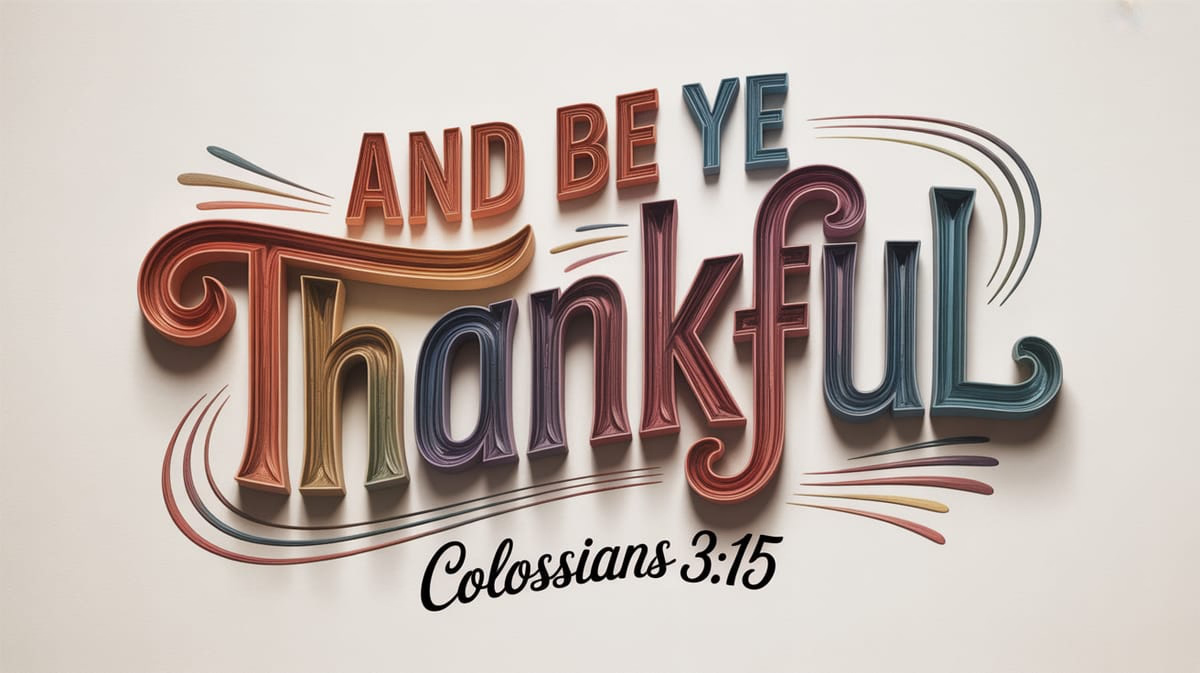
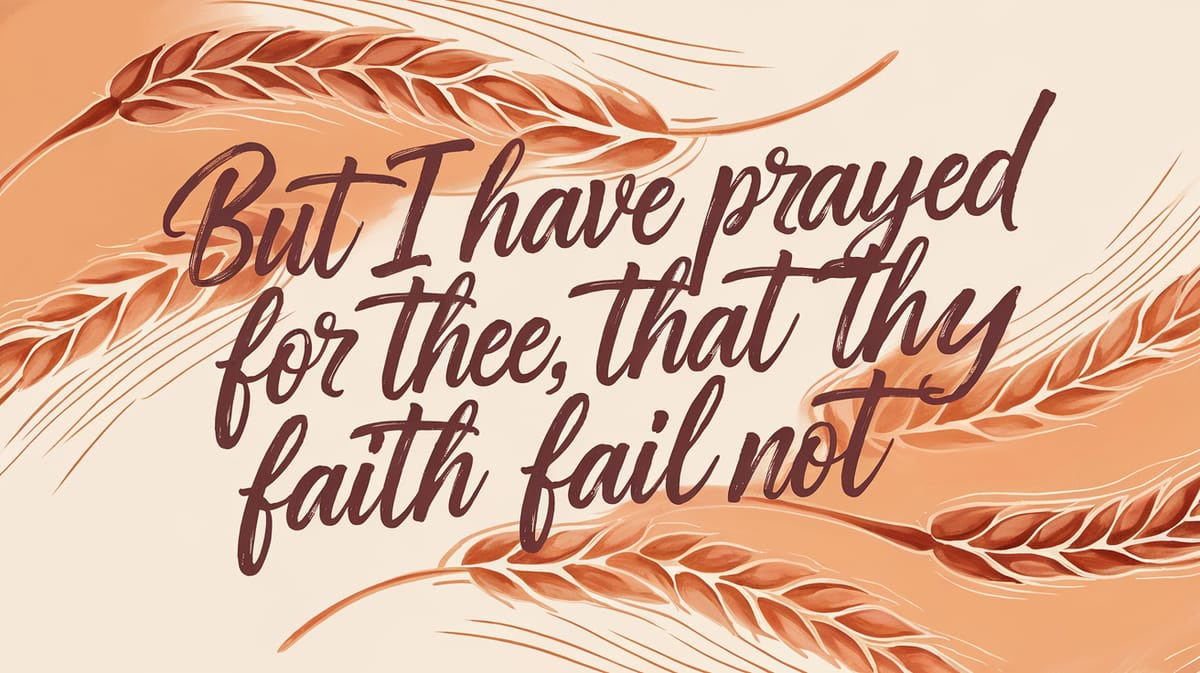
Colossians 3:15 was another slide in that same Thanksgiving set. Churches also needed widescreen art for slides and livestreams, so here it is both ways. That is the job Reframe does in Church Canvas Plus: take a finished graphic and generate another aspect ratio without starting over.
Feed · 4:5
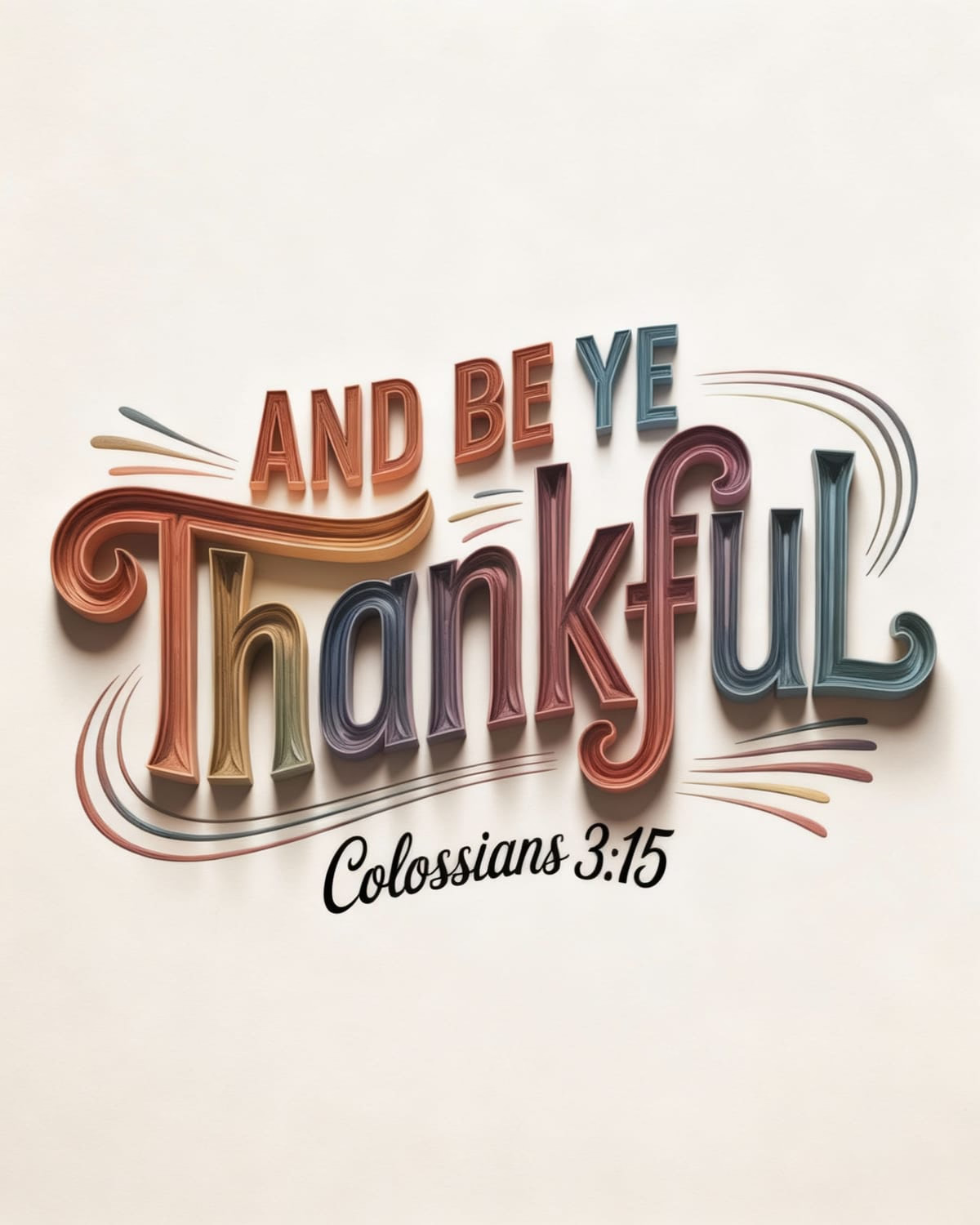
Screens · 16:9
What makes a scripture graphic shareable
People share posts that feel clear and kind, not crowded. The Thanksgiving carousel followed the same rules as a strong single post.
- One passage. A verse or short phrase, not a whole chapter.
- High contrast. Light text on dark, or dark text on light.
- Clear hierarchy. Verse first, reference second, logo last.
- Breathing room. Margins so words are not glued to the edge.
- A matching caption. One sentence of context under the post.
Joyful praise can handle richer color. A quiet promise verse often needs soft space. Browse Bible verse designs for style ideas, then make something that matches your church’s voice.
How to make scripture graphics in Church Canvas
You have two strong paths inside Church Canvas. Plus includes both, plus Reframe. New accounts get a 7-day Plus trial with 25 images included.
Path 1: Verse Design Generator
Open Create → Verse. Enter a reference (or use Find with AI), pick a typography style, set the aspect ratio to portrait 4:5 for the feed, and add optional guidance like mood or background. Generate, then proofread. Details: Verse Design Generator and other Tools.
Path 2: Graphics generator with styles and @verse
Stay in the main Graphics flow when you want a full sermon-style layout or one of 150+ styles. Type @ in the prompt box and choose @verse to insert the Scripture (instead of pasting from another tab). Pair that with a style or mood, then generate at 4:5. Mentions also cover church info and prompt snippets. Details: Mentions in prompts.
Pick the verse and the path
Choose one passage and one job: Monday encouragement, sermon follow-up, seasonal carousel, or a single Story. Use Verse Design when you want a dedicated scripture layout. Use Graphics + @verse when you want a style from the catalog and more layout control.
Generate at 4:5 for the feed
Set portrait 4:5 (1080×1350) for Instagram and Facebook. In Verse Design, pick a typography style and optional guidance. In Graphics, pick a style and type @verse so the passage lands in the prompt cleanly. For a carousel, repeat with a new verse and the same style language.
Proofread, then Reframe only when you need another size
Keep the option that reads cleanly on a phone. Check the wording against your preferred translation. If you also need Stories (9:16) or another ratio, open the keeper in Plus and use Reframe. Reframe builds a new frame from the existing design. It is not a hard crop.
Write a short caption and schedule
Add one sentence of context, a question, or a service invite. For carousels, name the theme in the first line. Slot the post into your church social media content calendar so encouragement does not compete with every announcement.
If a volunteer designer wants to polish type or add your logo, export and finish in Canva. Church Canvas speeds the first draft for the people who already serve your comms team. For a tool comparison, see Church Canvas vs Canva.
Prompt patterns that work
Strong prompts name the verse, the mood, and 4:5. Weak prompts only say “make a nice Bible verse.” In Graphics, you can type @verse and let Mentions insert the passage for you.
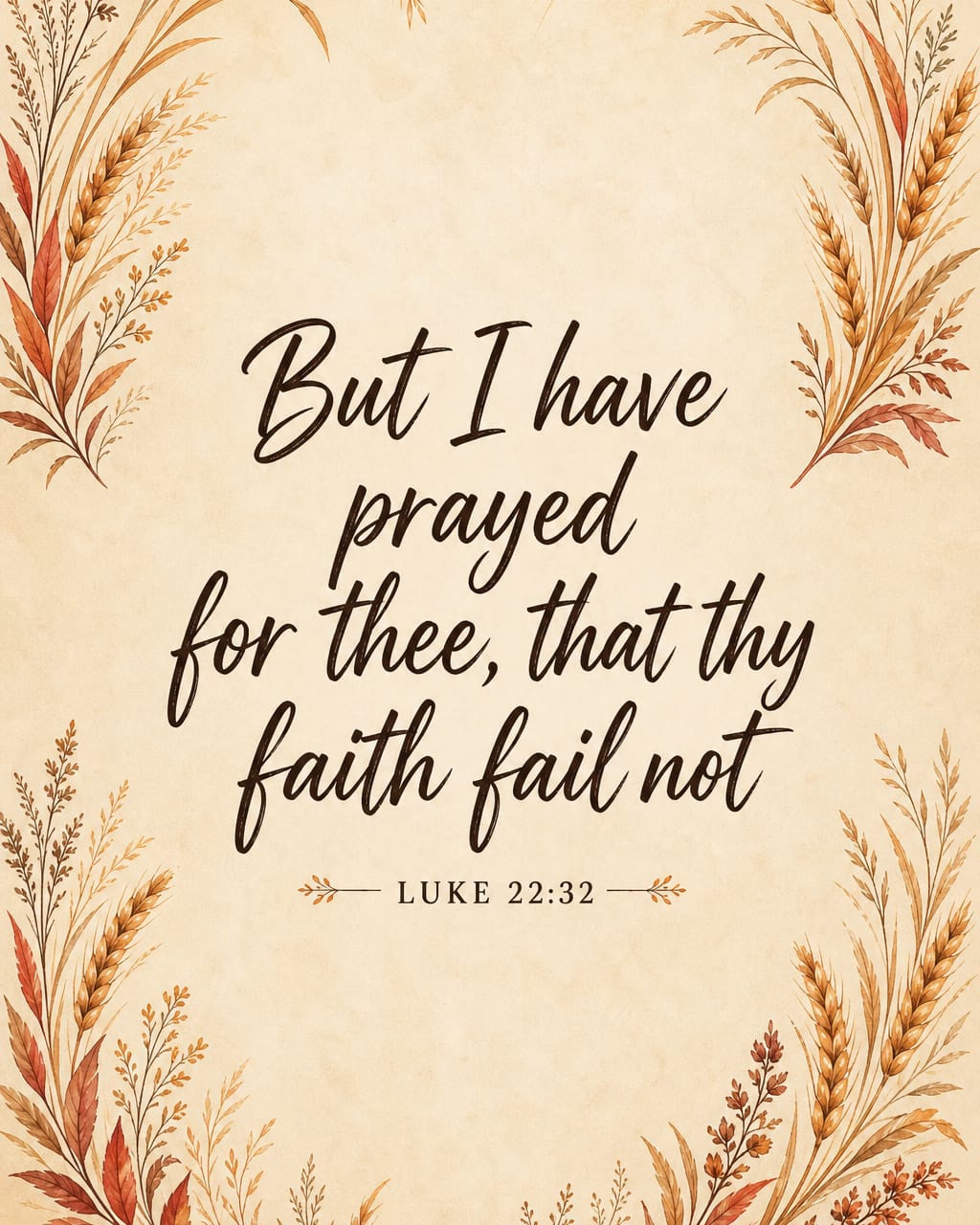
For 16:9 Sunday screens, do not start over. Use Reframe on a finished 4:5 keeper, the same way the Thanksgiving pair shows above.
When a post lives only in Stories, generate 9:16 directly:
Pair the graphic with a caption people finish
The image carries the verse. The caption carries the why.
- One sentence on why this verse (or theme) matters this week
- A gentle question (“Where do you need this reminder today?”)
- A soft invite to Sunday service or your prayer team
For carousels, name the theme up front (“Three verses for a grateful week”) so people know why they should swipe. That is the same pattern that helped our Thanksgiving set connect. Skip five hashtags and a full sermon outline.
Build a small weekly rhythm
- Batch 3–4 single verse graphics on Monday at 4:5, or one themed carousel
- Reframe keepers to 9:16 for Stories only when you plan to post there
- Tie at least one post to last Sunday’s sermon
- Leave room for real photos of church life beside designed verse posts
Your media volunteers can own the batch. Your pastor can approve the wording. Nobody has to invent a new layout from scratch every morning.
When you want original art instead of another template swap, open Church Canvas, generate at 4:5, and ship a verse people can actually read on the way to work.
Scripture graphics FAQ
What size should church scripture graphics be for Instagram?
Use 1080 by 1350 pixels, a 4:5 portrait ratio, for Instagram and Facebook feed posts. That taller frame takes more space on phones than a square. For Stories and Reels, use 1080 by 1920 (9:16) and keep the verse in the center safe zone so platform UI does not cover the words.
What makes scripture graphics for social media shareable?
Shareable scripture graphics keep the verse readable at phone size, use high contrast, and leave space around the text. Short passages beat long paragraphs. Pair the image with a short caption that adds context or a next step, not a second wall of text.
How do I resize a scripture graphic without starting over?
In Church Canvas Plus, open the finished graphic and use Reframe to generate another aspect ratio, such as 16:9 for Sunday screens or 9:16 for Stories. The AI fills the new frame so you keep the same look without cropping the verse by hand. Always proofread the text after you reframe.
Can I make scripture graphics with AI?
Yes. Use the Verse Design Generator for dedicated scripture layouts, or the Graphics generator with one of 150+ styles and @verse to insert the passage into your prompt. Start at 4:5 for the feed, proofread against your preferred translation, then Reframe when you need 16:9, Stories, or another size.
Should we post one scripture graphic or a carousel?
Both work. A single 4:5 verse is easy to share. A themed carousel of several verses often earns more dwell time because people swipe through related Scriptures. Our Thanksgiving gratitude carousel on Instagram resonated with our audience when we kept every slide at 4:5 with one clear theme and a citation on each slide.