👋🏽 Join us for Office Hours this Thursday, February 26, at 10am PT - JOIN THE LIVESTREAM


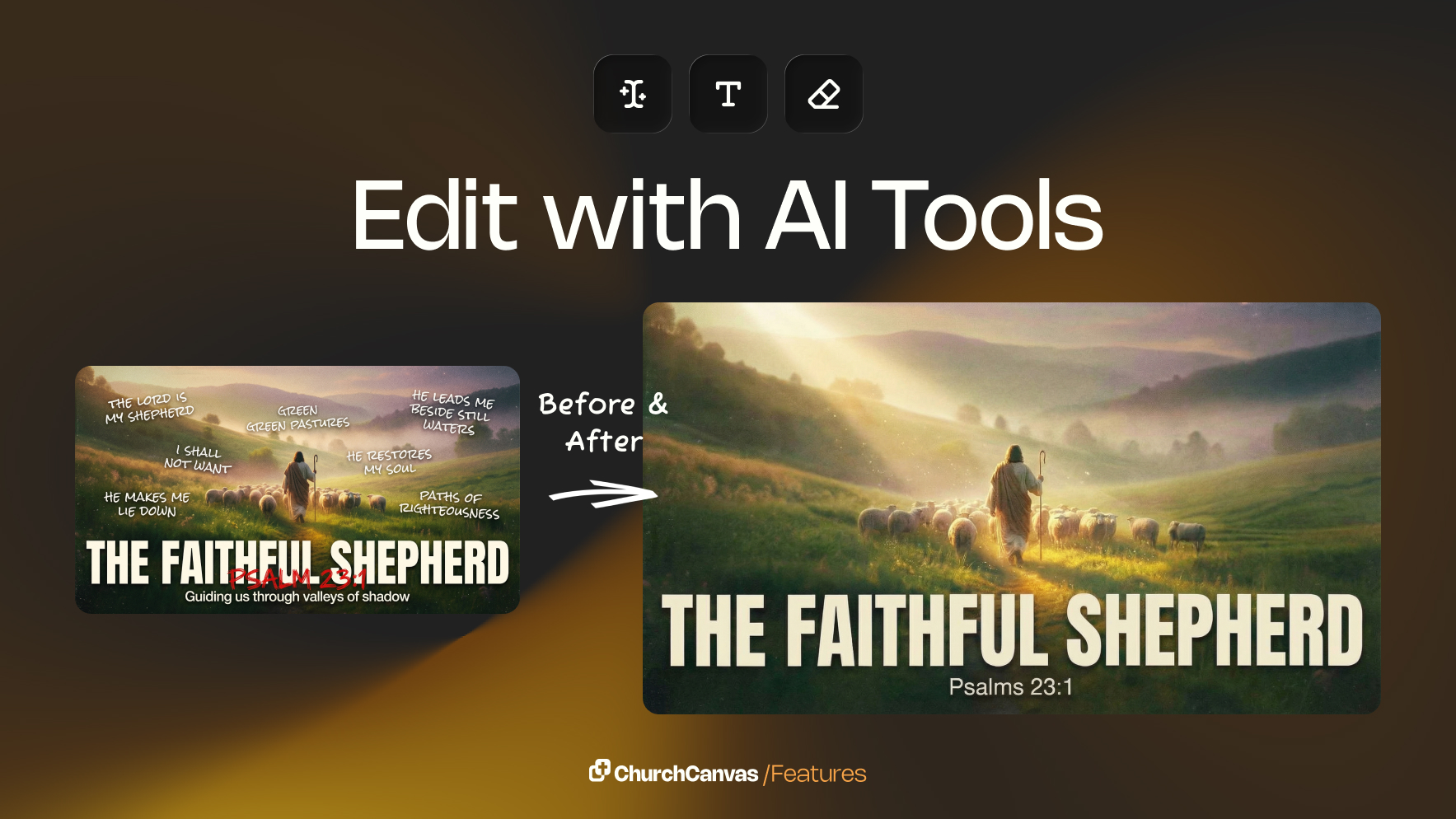
We’ve expanded Edit with AI into a full set of powerful tools designed to help you tweak, fix, and refine your designs without starting over.
Creating church graphics is often a fast-paced process. Sermon titles change. Dates get updated. Sometimes a graphic is almost perfect—except for one small detail.
That’s why we’ve expanded Edit with AI into a more powerful editing experience inside Church Canvas. Instead of starting over, you can now make precise changes to your existing designs in seconds.
Edit with AI now includes three built-in tools designed to give you more control, flexibility, and speed.
Want to tweak a design without regenerating it? Simply tell Church Canvas what you want to change.
You can adjust things like:
Just type your prompt, and Church Canvas handles the rest.
Church Canvas now automatically detects text in your graphic and lets you edit it directly.
This is perfect for:
No need to regenerate your graphic just to fix text—make quick edits right from the Edit with AI dropdown.
Have something in your graphic that doesn’t belong? Highlight it and remove it instantly.
Use this to:
It’s a simple way to fine-tune your design without affecting everything else.
These new tools are all about saving you time and reducing friction in your workflow.
With Edit with AI, you get:
Whether you’re preparing sermon slides, social graphics, or event promos, Edit with AI helps you move faster while keeping your designs polished.
Open any graphic in Church Canvas, click Edit with AI, and start editing smarter—not harder.
And this is just the beginning. We’re continuing to build smarter tools to help churches create with confidence.
Stay tuned 👀

