👋🏽 Join us for Office Hours this Thursday, February 26, at 10am PT - JOIN THE LIVESTREAM


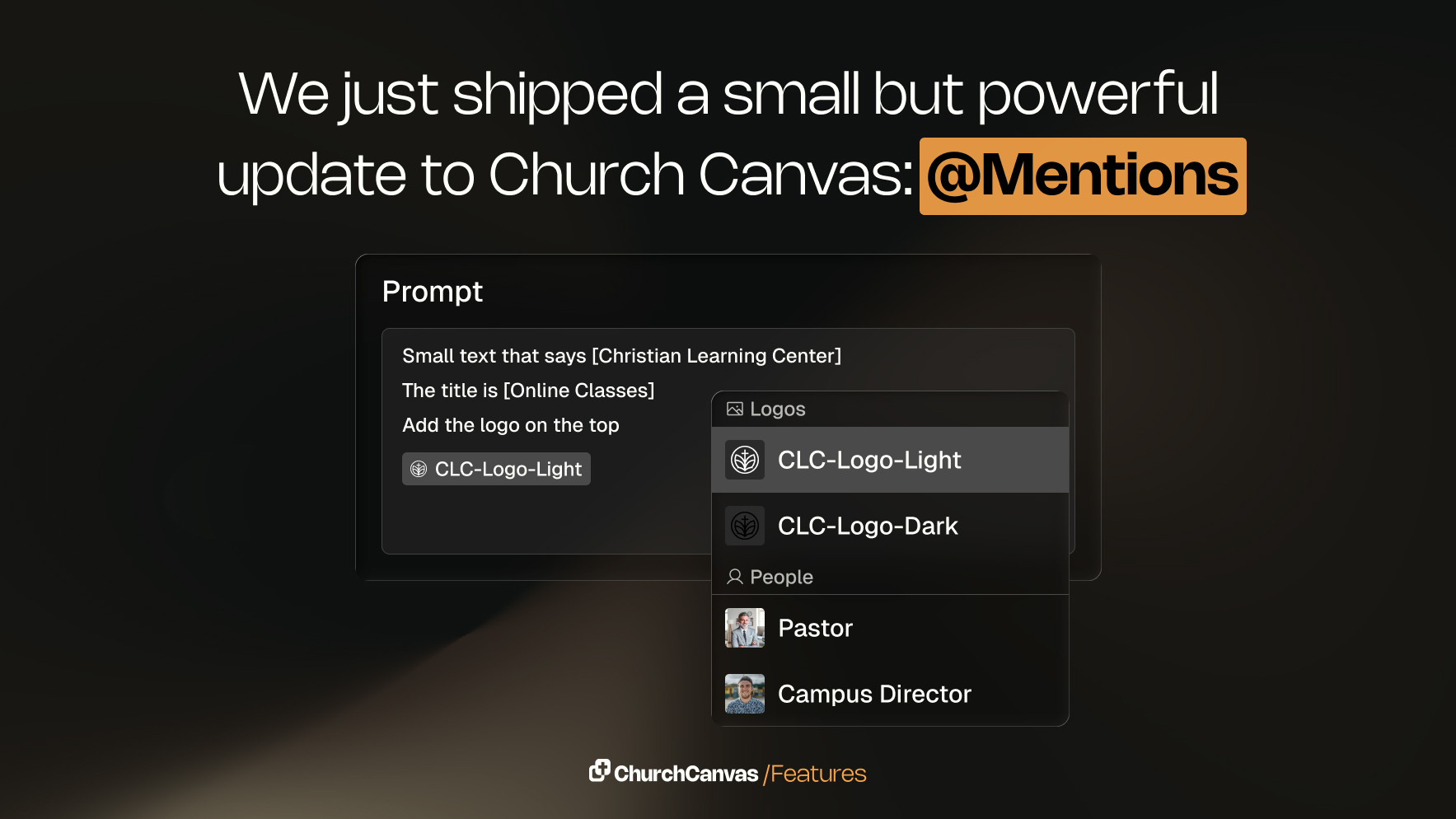
Mentions is a new Church Canvas feature that lets you type @ in the prompt box to quickly insert Bible verses, prompt snippets, church info, and more. Users can also pull in saved assets like logos and images to create faster, more consistent designs.
Small updates can make a big difference—and Mentions is one of those updates.
Mentions is a new feature in Church Canvas that helps you build prompts faster, stay consistent, and keep everything you need right at your fingertips while creating graphics.
When writing a prompt in Church Canvas, you can now type @ to bring up a menu of helpful inputs you can instantly insert into your graphic.
Instead of retyping the same details over and over, Mentions lets you quickly pull from information you already use every week.
Here’s what you’ll see when you type @ in the prompt box:
Mentions is designed to remove friction from your creative workflow.
Whether you’re creating sermon slides, event graphics, or social posts, Mentions helps you move faster without sacrificing quality.
Next time you create a graphic in Church Canvas, type @ in the prompt box and explore what’s available. It’s a simple addition—but one that can save you time every single week.
As always, we’d love to hear your feedback as we continue building tools that serve the Church better.

